
Toc Toc Dance AI Video Generator
Create a short video with Toc Toc Dance AI from a person or pet photo. Choose Solo, Duo, Cat or Dog and preview the hop-and-knock motion reference.
How to Use Toc Toc Dance AI
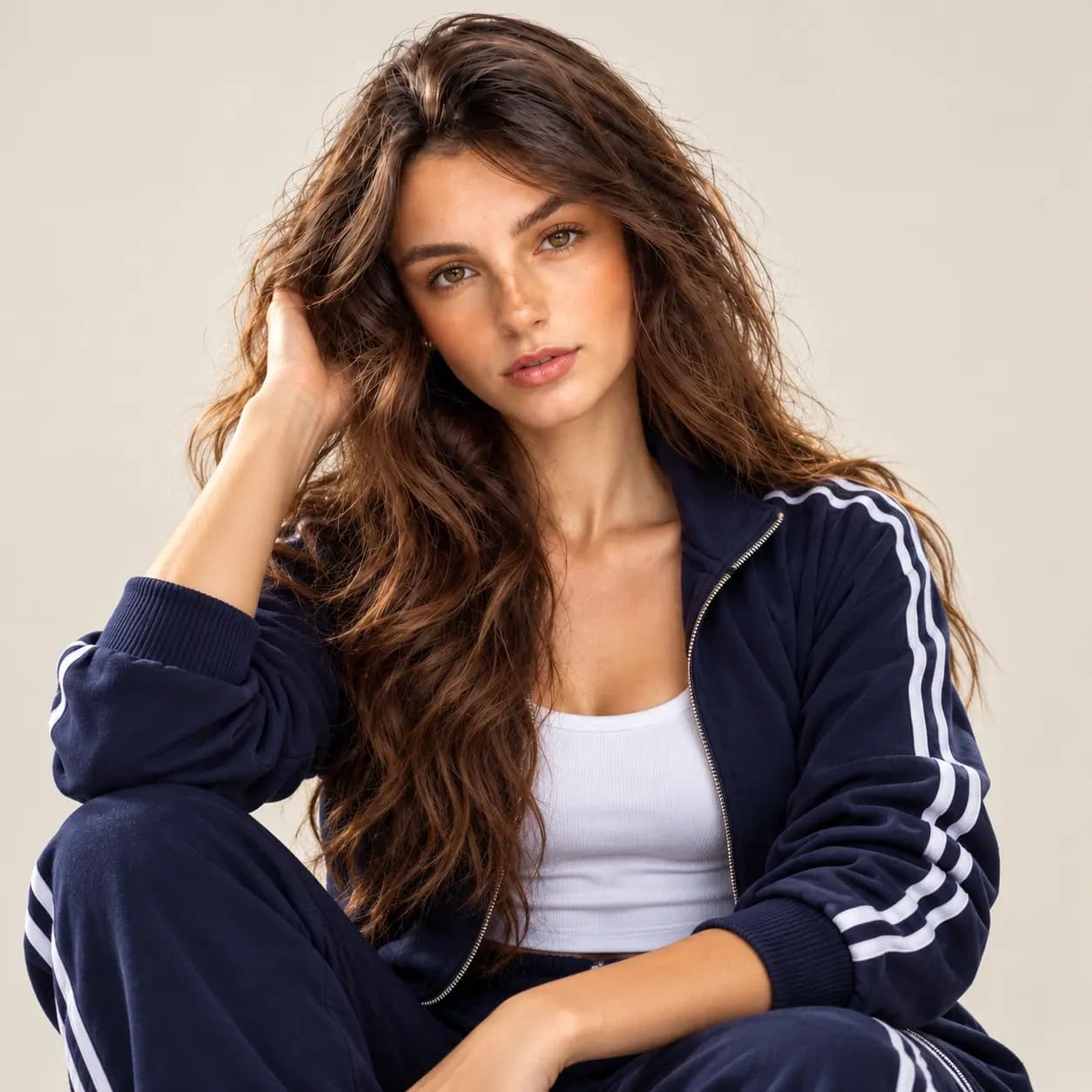
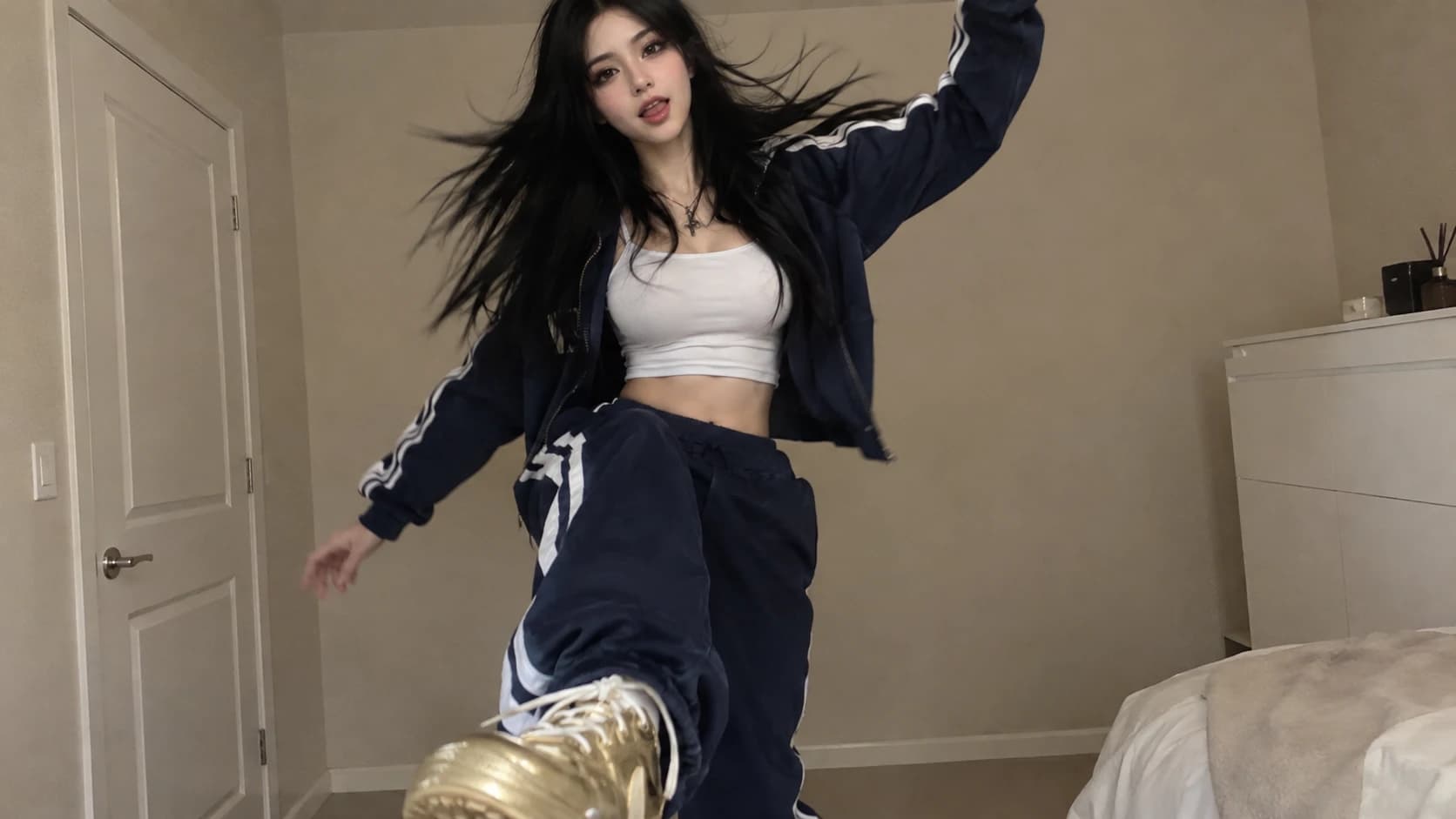
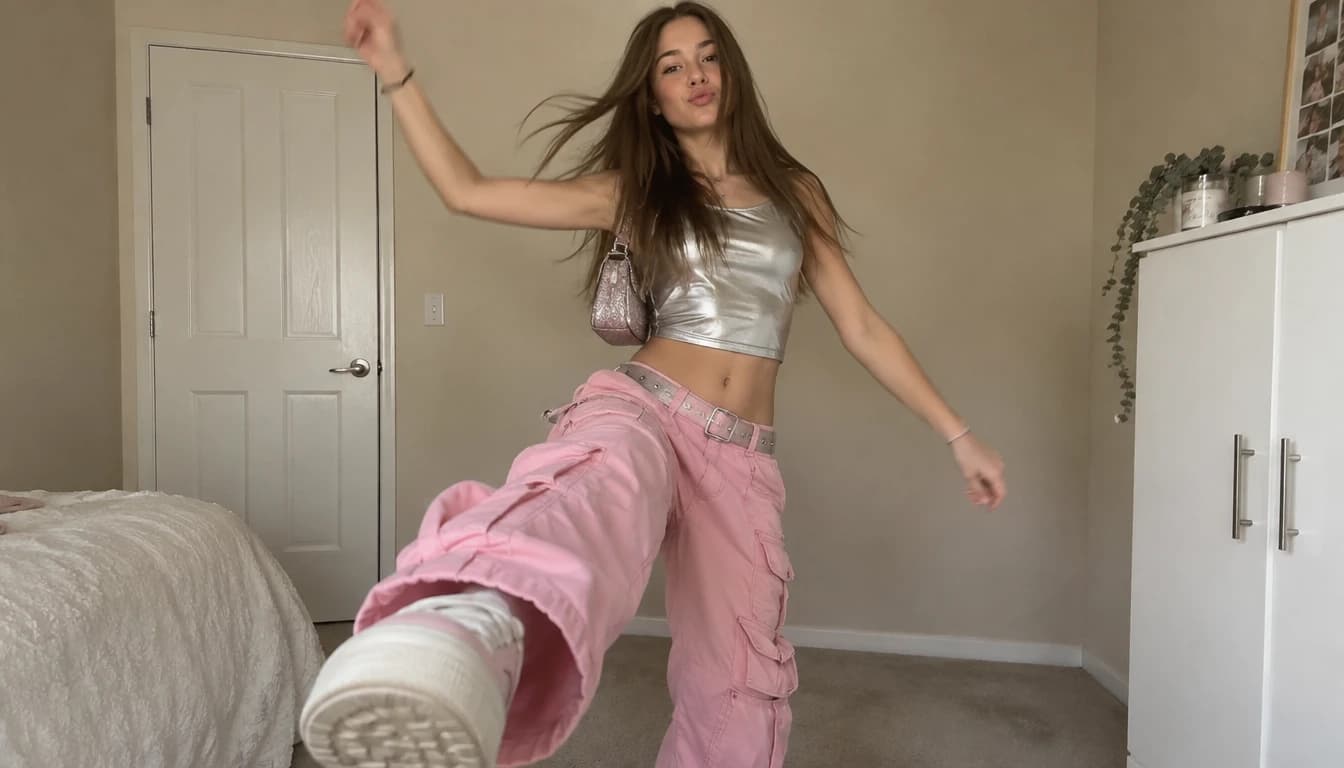
Choose Your Toc Toc Dance AI Character
Start Toc Toc Dance AI with a photo of the person or character you want to animate.
1. Your everyday photo
Try an everyday portrait in Toc Toc Dance AI. A full-body photo gives movement more room than a tightly cropped selfie.
2. A friend in the spotlight
Make a greeting with Toc Toc Dance AI using a friend’s photo with permission. Choose a shared photo for Duo.
3. An original character
Use an original character in Toc Toc Dance AI. Choose an illustration with a clear outline and visible limbs that you have permission to use.
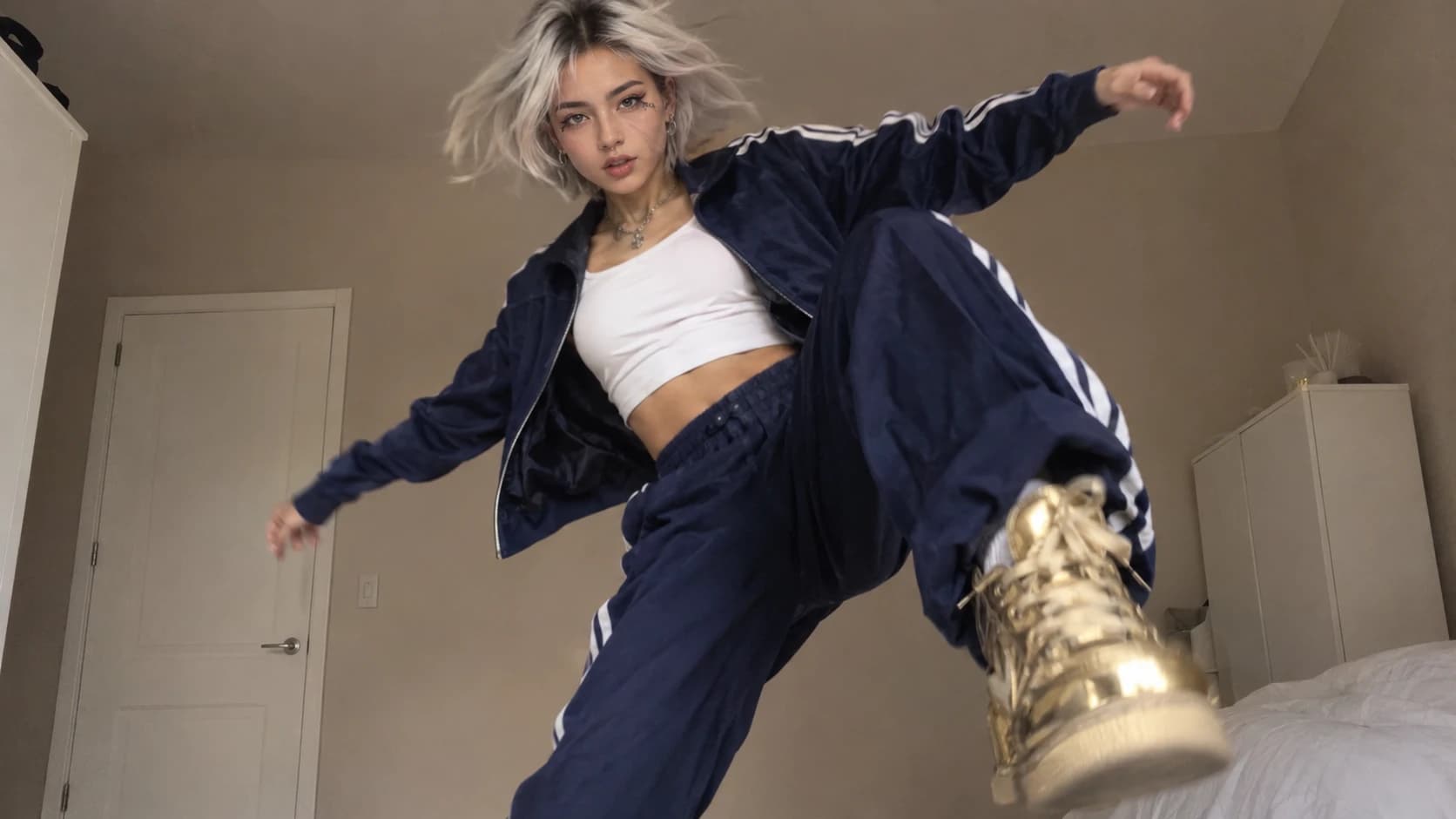
Toc Toc Dance AI Ideas for Your Next Post
Use Toc Toc Dance AI for an occasion, an outfit or a personal message.
Give your social post a new look
Try a fashion portrait in Toc Toc Dance AI for a vertical clip. Review the movement, then add a caption and permitted music when posting.
A birthday surprise
Create a birthday greeting with Toc Toc Dance AI. Pair a familiar face with a dance, then add your own message.
A reaction worth sending
Use Toc Toc Dance AI for a short reaction clip. Add words that make the joke personal to your friends.
A character series
Compare different character photos in Toc Toc Dance AI using the same reference. Notice how each character changes the mood.
Explore Character Styles with Toc Toc Dance AI
Try Toc Toc Dance AI with different characters. These reference images can help you choose a photo.
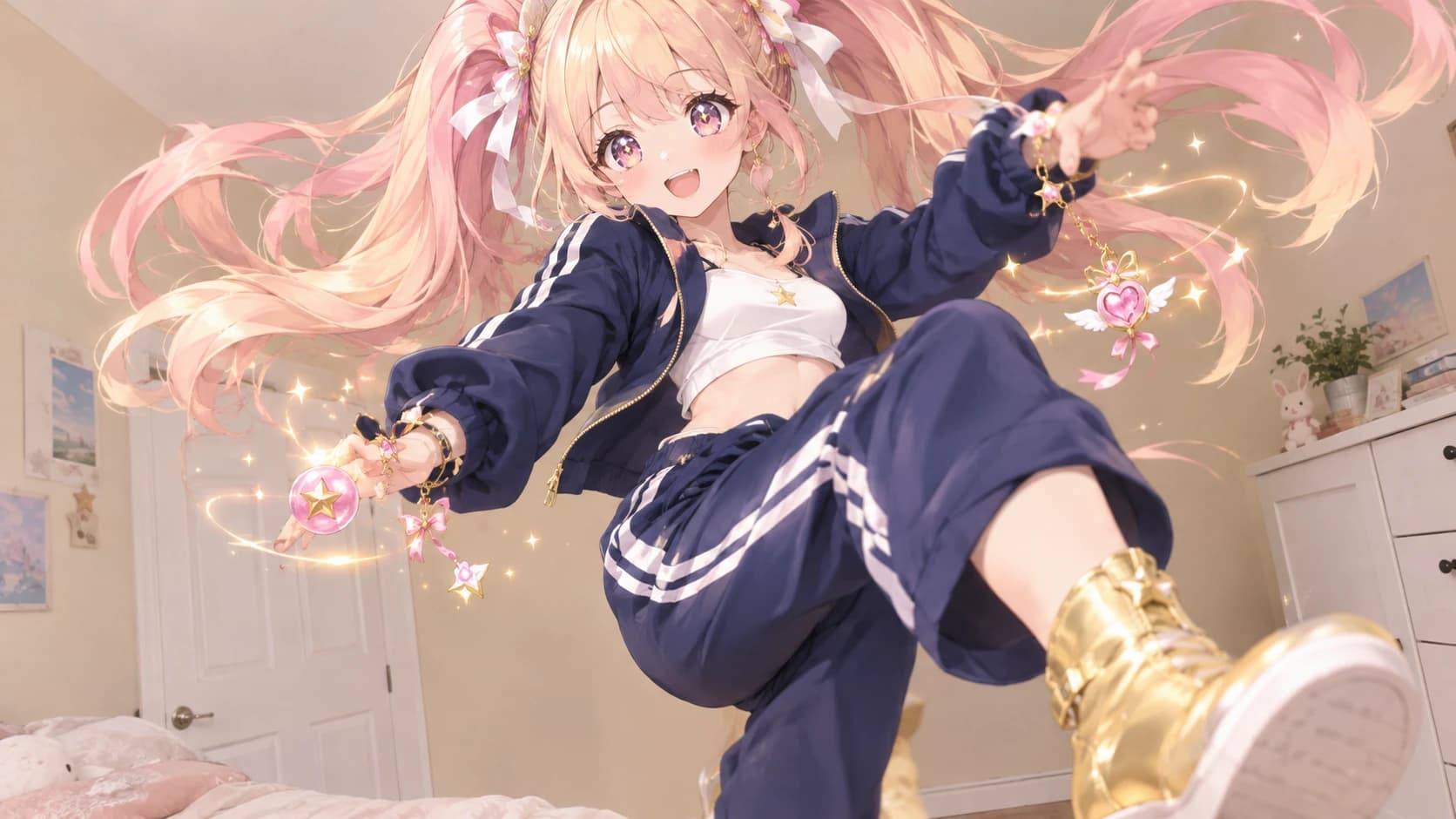
1. From illustration to movement
Start Toc Toc Dance AI with an original illustrated character. Keep the face and limbs clear, then check how its proportions look in motion.
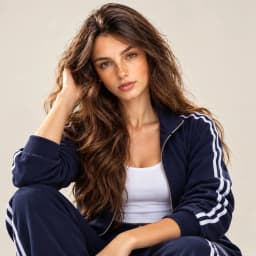
2. Combine a Serious Expression with a Playful Dance
Combine a serious expression and an everyday outfit in Toc Toc Dance AI. Try simple movements for a playful contrast.
Three Choices for Your Toc Toc Dance AI Video
The photo sets the character
Choose the person, pet or illustrated character for your Toc Toc Dance AI video.
The reference guides the dance
Select Solo, Duo, Cat or Dog in Toc Toc Dance AI and preview the supplied reference.
You choose the finishing touches
Review and download your Toc Toc Dance AI result, then add your message and permitted music.
Toc Toc Duo
Choose a motion reference for the AI Dance Video Generator. These credited third-party clips are references, not Fooocus results.
1. Toc Toc Duo
Try a shared routine in the AI Dance Video Generator. Use one photo with both people fully visible and space between them.
Toc Toc Cat
Choose a motion reference for the AI Dance Video Generator. These credited third-party clips are references, not Fooocus results.
1. Toc Toc Cat
Choose the AI Dance Video Generator for a feline Toc Toc routine. Keep paws visible and preview the reference movement.
Toc Toc Dog
Choose a motion reference for the AI Dance Video Generator. These credited third-party clips are references, not Fooocus results.
1. Toc Toc Dog
Give your dog a Toc Toc routine with the AI Dance Video Generator. Leave room around the paws and tail.
Explore Other Apps
Explore apps that spark your interest and find inspiration for your next creation.
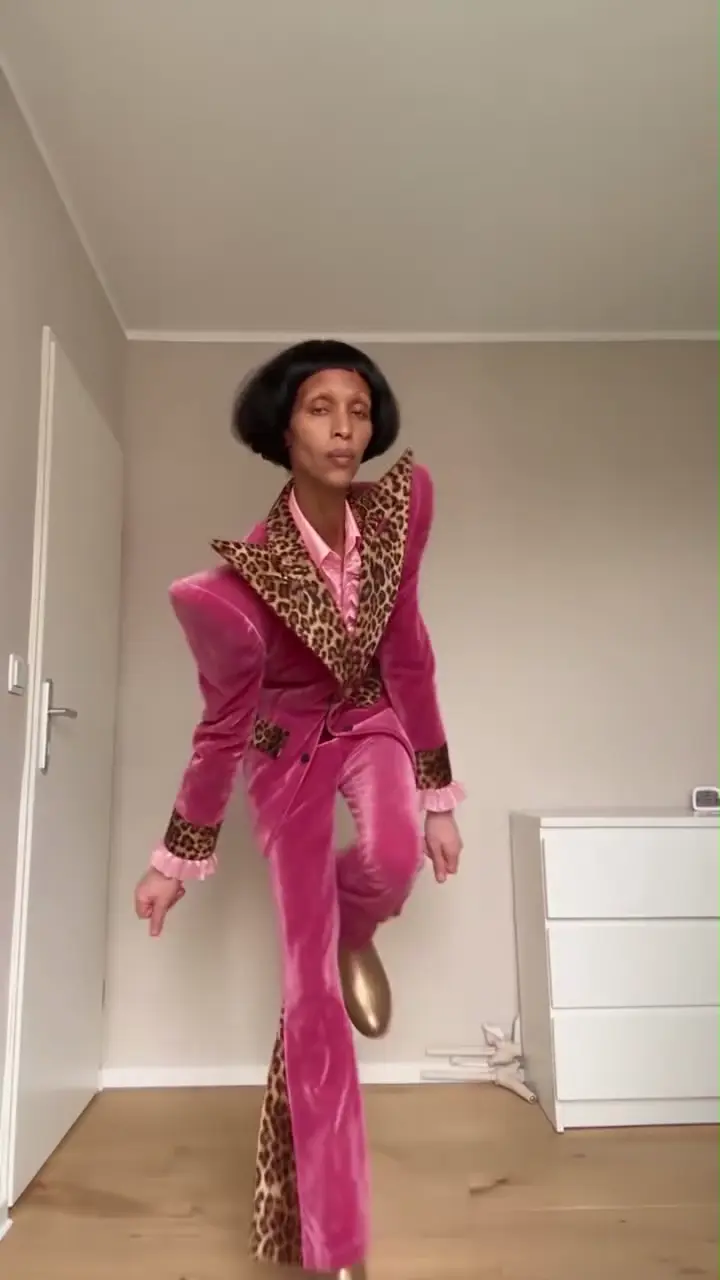
AI Dance Video Generator
Turn a portrait or pet photo into a dance video. Choose a style and make the movement your own.
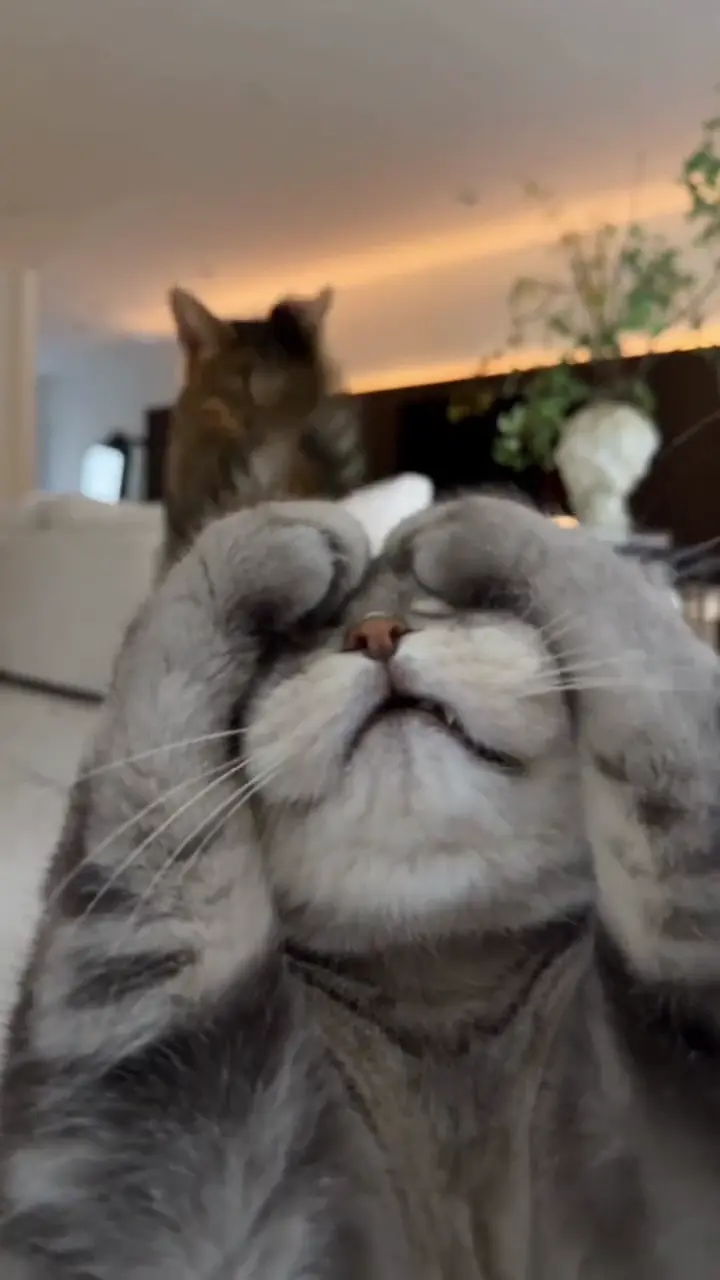
AI Cat Dance
Animate your cat with playful paw lifts or Toc Toc-inspired moves.
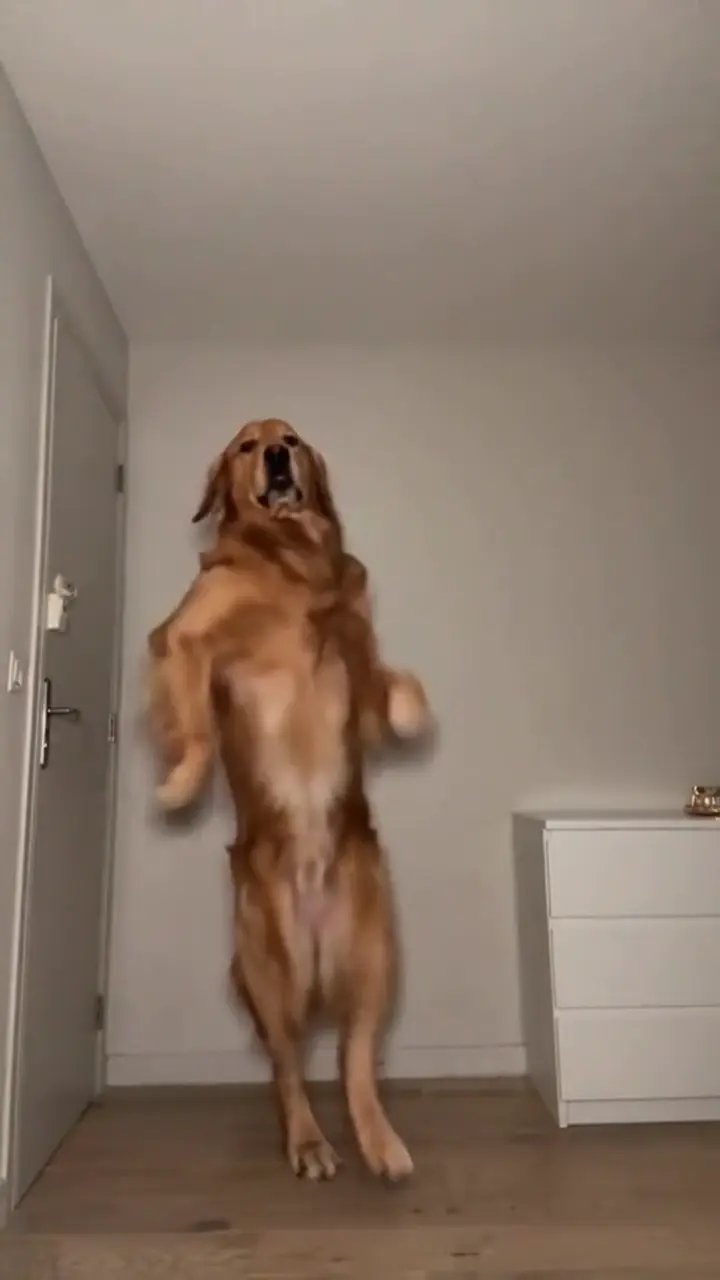
AI Dog Dance Video
Turn a dog photo into bouncy steps or a playful hop-and-knock clip.
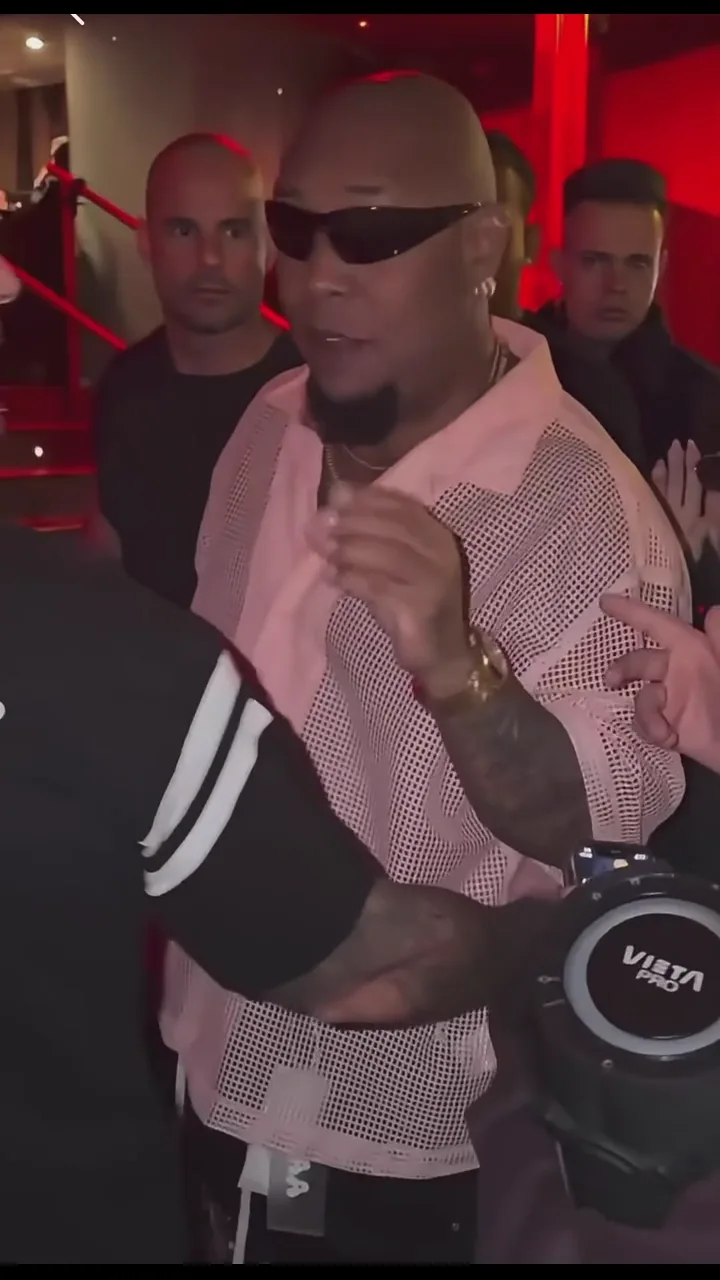
Bulin 47 AI
Create your own street freestyle video from a portrait.
FAQ
Toc Toc Dance AI animates your photo using a dance reference with small hops, knocking gestures and side kicks. Preview the reference before choosing your photo. Results can vary.
Upload a full-body photo to Toc Toc Dance AI and select Solo, Duo, Cat or Dog. Preview the reference, edit the prompt and check the settings and credit cost before generating.
Yes. Toc Toc Dance AI offers Duo, Cat and Dog templates. For Duo, use one photo showing both people. Keep faces, bodies and limbs visible with room to move.
Toc Toc Dance AI does not include the original song. Add music you have permission to use after downloading. Optional generated audio is separate from the original recording.
Choose vertical 9:16 framing when available in Toc Toc Dance AI. Review and download the result from History, then add your caption and permitted music in TikTok, Reels or an editor.