
AI Hair Color Changer
Upload a selfie to the AI Hair Color Changer and preview blonde, pink, silver or a custom shade before you dye.
Try the AI Hair Color Changer Before You Dye
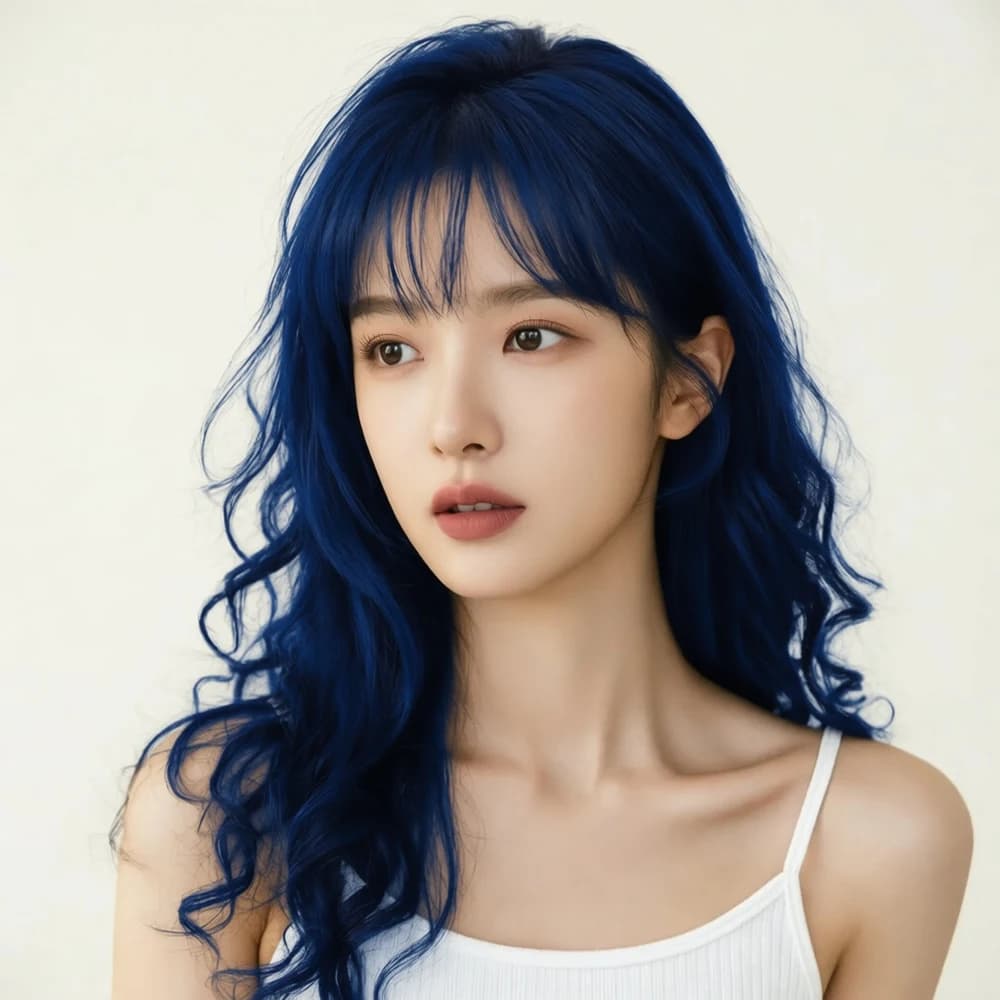
Curious about blue hair? Use the AI Hair Color Changer to explore midnight blue on your own portrait.
1. See more than a color swatch
Preview a shade beside your skin tone with the AI Hair Color Changer. Compare deep navy with brighter blue.
2. Compare with your original photo
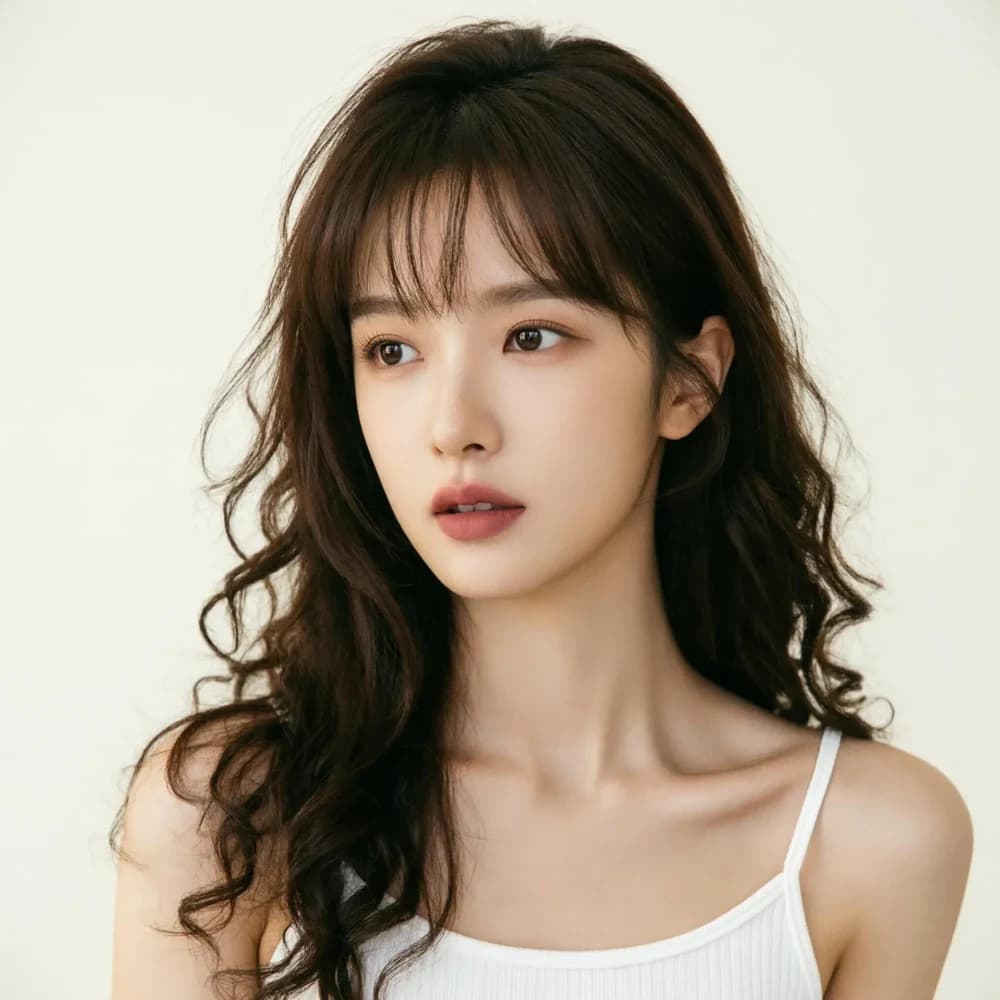
Use the same portrait in the AI Hair Color Changer for each shade. Check every preview against your original for unwanted edits.
Explore Pink with the AI Hair Color Changer
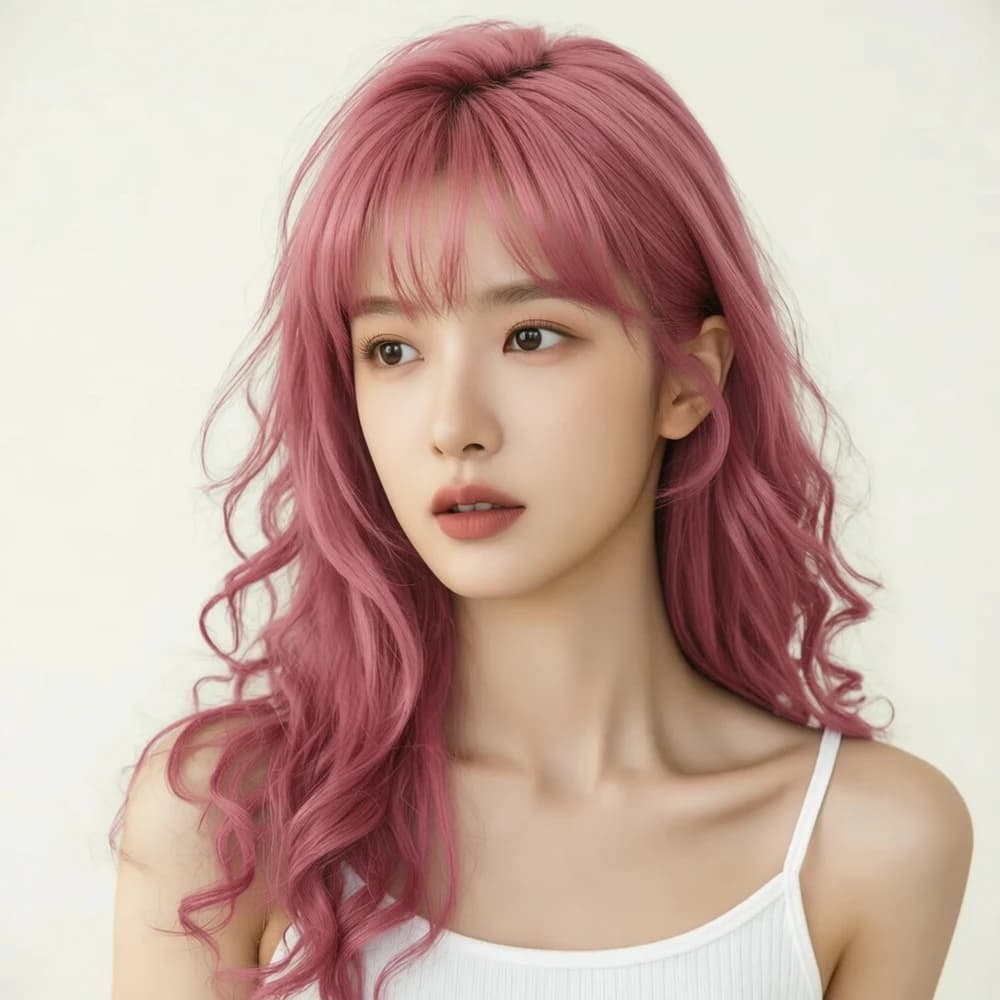
Explore a softer or brighter rose pink with the AI Hair Color Changer before booking a salon visit.
1. Find your version of pink
Choose rose pink in the AI Hair Color Changer, or select a custom shade to explore dusty rose.
2. Take a reference to your colorist
Download your AI Hair Color Changer preview to discuss with your colorist. Your current hair color and condition affect what is achievable.
Preview Silver with the AI Hair Color Changer
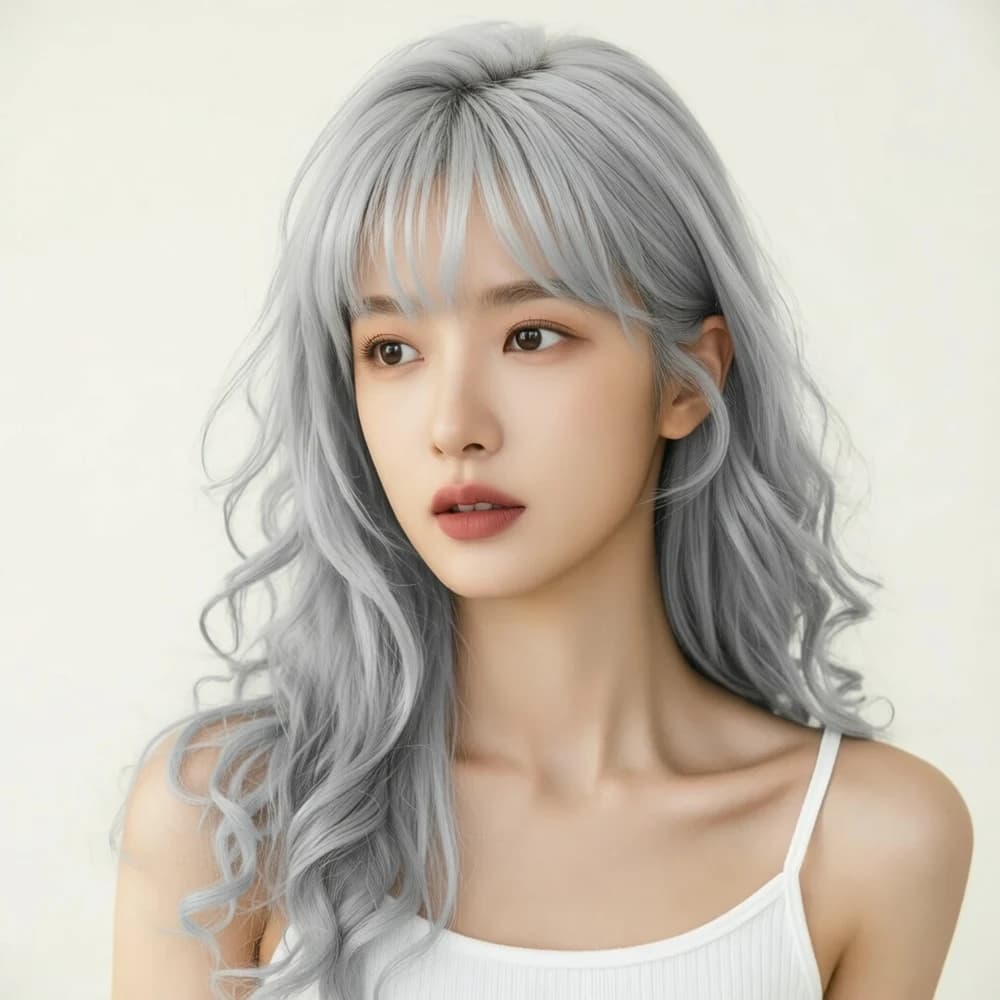
Try the AI Hair Color Changer for a cooler look. This example shows a silvery shade on dark curls.
1. Explore a cooler, lighter shade
Compare silver, ash blonde and platinum blonde in the AI Hair Color Changer. Notice each shade beside your skin and brows.
2. Refine the shade you have in mind
Give the AI Hair Color Changer a custom color using the picker or a HEX code. Save favorites from History.
How to Use the AI Hair Color Changer
AI Hair Color Changer: Popular Shades
Honey blonde
A warm golden shade to explore a lighter look.
Rose pink
A soft pink for a playful pastel direction.
Silver
A cool silver shade to preview an icy finish.
Copper red
A rich copper tone with a warm red undertone.
Midnight blue
A deep blue for a bolder change of color.
Chocolate brown
A warm brown shade for an understated change.
Soft black
A dark, neutral shade to explore more contrast.
Lavender
A muted purple for a soft, creative look.
Ash blonde
A muted blonde with cool undertones.
Dark blonde
A deeper blonde between golden and brown tones.
Light brown
A lighter brown for a soft brunette look.
Ash brown
A cool brown with a subdued, smoky tone.
Dark brown
A deep brunette shade with natural warmth.
Auburn
A reddish brown that brings warmth to brunette hair.
Burgundy
A deep wine red with violet undertones.
Platinum blonde
A very pale blonde for a brighter look.
Hair Color Filter vs. AI Hair Color Changer
The AI Hair Color Changer creates a new image from your portrait and selected shade. Unlike a live camera filter, it generates a photo preview. AI may also alter facial details, hair edges or backgrounds, so compare results with your original.
Explore Other Apps
Explore apps that spark your interest and find inspiration for your next creation.
Face Swap Pro
Swap faces between photos to create portraits and playful social posts.
Background Remove
Remove backgrounds from portraits and product photos for your next design.
Image Upscale
Enlarge photos and optionally enhance faces for clearer, larger images.
Photo Restoration
Restore faded or damaged photos and bring family memories back into focus.
AI Hair Color Changer FAQ
The AI Hair Color Changer uses Fooocus credits. You can spend complimentary credits if your account has them. Check the displayed cost before generating; visit Pricing for more credits.
Yes. Open the AI Hair Color Changer in your browser, upload a portrait and choose a shade. View and download completed previews from History.
The AI Hair Color Changer offers 16 presets, including blonde, brown, copper, pink, blue and silver. Use the color picker or a six-digit HEX code for custom shades. Lighting and image details affect the generated color.
Try the AI Hair Color Changer with different lengths, textures and starting colors. Use a clear, evenly lit portrait. Inspect hair edges, facial details and backgrounds, especially around shadows or partially hidden hair.
The AI Hair Color Changer uploads your photo to your selected AI service for processing. Completed results appear in your account history. See the Privacy Policy for photo and image handling details.
Yes. Download your AI Hair Color Changer preview as a visual reference. It cannot predict dye results: starting color, previous treatments, hair condition and the salon process all affect the final shade.