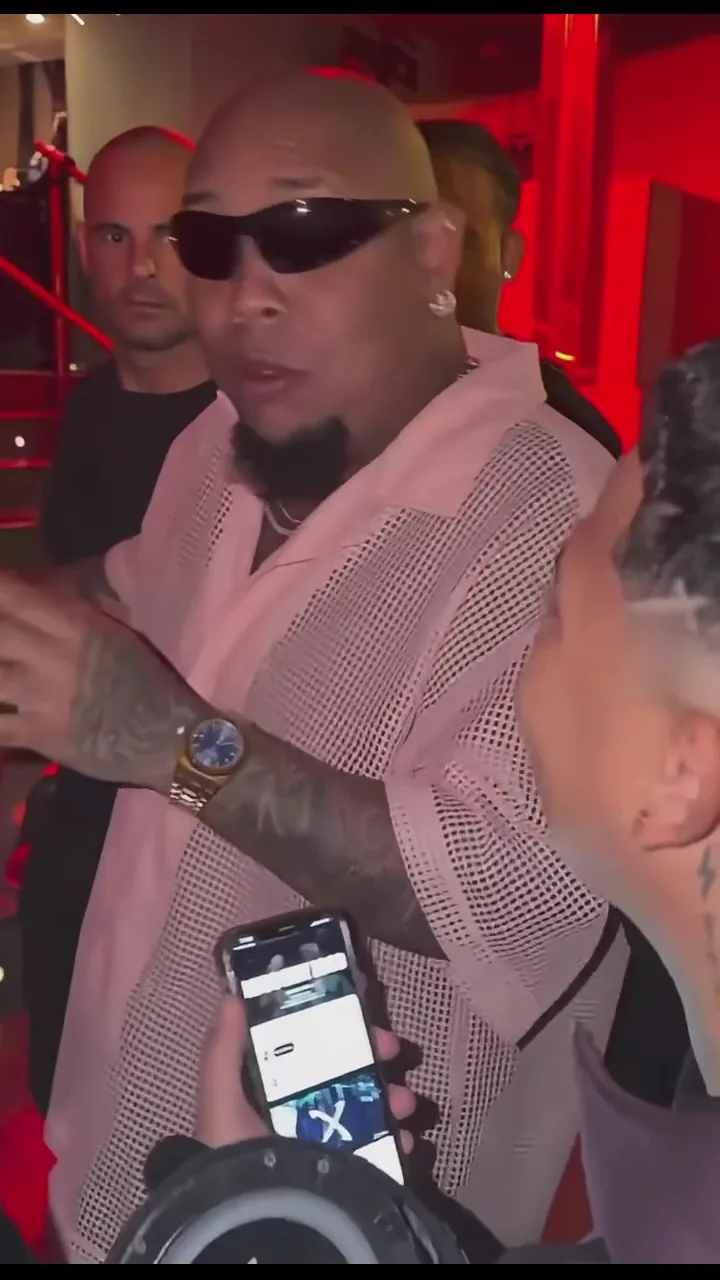
Create a Bulin 47 AI video from your photo. Reimagine the street freestyle with your own portrait, shoulder moves and a red-lit crowd. Preview the reference and make your version.
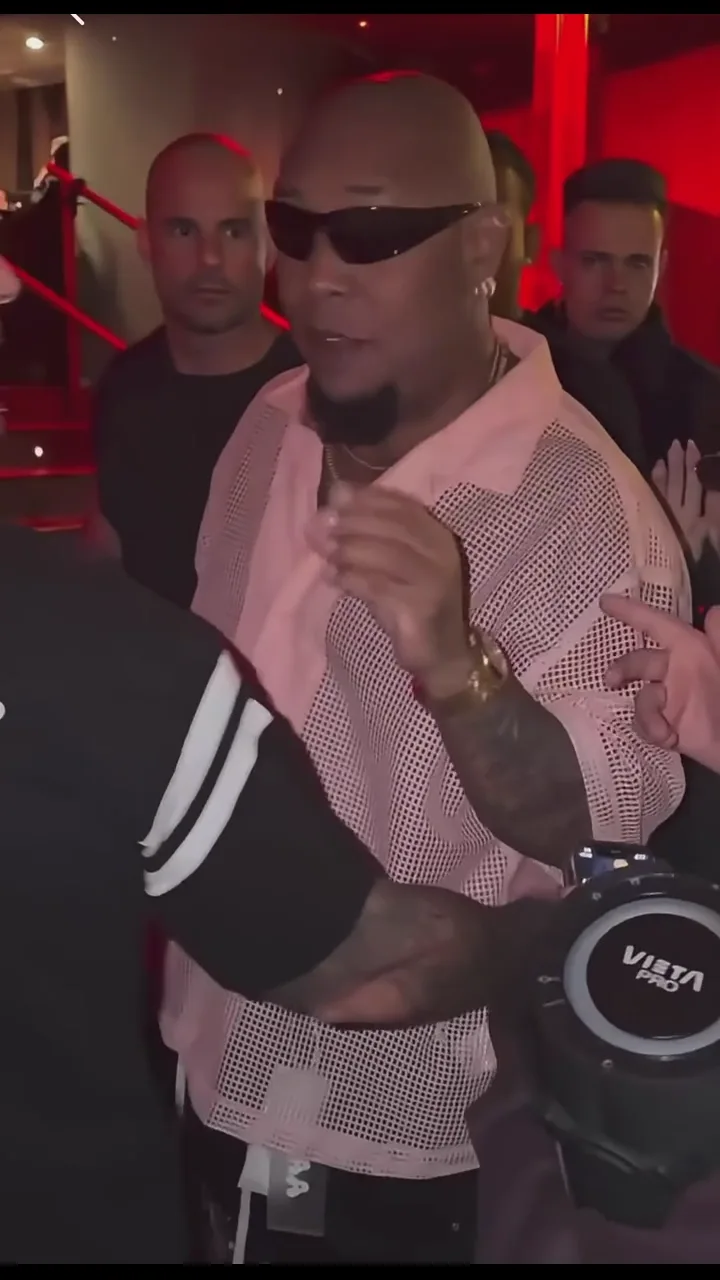
Create your own street freestyle video from a portrait.
Use a friend’s photo, with their permission, for a playful video to share together.
Try a realistic adult character portrait with a clearly visible face. Results depend on the image and style.
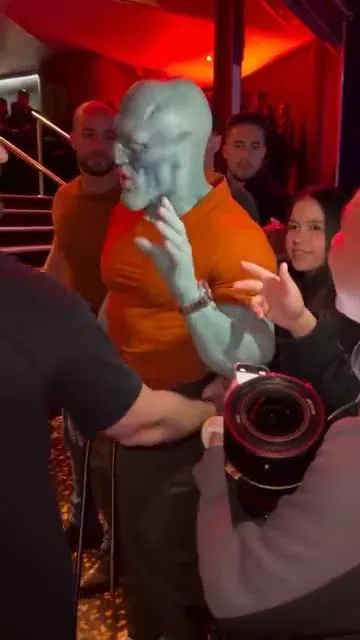
Turn a Bulin 47 AI video into a weekend invitation, birthday greeting or everyday joke. Add a caption that makes the moment personal.
Send your clip to the group with “Weekend mode: on.” Use it to kick off plans, celebrate the end of a busy week or bring back a joke only your friends understand.
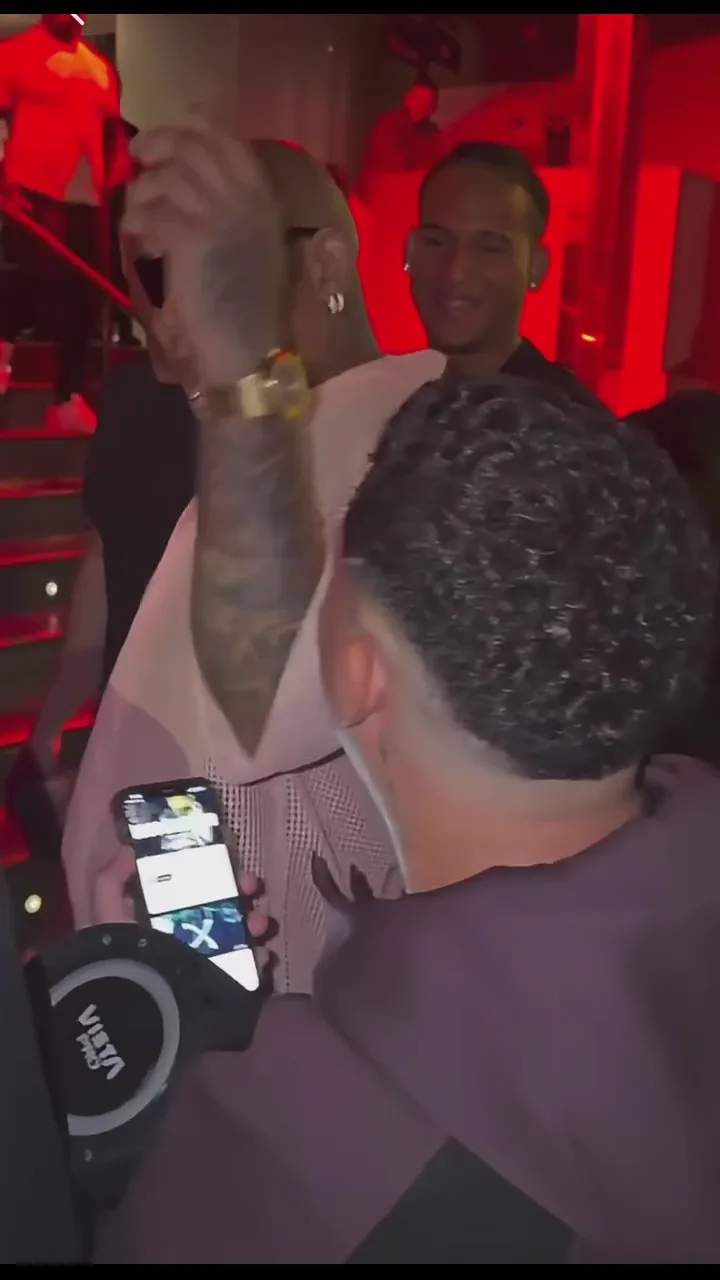
Use a straight-faced portrait for your Bulin 47 AI video. Add “My profile photo after office hours” and let the contrast set up the joke.
Finally remembered the Wi-Fi password? Found the missing earbud? Share your clip with a caption about that small victory for a celebration far bigger than the occasion.
Invite friends to make a Bulin 47 AI video from their own photos. Share the clips with the same caption and see how each person changes the joke.
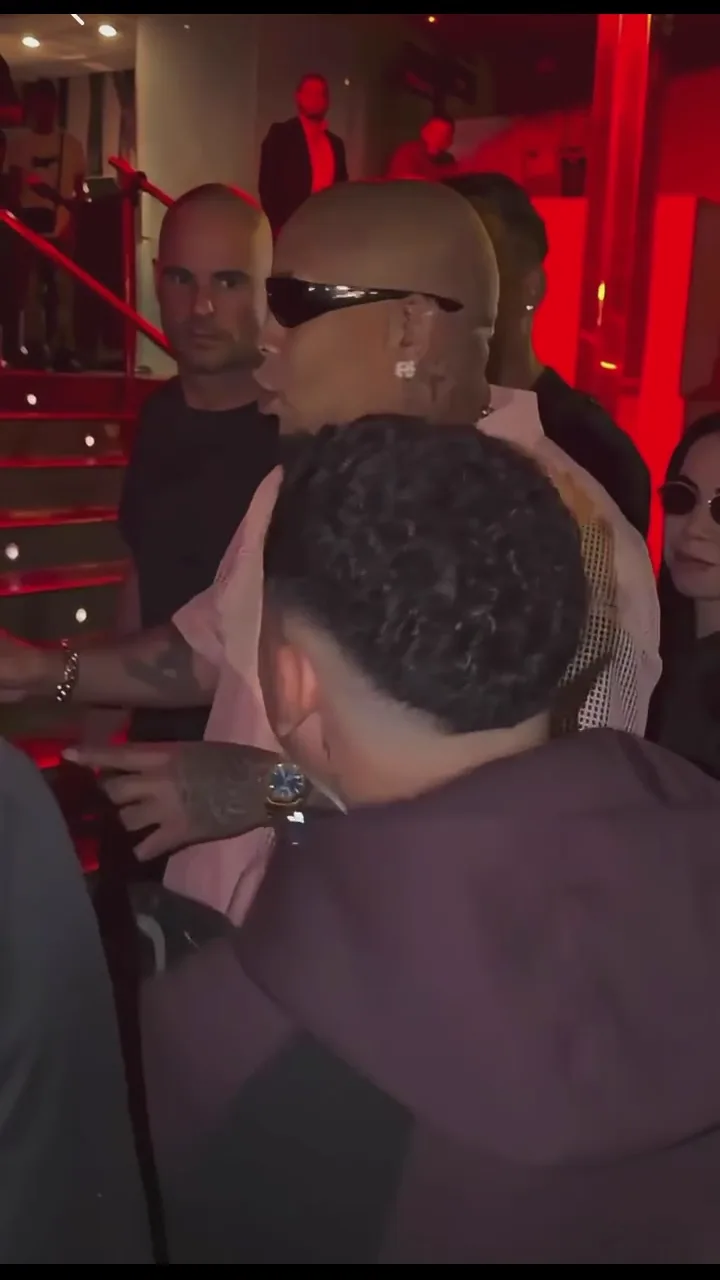
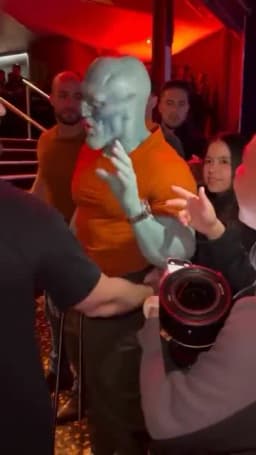
Preview the Bulin 47 street freestyle: shoulder movements, hand gestures and a handheld camera outside a red-lit entrance.

Start with one clear portrait. You do not need to film yourself dancing.

Review the credit cost before submitting and find progress and finished videos in History.
Create a Bulin 47 AI video from your photo. Reimagine the street freestyle with your own portrait, shoulder moves and a red-lit crowd. Preview the reference and make your version.
Upload a clear portrait, preview the motion reference and review the credit cost. Select Generate, then follow your task in History.
Choose a well-lit photo of one adult with a clear, unobstructed face. Upload a JPG, PNG or WebP image.
No. This app provides a preset motion reference that you can preview before generating.
Generation uses credits. Check the cost displayed beside the Generate button before submitting a task.
Open History to view the task status and the finished result. Processing time varies; check the task for updates.
Lighting, face angle and image clarity can affect the result. AI may change details during movement; try a clearer portrait if needed.