
Drake Burning Bridges AI Video Generator
Create a Drake Burning Bridges AI video from your photo. Upload a portrait, use the dance template, and preview your party performance. Try your remix today.
How to Make a Drake Burning Bridges AI Video
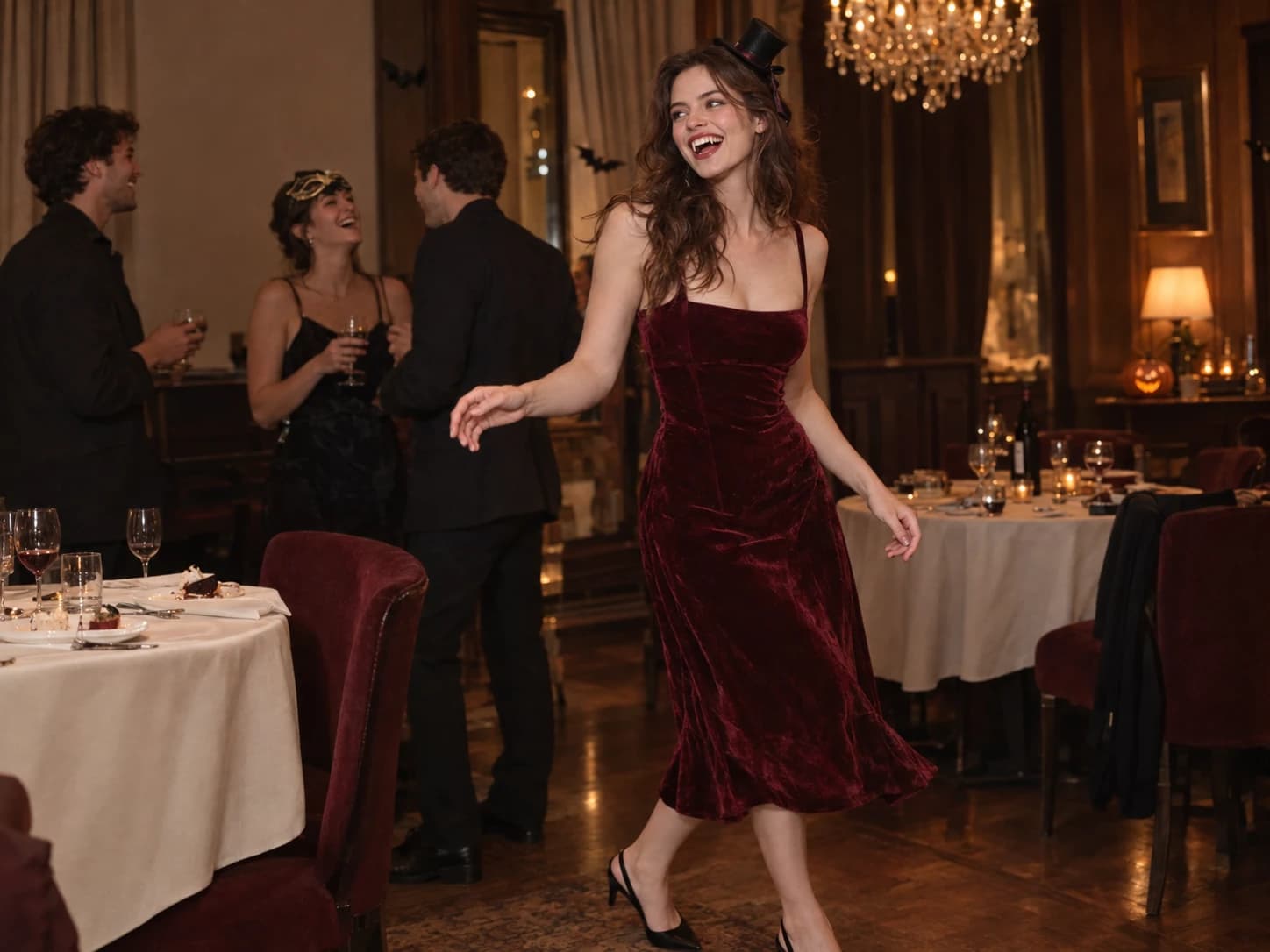
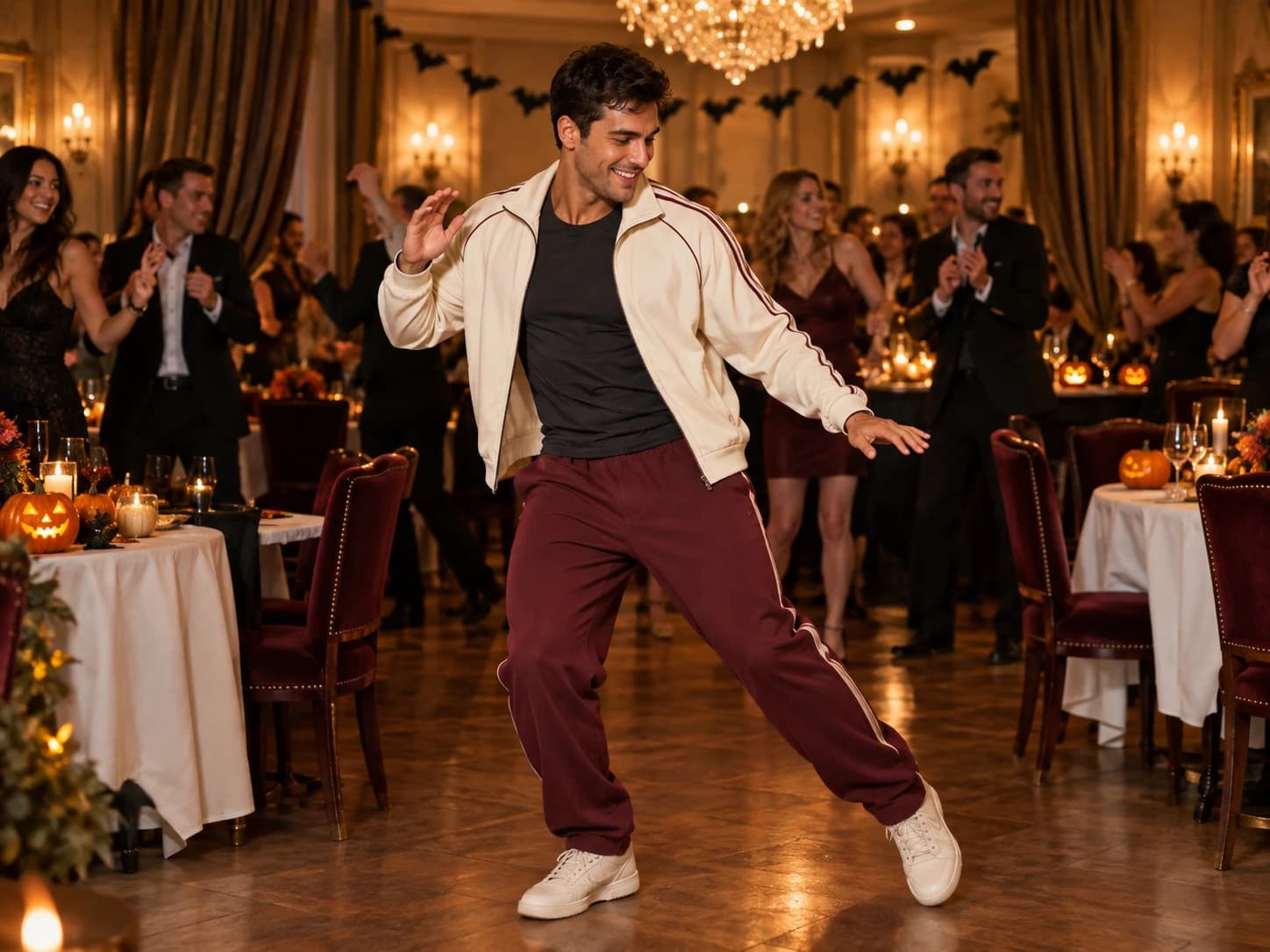
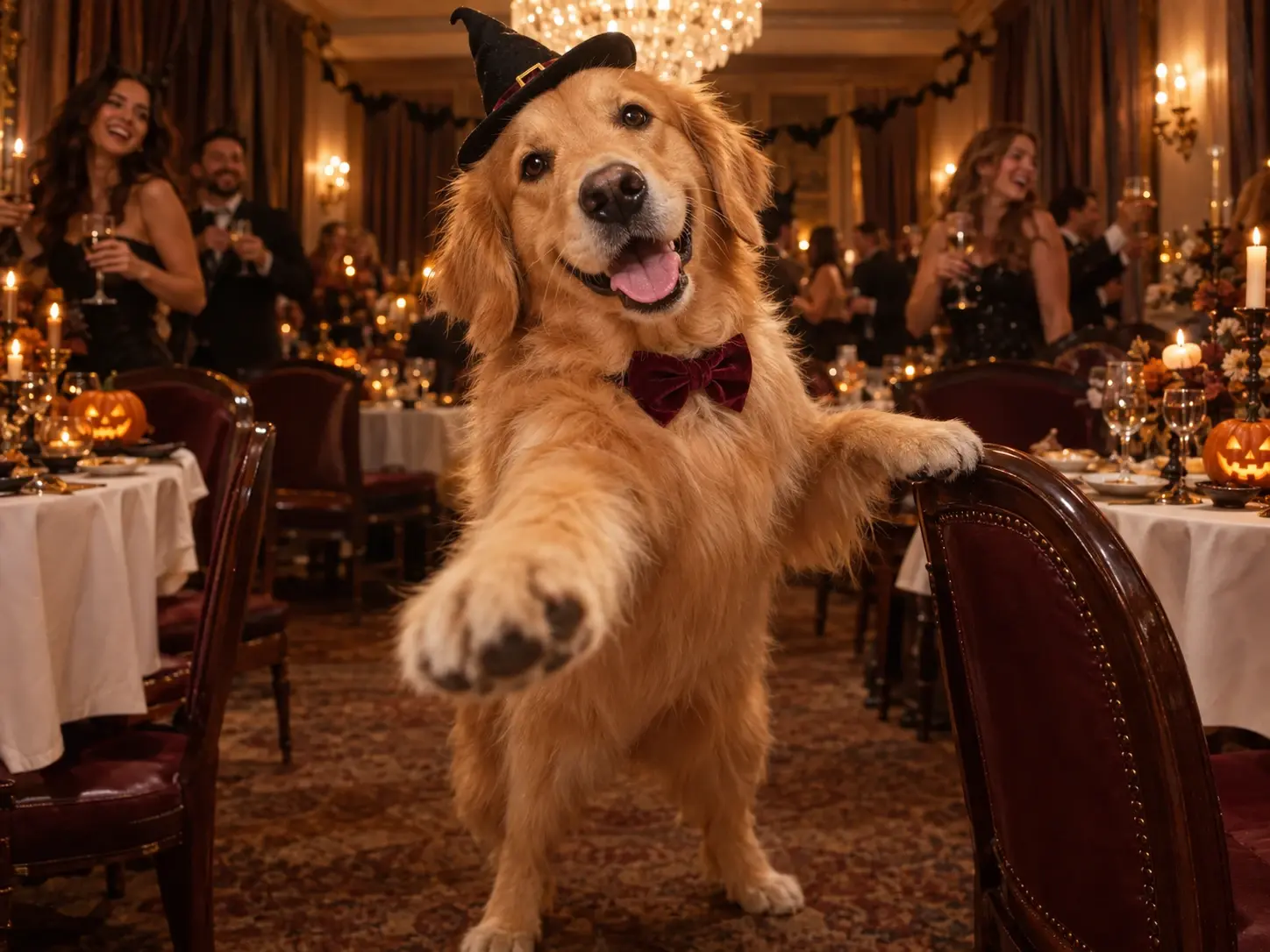
Who Will Star in Your Drake Burning Bridges AI Video?
1. Yourself
Give your Drake Burning Bridges AI video a personal touch with a clear portrait of yourself.
2. A friend
Use a friend’s photo, with their permission, for a playful video to share together.
3. An original character
Try a realistic adult character portrait with a clearly visible face. Results depend on the image and style.
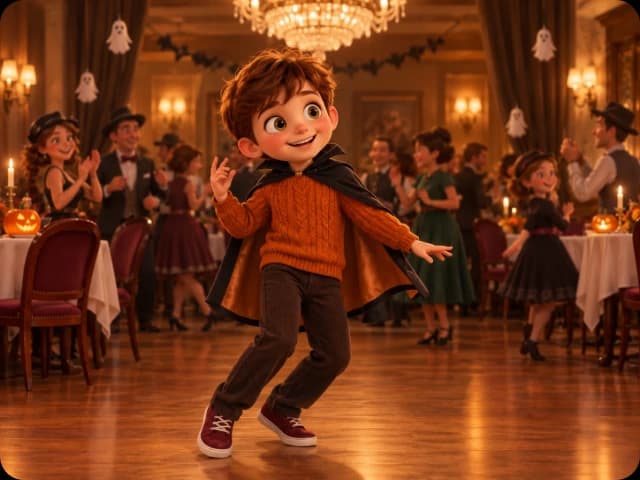
Drake Burning Bridges AI Videos for Everyday Moments
Turn a Drake Burning Bridges AI video into a weekend invitation, birthday greeting or everyday joke. Add a caption that makes the moment personal.
Get the weekend conversation started
Send your clip to the group with “Weekend mode: on.” Use it to kick off plans, celebrate the end of a busy week or bring back a joke only your friends understand.
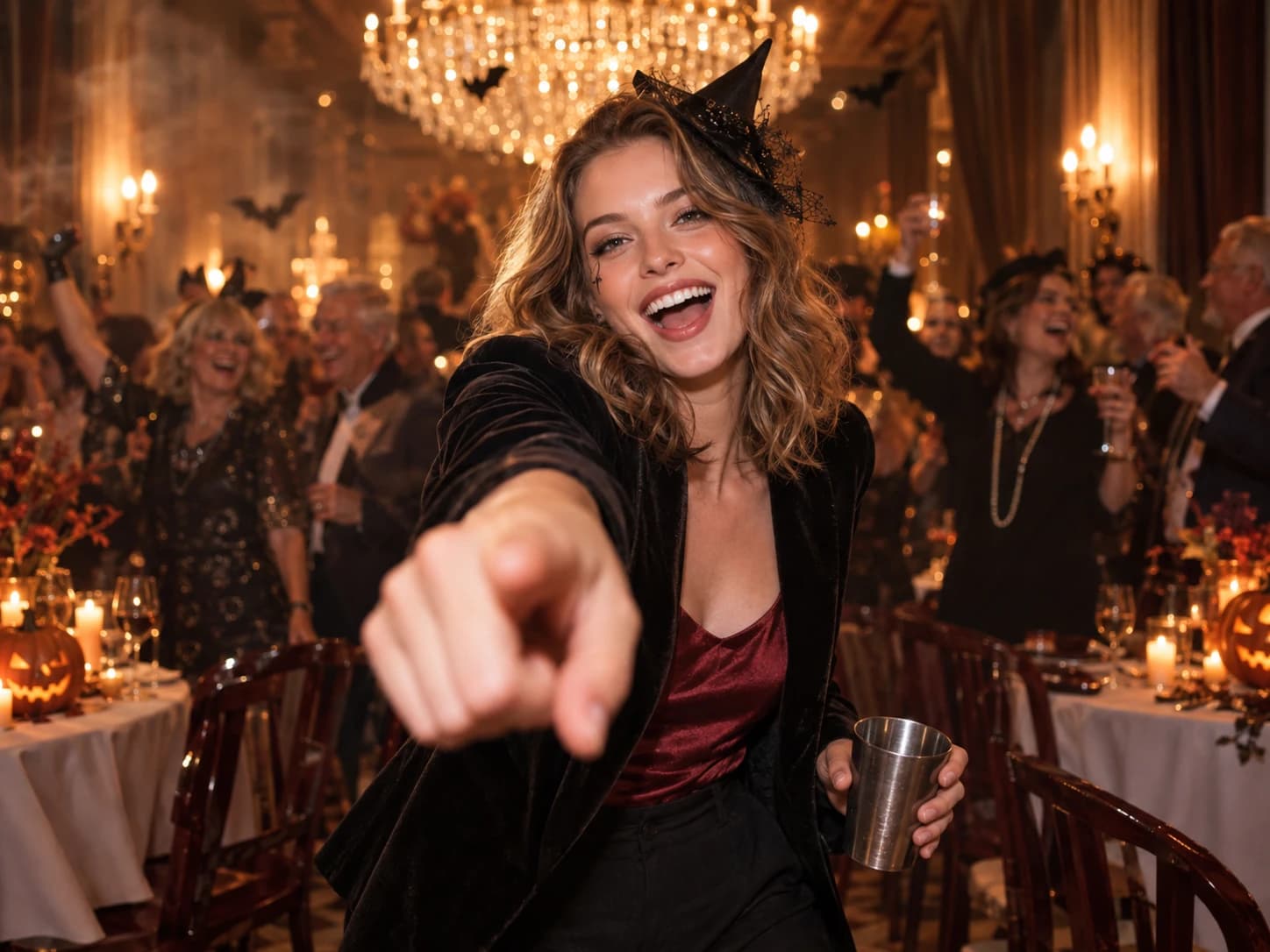
Put your own spin on the dance trend
Post your Drake Burning Bridges AI video on TikTok or Reels with a caption about your day. Your photo gives the party scene a personal twist.
Send a birthday greeting they will recognise
With your friend’s permission, create a Drake Burning Bridges AI birthday clip using their photo. Send it with a message about a memory you share.
Let the caption change the story
Try “When the last meeting gets cancelled” or a line from your group chat. The same dance can tell a different story with a new caption.
Creative Ideas for Your Drake Burning Bridges AI Video
1. Let the serious portrait clock out
Use a straight-faced portrait for your Drake Burning Bridges AI video. Add “My profile photo after office hours” and let the contrast set up the joke.
2. Give a tiny win a big celebration
Finally remembered the Wi-Fi password? Found the missing earbud? Share your clip with a caption about that small victory for a celebration far bigger than the occasion.
3. Pass the dance around your friends
Invite friends to make a Drake Burning Bridges AI video from their own photos. Share the clips with the same caption and see how each person changes the joke.
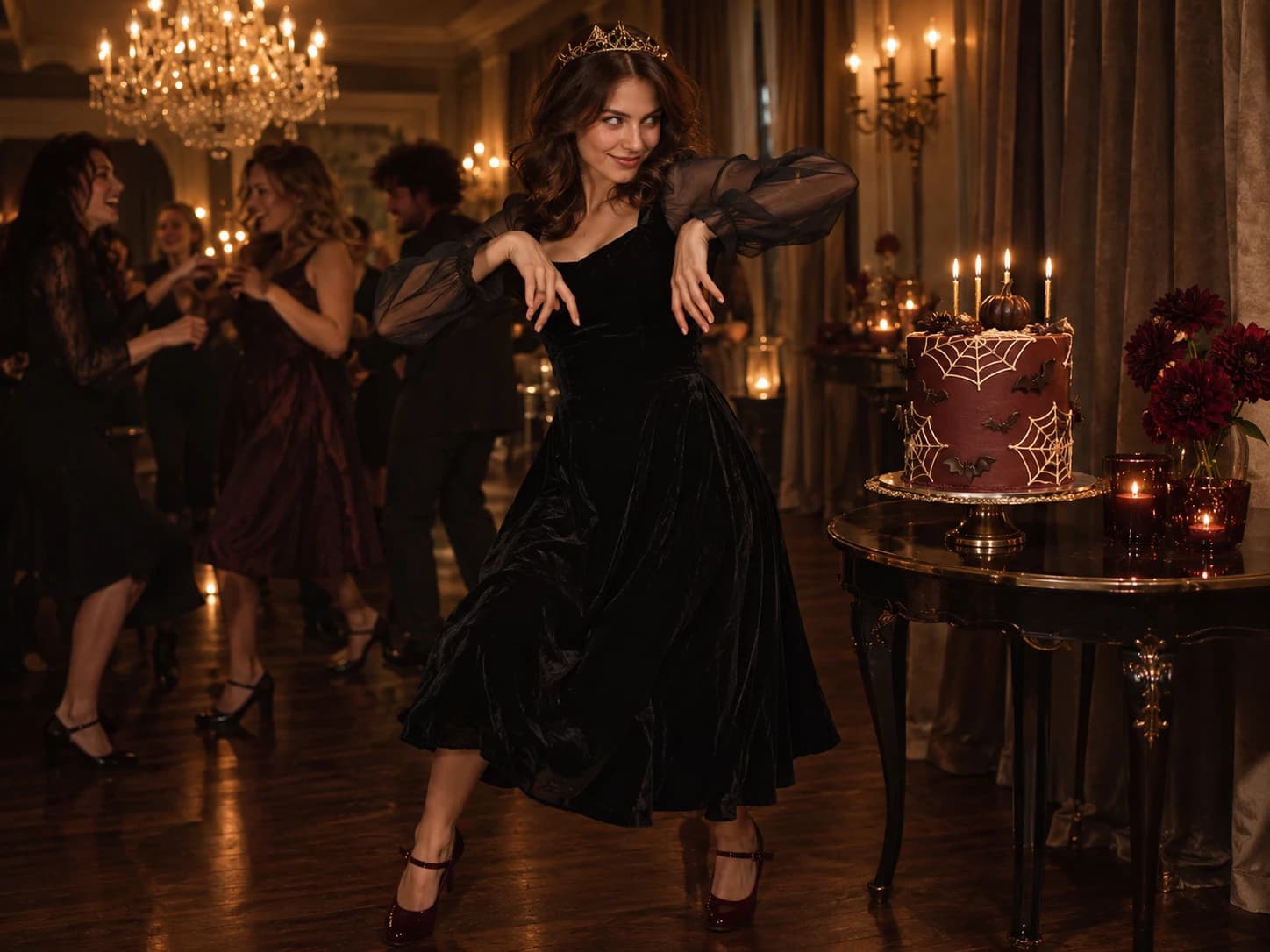
Why Create Your Burning Bridges AI Video with Fooocus?
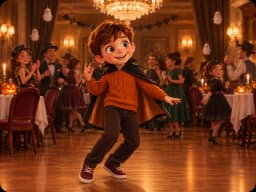
A dance ready to make your own
Preview the preset performance, camera movement and party scene before you generate.

Your photo takes the lead
Start with one clear portrait. You do not need to film yourself dancing.

Keep track of every creation
Review the credit cost before submitting and find progress and finished videos in History.
Explore Other Apps
Explore apps that spark your interest and find inspiration for your next creation.
Bulin 47 AI
Create your own street freestyle video from a portrait.
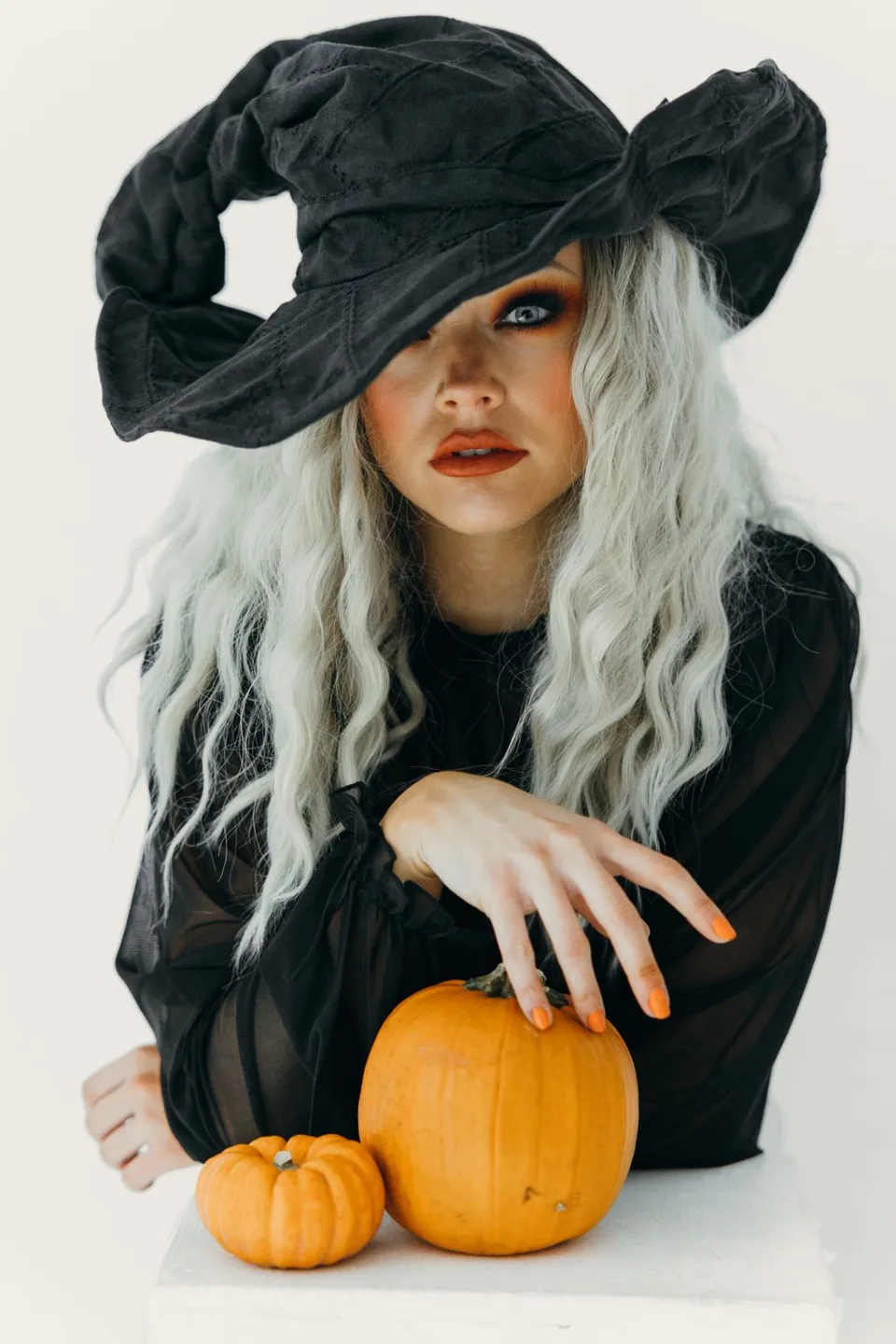
AI Halloween Costume Generator
Try eight costume looks from your photo, or make a witch-on-a-broom video.
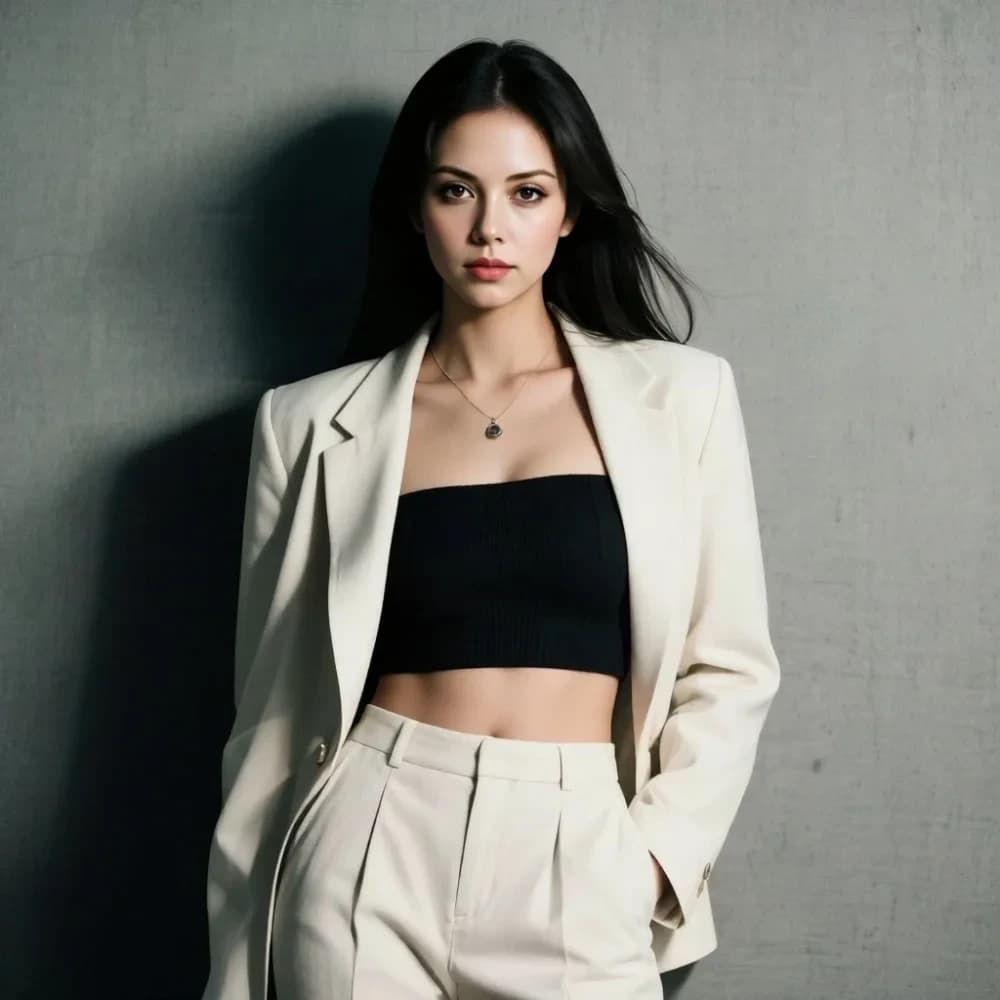
Face Swap Pro
Swap faces between photos to create portraits and playful social posts.
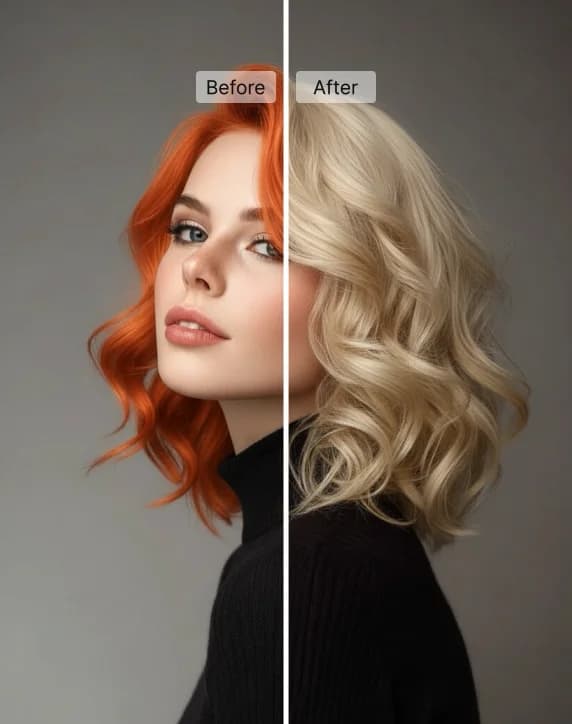
AI Hair Color Changer
Try a new hair color on your photo with preset shades or a custom color.
Drake Burning Bridges AI Video: Common Questions
Create a personalised party dance video from a portrait, using the preset performance as the motion reference.
Upload a clear portrait, preview the motion reference and review the credit cost. Select Generate, then follow your task in History.
Choose a well-lit photo of one adult with a clear, unobstructed face. Upload a JPG, PNG or WebP image.
No. This app provides a preset motion reference that you can preview before generating.
Generation uses credits. Check the cost displayed beside the Generate button before submitting a task.
Open History to view the task status and the finished result. Processing time varies; check the task for updates.
Lighting, face angle and image clarity can affect the result. AI may change details during movement; try a clearer portrait if needed.