
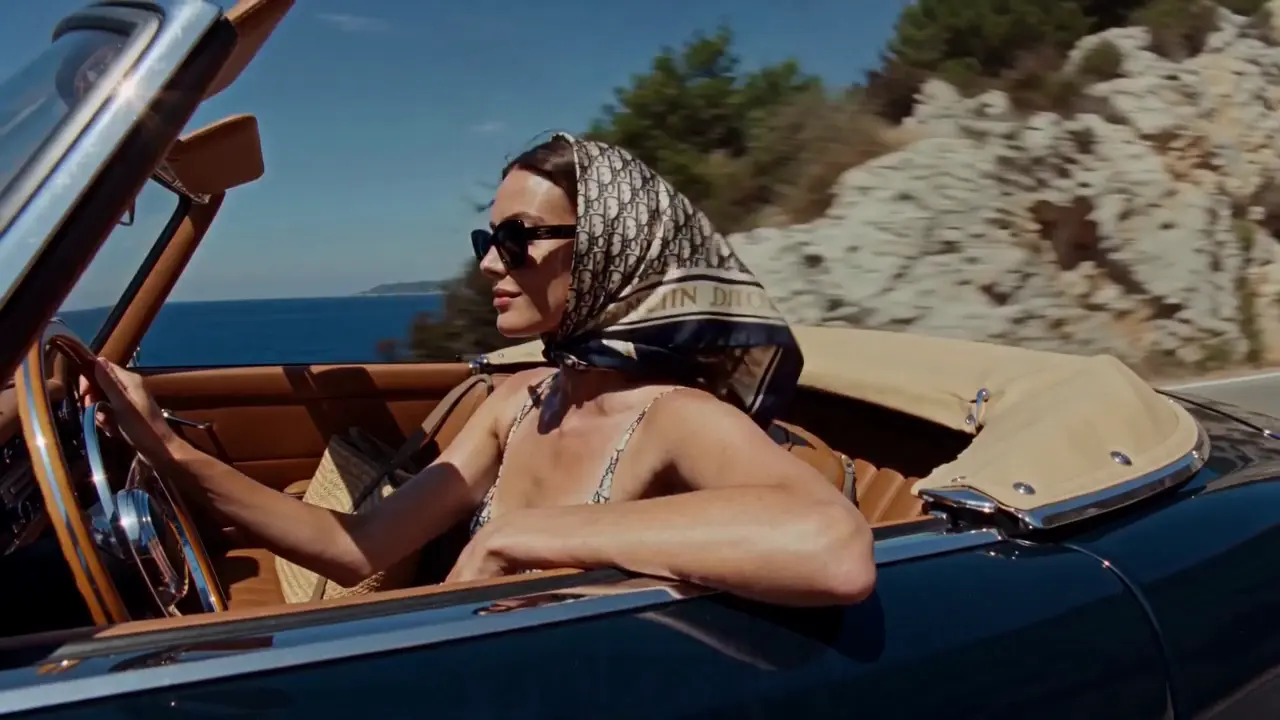
Social stories
Turn a travel memory or a personal idea into a visual direction for a short post. Define the mood, the setting and the moment you want people to notice.
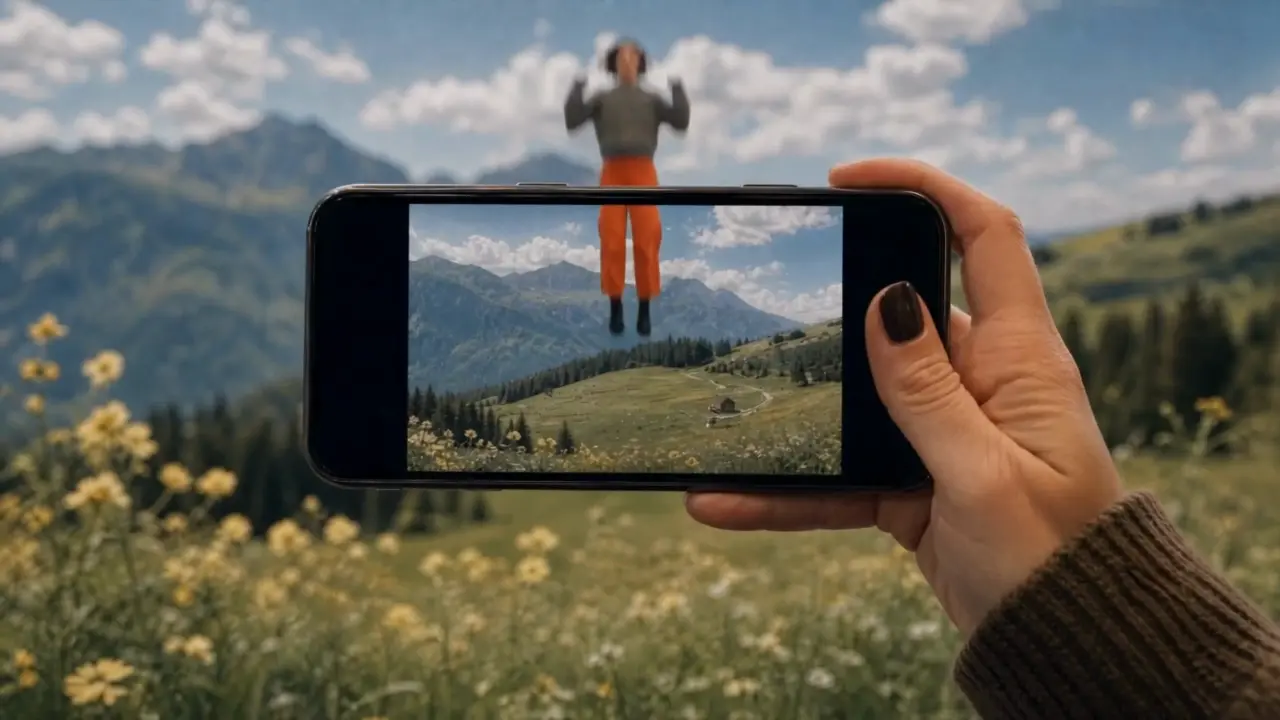
Turn your ideas into images and videos with the Fooocus AI image and video generator. Describe a scene or upload reference material, then choose a model and refine your creation.
Use the AI image and video generator to explore a product launch, a travel memory, or an imagined world. Decide what you want to communicate, then shape the scene and its mood.
Shape the lighting, texture, and composition of your next image. The AI image and video generator offers text-to-image and image editing modes so you can start from an idea or an existing picture.
Combine your subject with its surroundings, lighting and composition. Try a studio portrait, a clean product image or an illustrated world, then refine one detail at a time.
Start from an existing image in editing mode. Describe the changes you want to make to the setting, colors or style, while naming the details you want to keep.
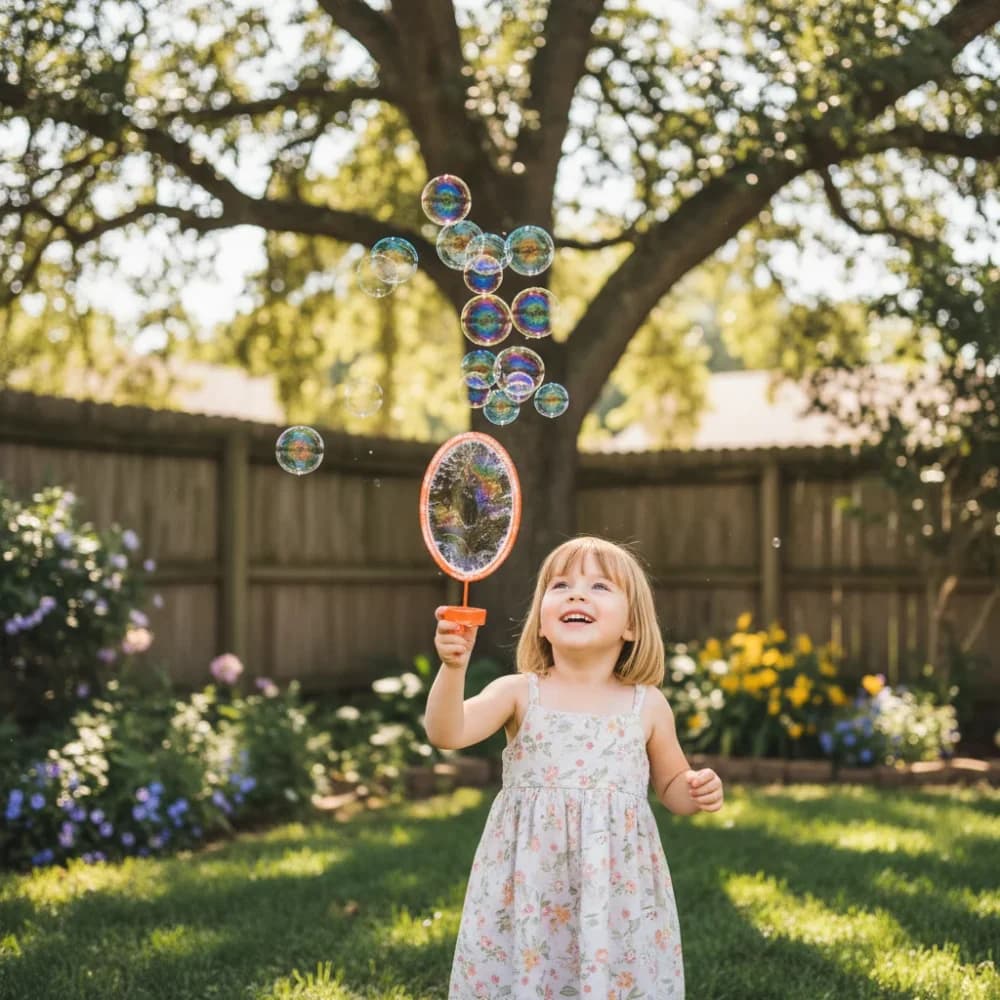
A glance, fabric moving in the wind, a camera approaching its subject. Use the AI image and video generator to describe a moment in motion, starting with text or a suitable reference image.
In image-to-video mode, upload a clear starting frame and describe the movement: a head turn, a passing breeze or a subject walking through the scene.
Describe a close-up, a slow push-in or a wide establishing shot. Set the available duration and aspect ratio for your model, then review the movement and framing in the result.
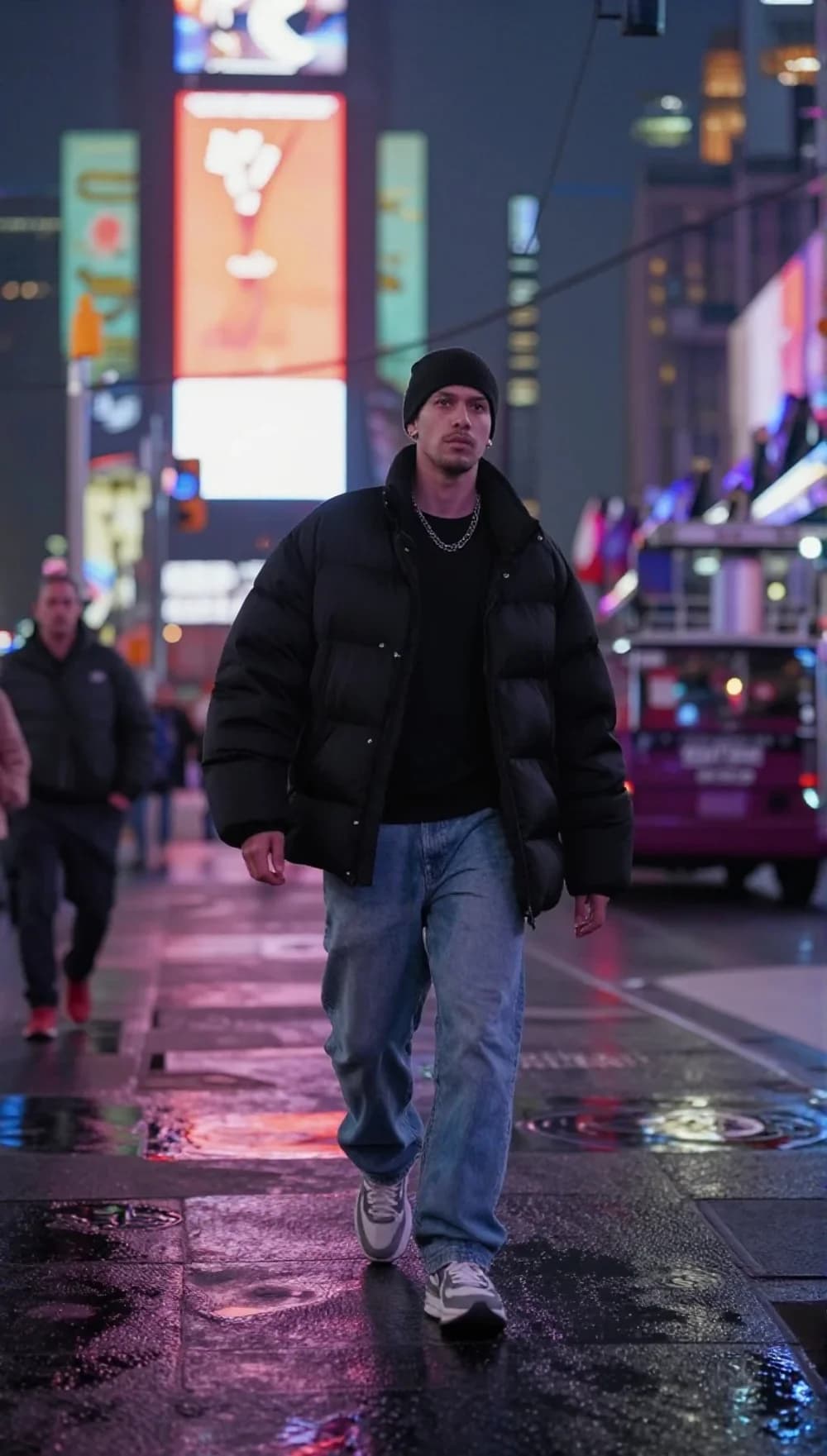
Explore different creative directions in one workspace. Adjust the framing for your intended format, compare versions and keep developing the ones that work.
Turn a travel memory or a personal idea into a visual direction for a short post. Define the mood, the setting and the moment you want people to notice.
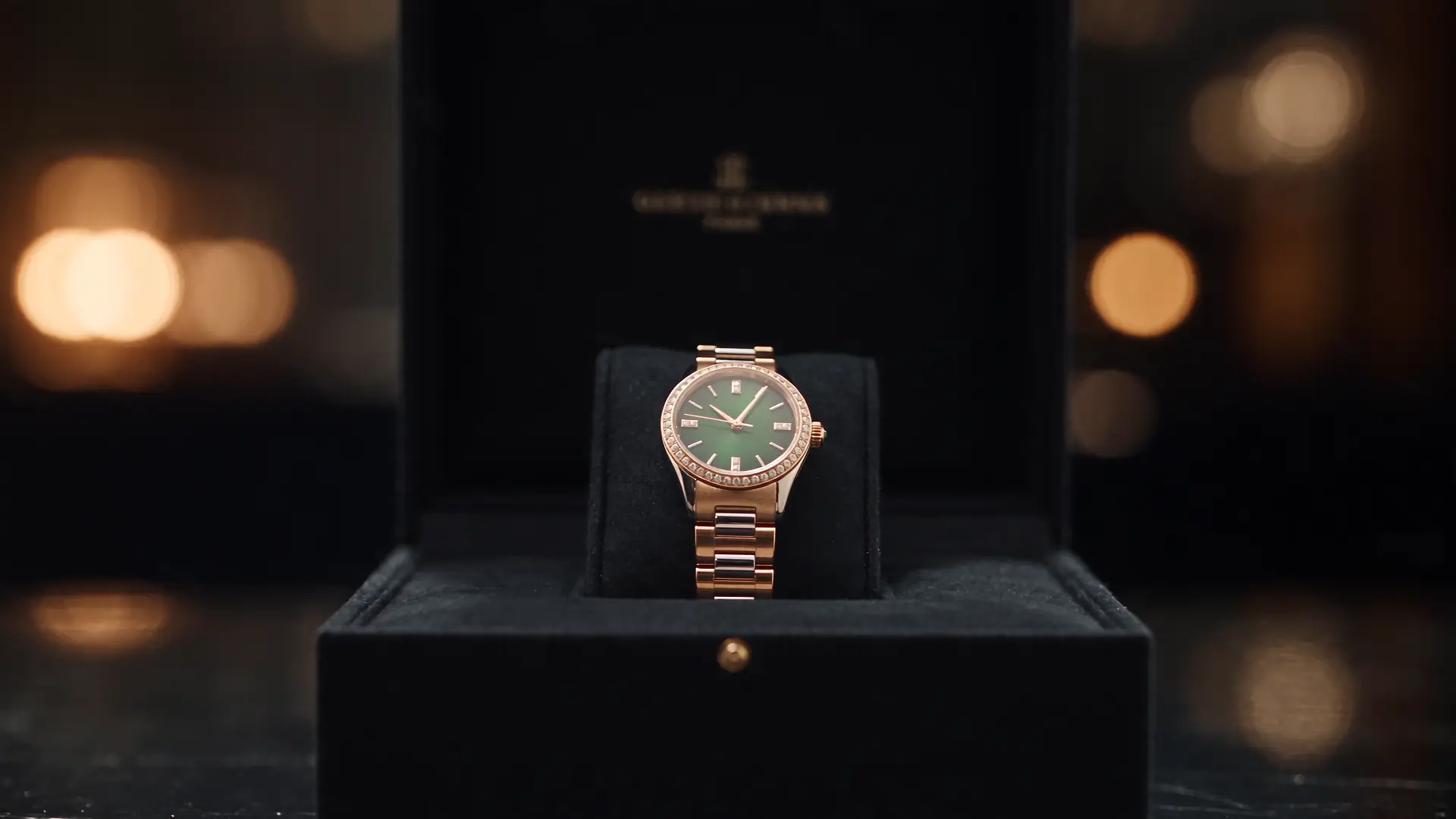
Explore a studio setup, material details or a new setting for your product. Use the images and clips as creative drafts, then check the product details before publishing.
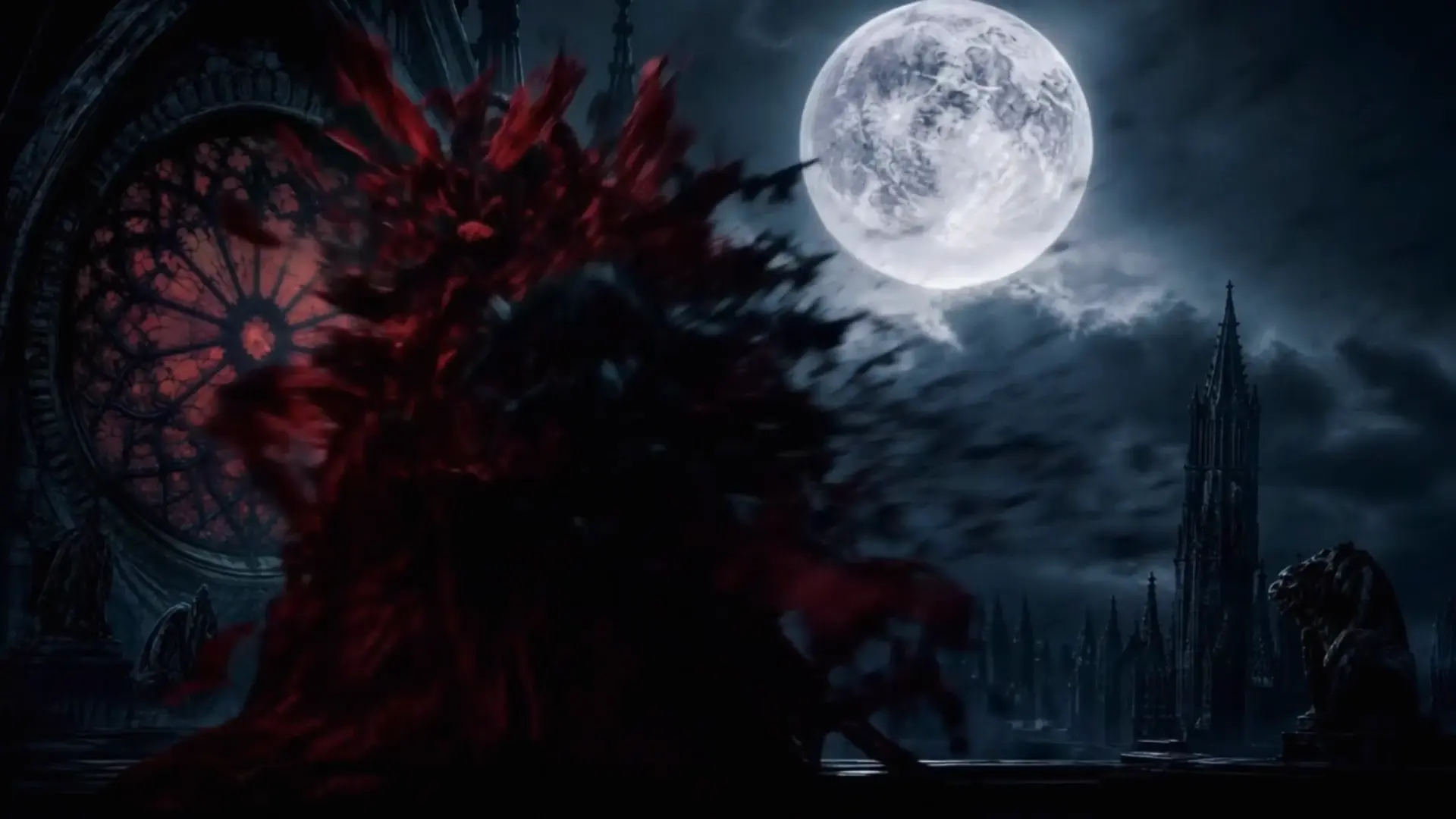
Develop a character, test a location or explore the atmosphere of a scene. Use visual drafts to work through your framing and story ideas.
Select image or video, then choose a model and creation mode. The available settings follow your selection.
Write about the subject, setting, light and style. Add a reference image when your selected mode supports it.
Check the credit estimate before generating. Open History to view the result, then use it again and adjust your next creation.
気になるアプリを探して、次の作品のインスピレーションを見つけましょう。
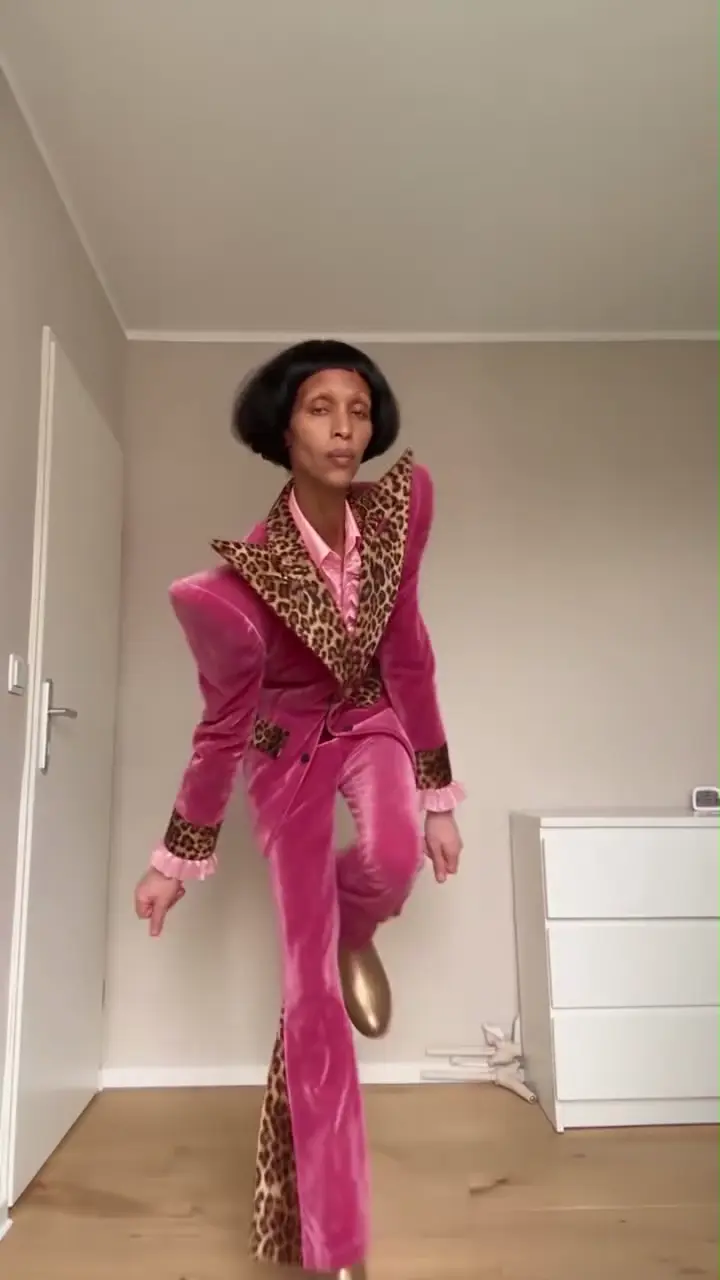
ポートレートやペットの写真をダンスビデオに変えます。スタイルを選択して、動きを自分のものにしましょう。
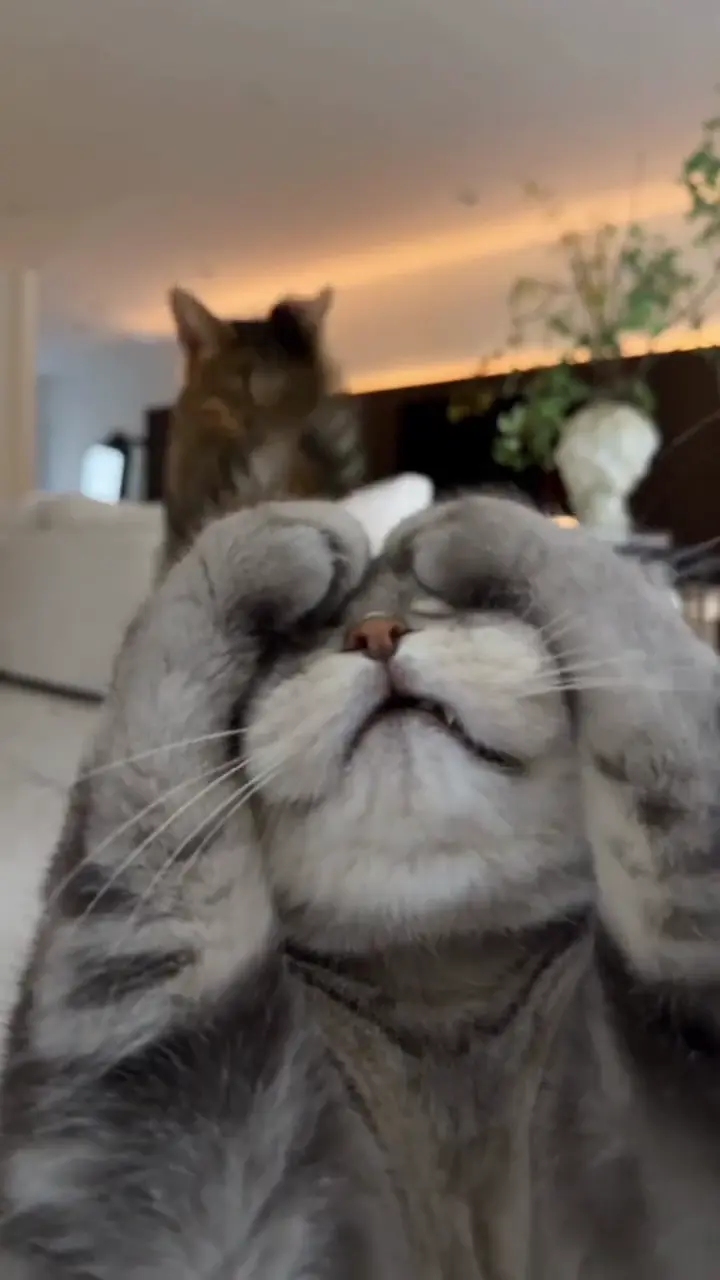
遊び心のある足を持ち上げたり、Toc Toc からインスピレーションを得た動きで猫をアニメーション化します。
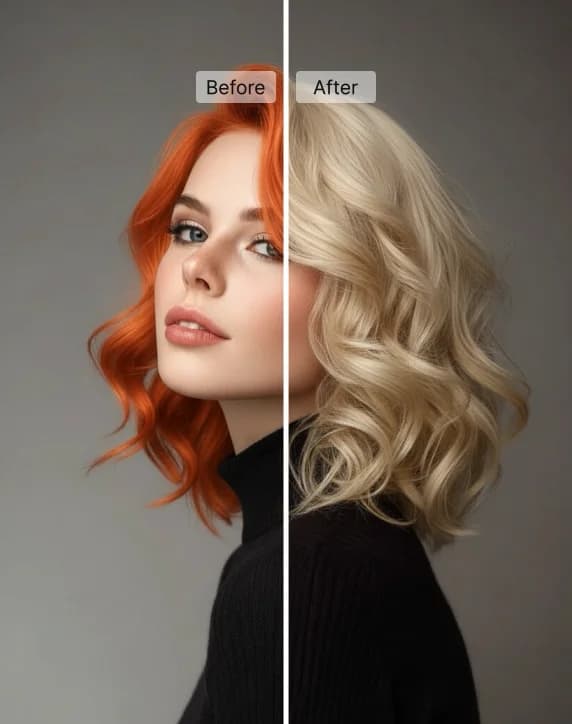
プリセットの色合いやお好みの色を使って、自分の写真で新しい髪色を試せます。
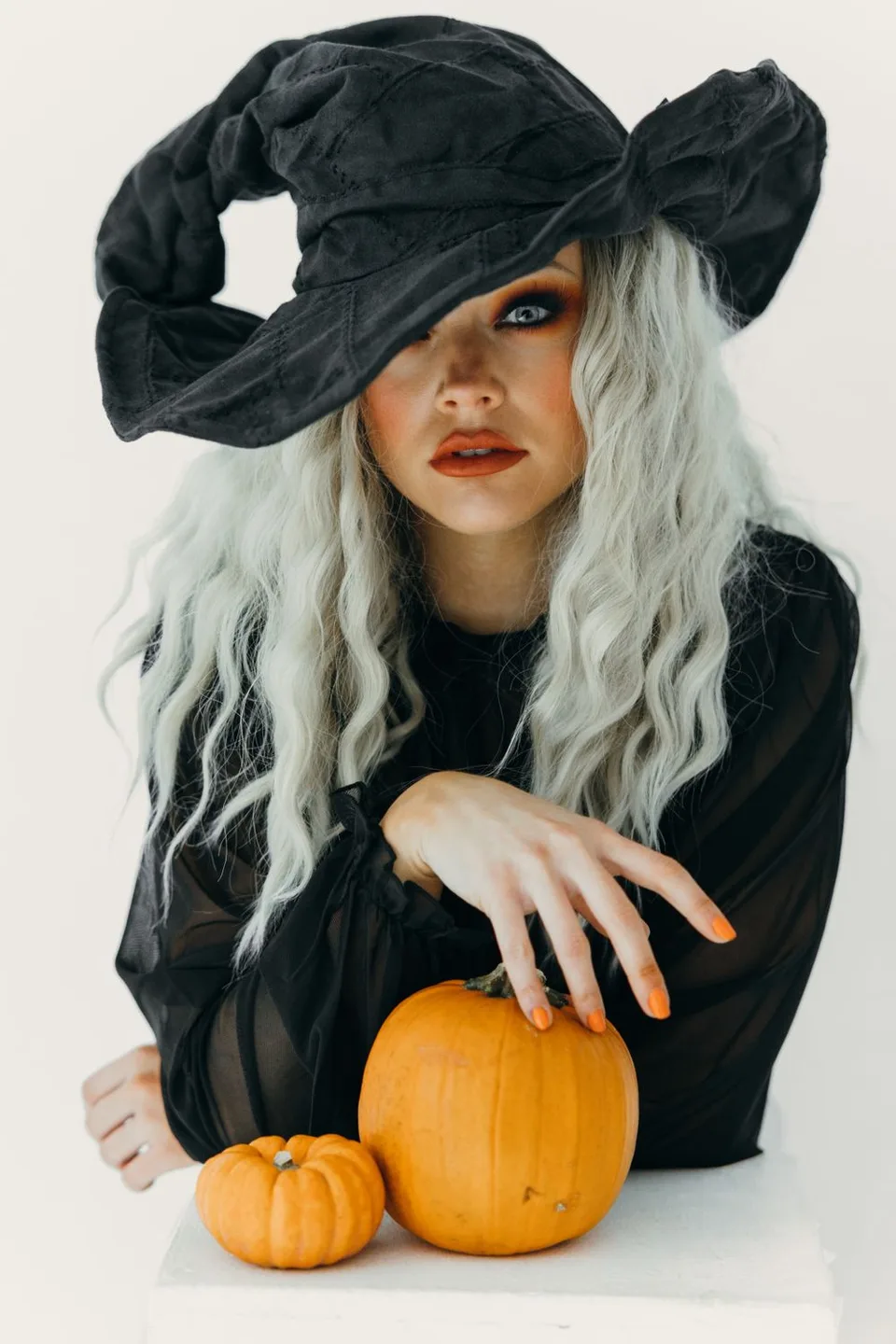
写真で8種類の仮装を試したり、ほうきに乗る魔女の動画を作成できます。

犬や猫を8種類のオリジナルハロウィン衣装に着せ替えましょう。
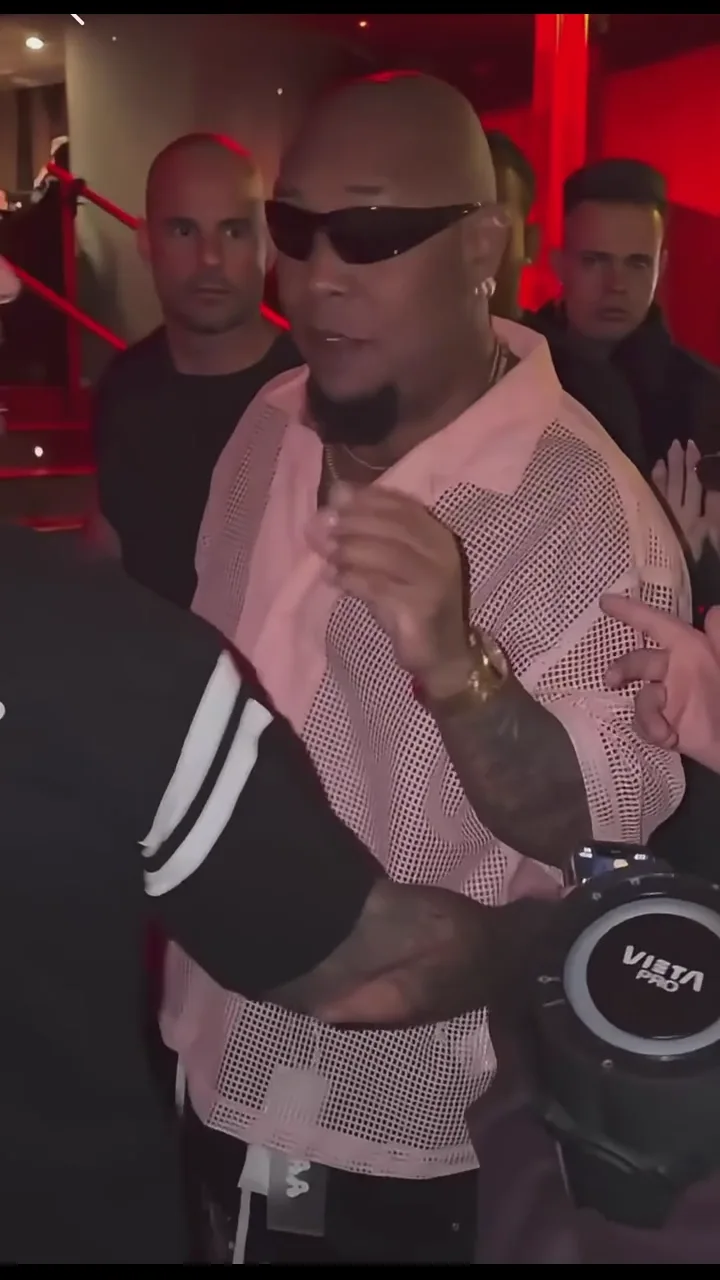
ポートレートから自分だけのストリート・フリースタイル動画を作成。
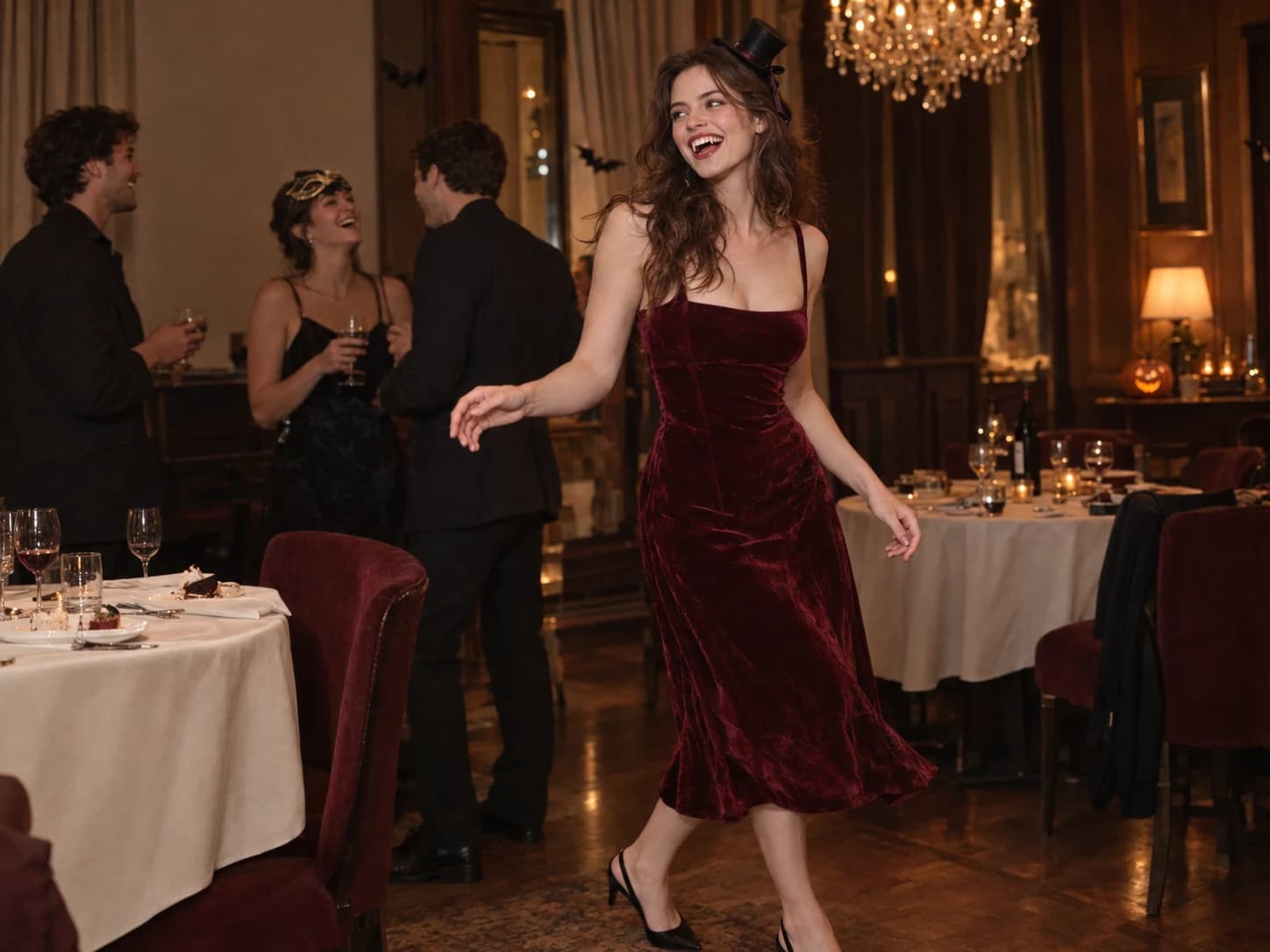
写真をアップロードして、Burning Bridges のパーティー動画の主役に。
写真を拡大し、必要に応じて顔を補正。小さな画像をより見やすく。
Explore image and video models in the AI image and video generator. Start with your source material and choose the model that fits your creative task.
GPT Image 2は、詳細なプロンプト理解と画像編集を組み合わせ、商品画像、イラスト、広告を制作します。
Nano Banana Proは、読みやすい文字と緻密な画像生成を組み合わせ、ポスター、図解、商品モックアップを制作します。
Seedream 5 Pro は、リアルな光の表現、文字描画、画像編集を組み合わせ、ポートレート、ポスター、商品ビジュアルの制作に活用できます。
FLUX.2は、繊細な光の表現、構図の制御、文字組みを組み合わせ、商品写真やグラフィックを制作します。
Seedance 2.5は、複数ショットの演出と映像・音声の参照を組み合わせ、つながりのあるシーンと音を制御できます。
WAN 3.0は、映画的な映像表現、参照素材、カメラ制御を組み合わせ、一貫した動きの動画を生成します。
MiniMax H3は、人物の演技、カメラワーク、声の制御を組み合わせ、物語のある動画を制作します。
Gemini Omniは、対話による動画編集に対応し、参照素材を使って被写体、動き、シーンを調整できます。
Yes. Text-to-image and text-to-video modes start with a prompt. Image editing and image-to-video modes require reference material according to the selected model.
Start with your task: generating an image, editing an image or creating a video. Choose an available model for that mode and check its settings. Supported inputs and output options vary by model.
Start with the subject and setting, then add the light, style or camera direction. For video, focus on one main action, such as a person looking toward a window while the camera moves closer. Change one detail at a time to make versions easier to compare.
The AI image and video generator shows an estimated credit cost on the generation button based on your model, settings, and quantity. Check it before submitting; changing these choices can change the cost.
Open History in this workspace to review your generation tasks and results. Use the available actions on a completed result to download it or create again.