
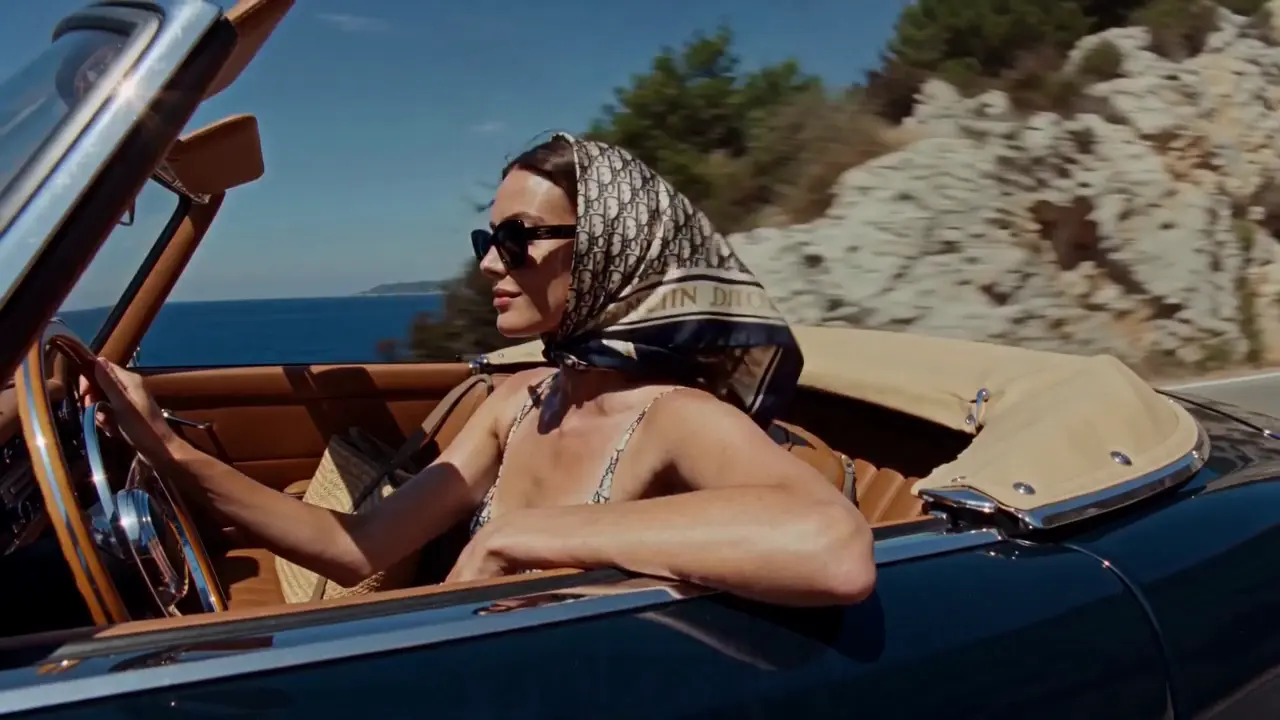
Social stories
Turn a travel memory or a personal idea into a visual direction for a short post. Define the mood, the setting and the moment you want people to notice.
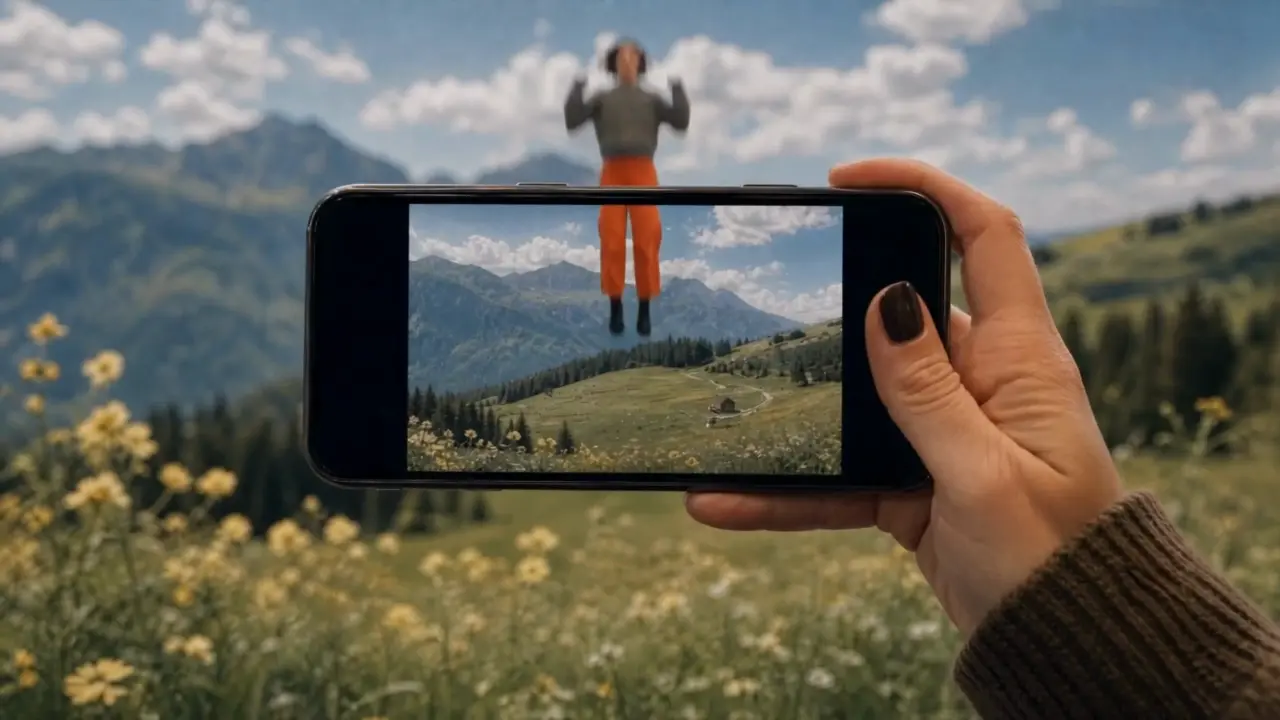
Turn your ideas into images and videos with the Fooocus AI image and video generator. Describe a scene or upload reference material, then choose a model and refine your creation.
Use the AI image and video generator to explore a product launch, a travel memory, or an imagined world. Decide what you want to communicate, then shape the scene and its mood.
Shape the lighting, texture, and composition of your next image. The AI image and video generator offers text-to-image and image editing modes so you can start from an idea or an existing picture.
Combine your subject with its surroundings, lighting and composition. Try a studio portrait, a clean product image or an illustrated world, then refine one detail at a time.
Start from an existing image in editing mode. Describe the changes you want to make to the setting, colors or style, while naming the details you want to keep.
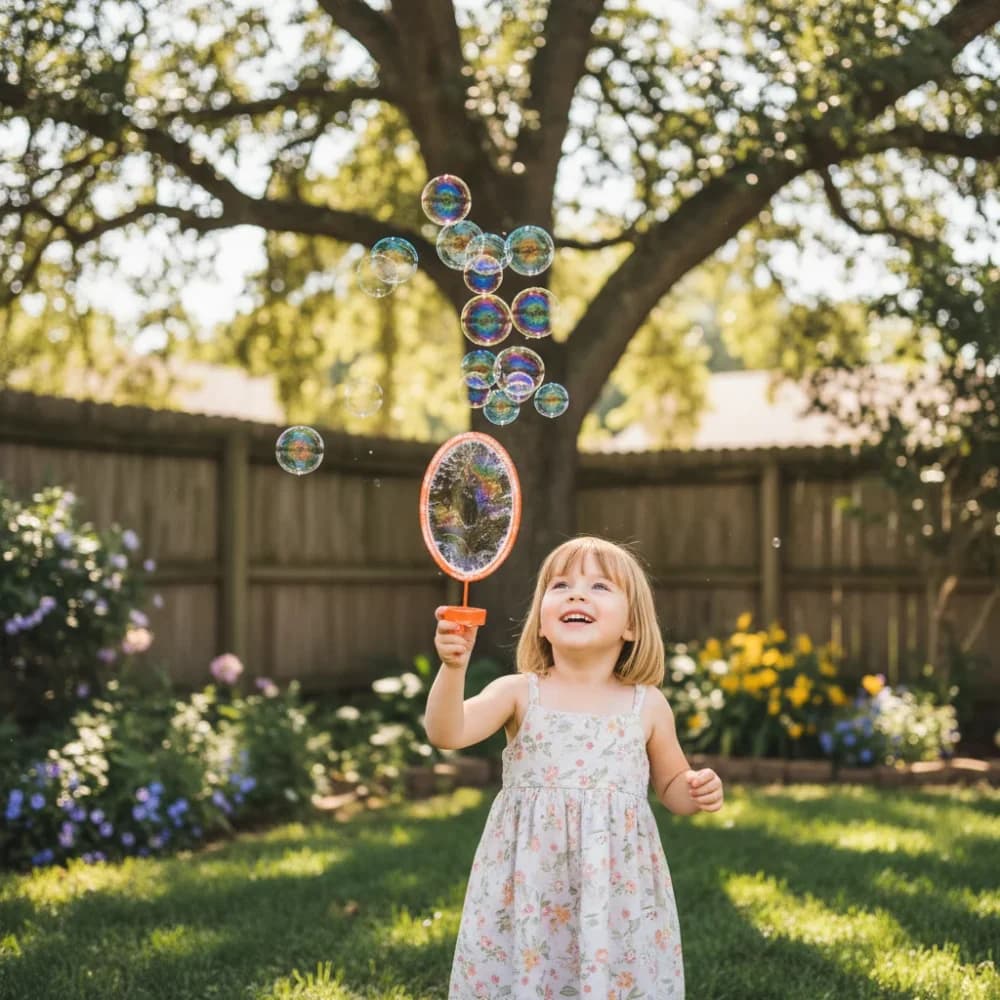
A glance, fabric moving in the wind, a camera approaching its subject. Use the AI image and video generator to describe a moment in motion, starting with text or a suitable reference image.
In image-to-video mode, upload a clear starting frame and describe the movement: a head turn, a passing breeze or a subject walking through the scene.
Describe a close-up, a slow push-in or a wide establishing shot. Set the available duration and aspect ratio for your model, then review the movement and framing in the result.
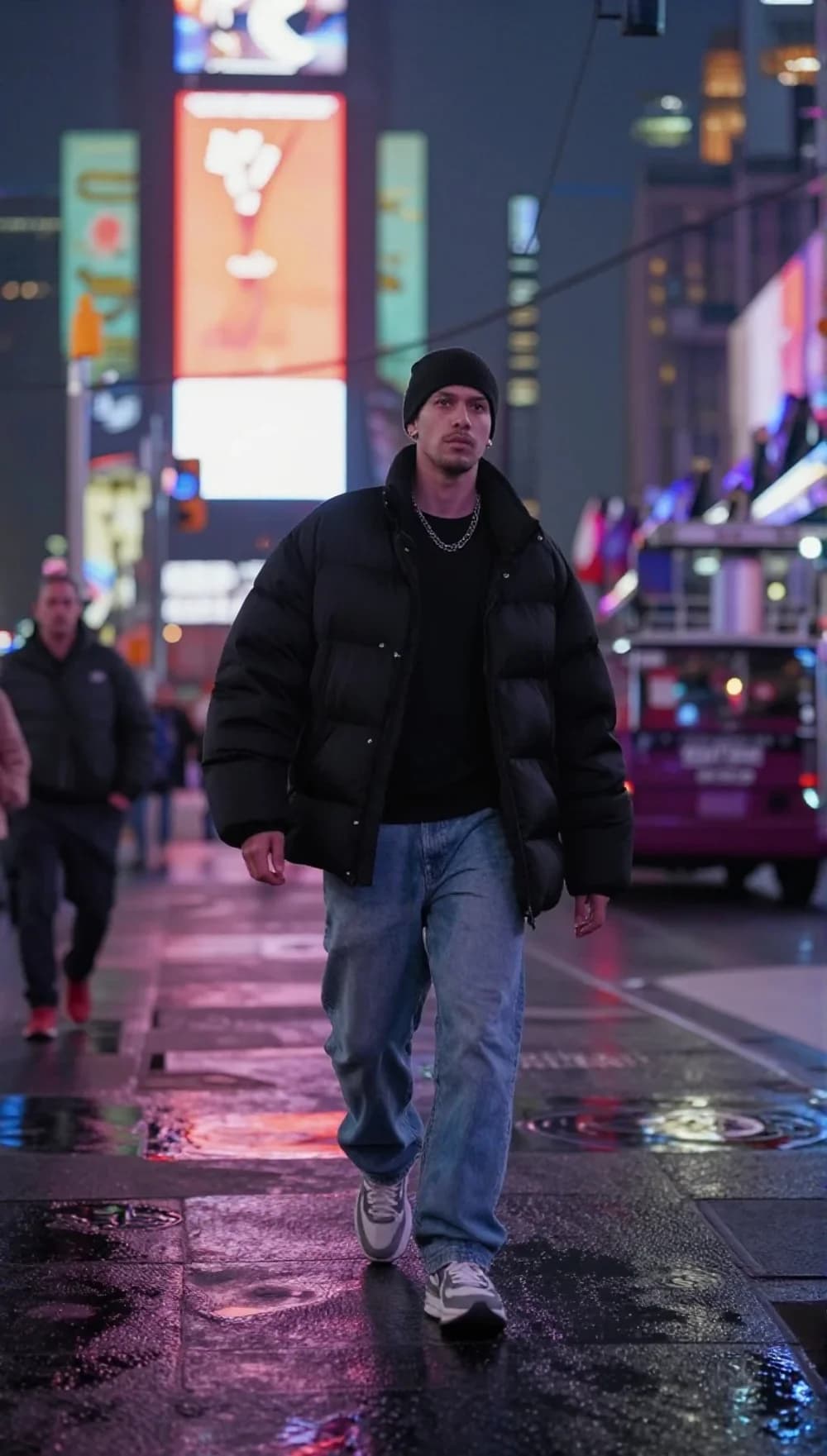
Explore different creative directions in one workspace. Adjust the framing for your intended format, compare versions and keep developing the ones that work.
Turn a travel memory or a personal idea into a visual direction for a short post. Define the mood, the setting and the moment you want people to notice.
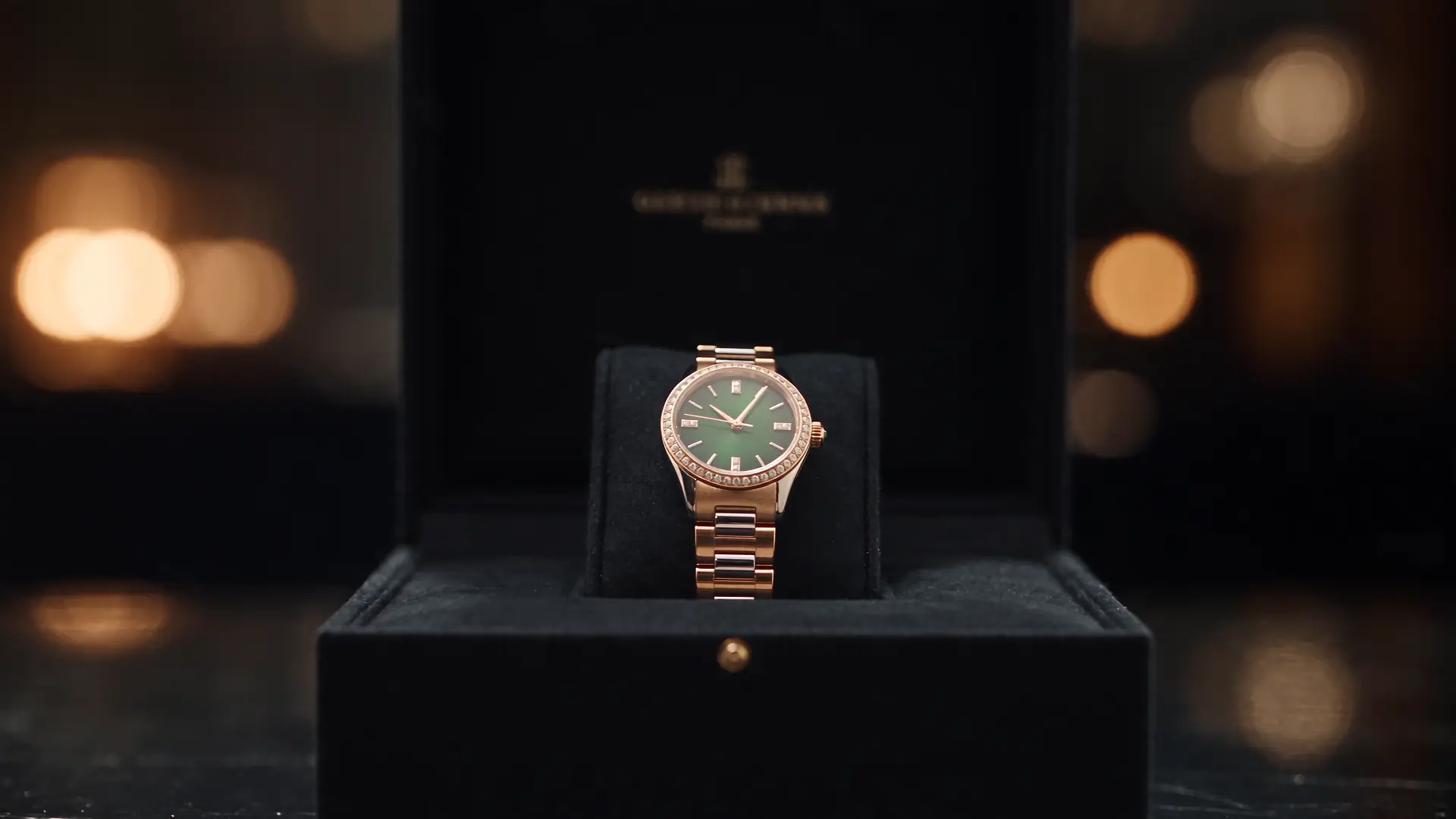
Explore a studio setup, material details or a new setting for your product. Use the images and clips as creative drafts, then check the product details before publishing.
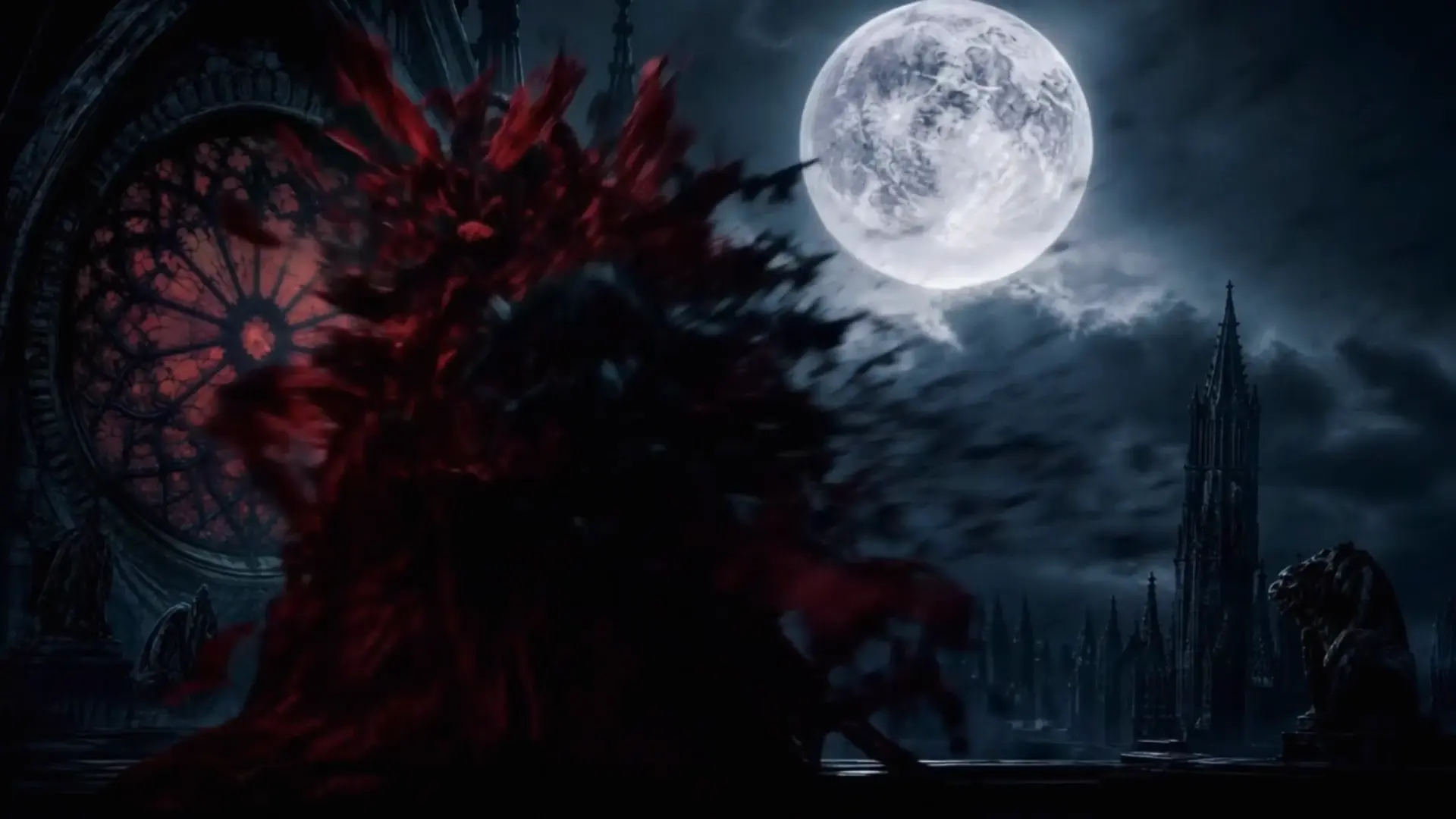
Develop a character, test a location or explore the atmosphere of a scene. Use visual drafts to work through your framing and story ideas.
Select image or video, then choose a model and creation mode. The available settings follow your selection.
Write about the subject, setting, light and style. Add a reference image when your selected mode supports it.
Check the credit estimate before generating. Open History to view the result, then use it again and adjust your next creation.
আপনার আগ্রহের অ্যাপগুলো দেখুন এবং পরবর্তী সৃষ্টির অনুপ্রেরণা খুঁজে নিন।
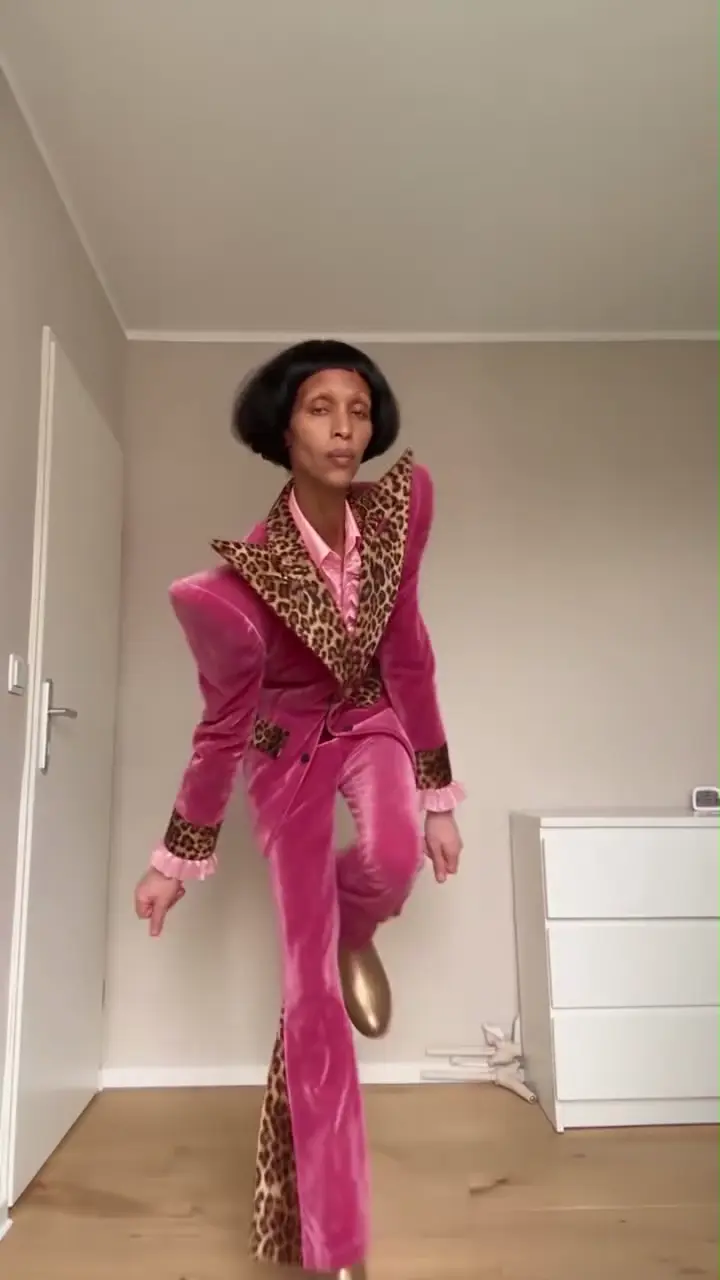
একটি প্রতিকৃতি বা পোষা প্রাণীর ফটোকে একটি নাচের ভিডিওতে পরিণত করুন৷ একটি শৈলী চয়ন করুন এবং আন্দোলন আপনার নিজস্ব করুন.
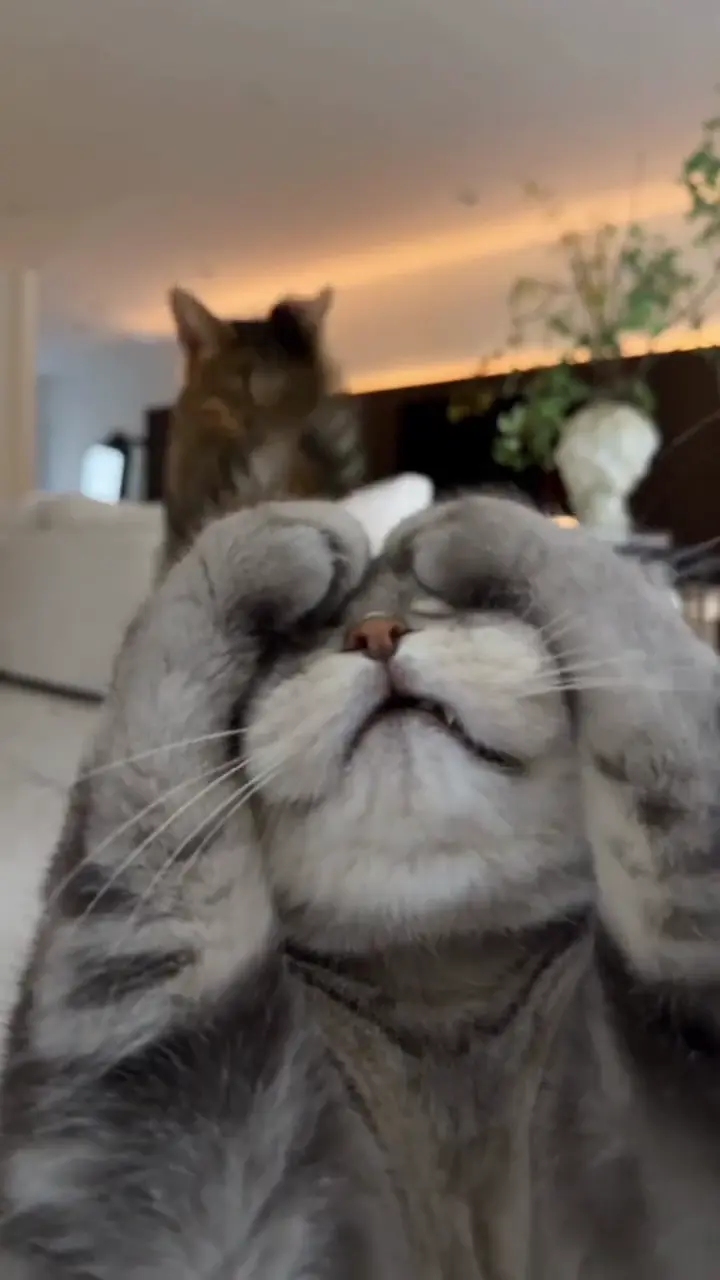
আপনার বিড়ালকে কৌতুকপূর্ণ থাবা উত্তোলন বা Toc Toc-অনুপ্রাণিত চাল দিয়ে অ্যানিমেট করুন।
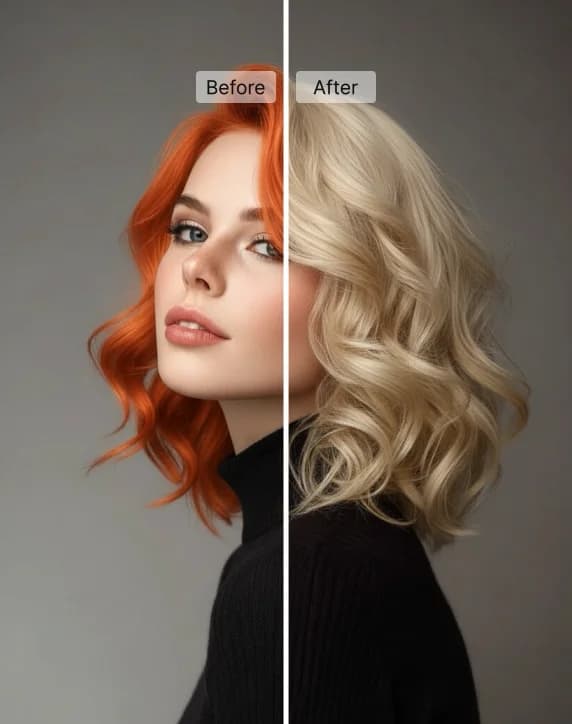
প্রিসেট শেড বা নিজের পছন্দের রং দিয়ে আপনার ছবিতে নতুন চুলের রং পরখ করুন।
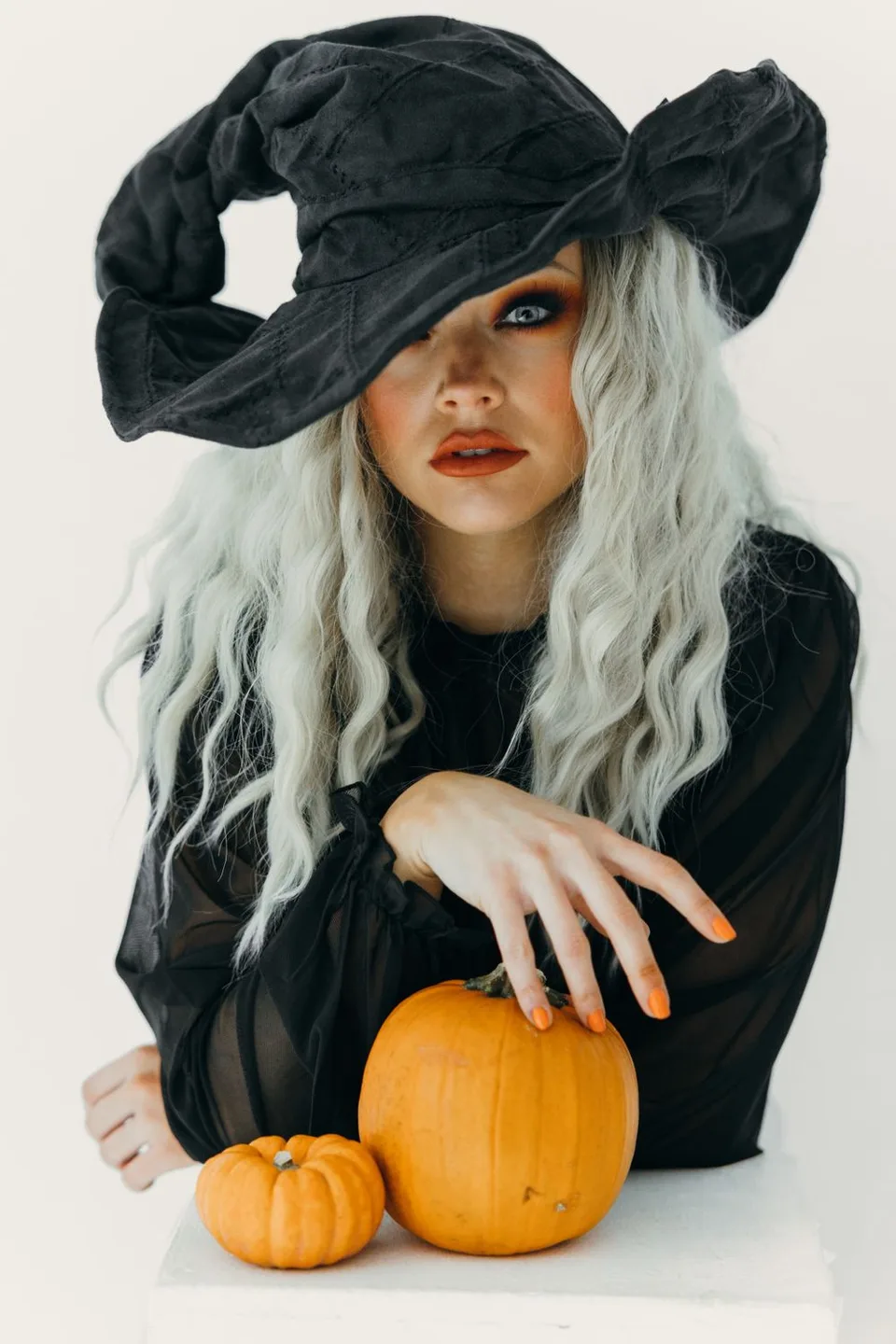
আপনার ছবি দিয়ে আটটি সাজ চেষ্টা করুন, অথবা ঝাড়ুতে চড়া ডাইনির ভিডিও তৈরি করুন।
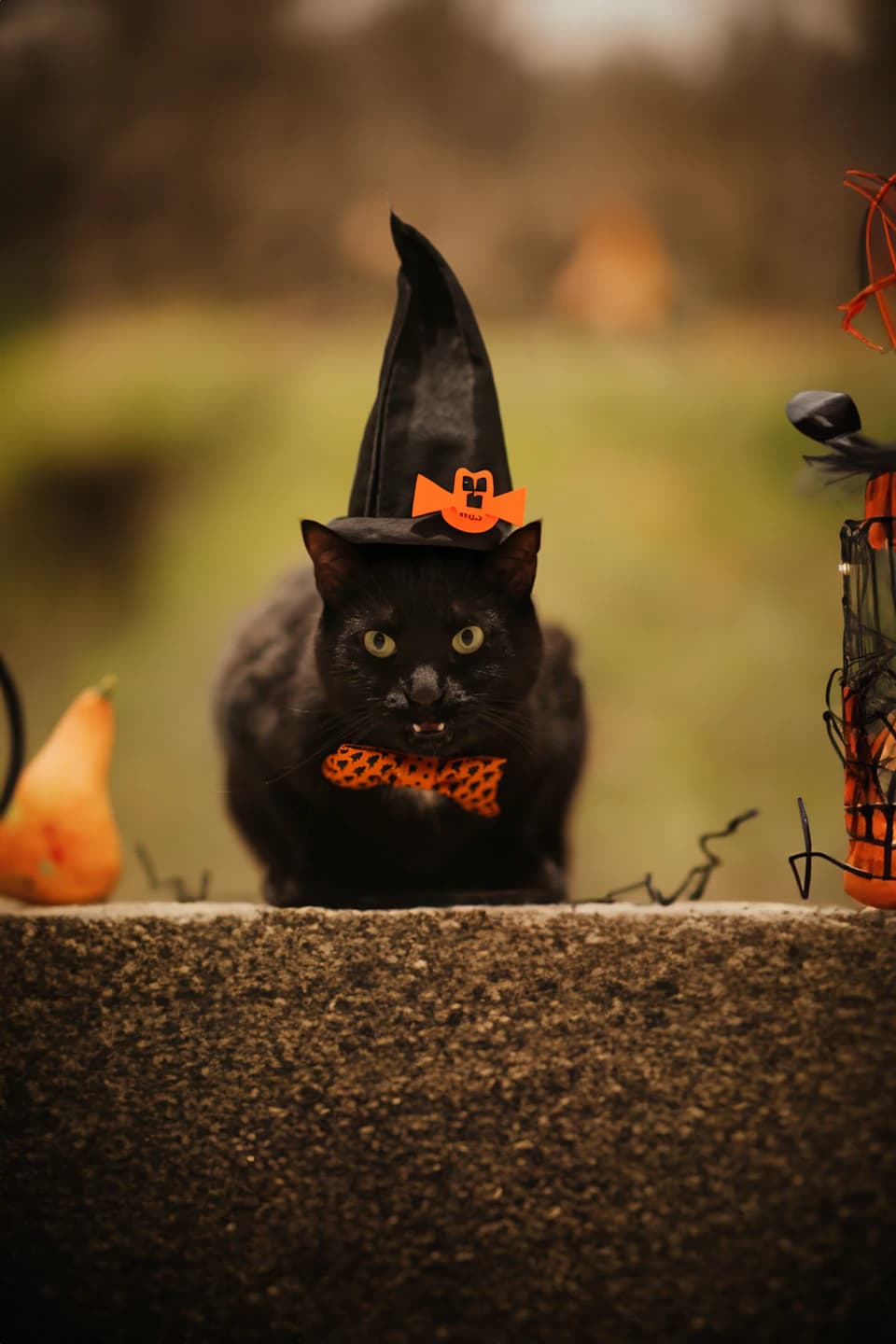
আপনার কুকুর বা বিড়ালকে আটটি মৌলিক হ্যালোইন সাজে সাজান।
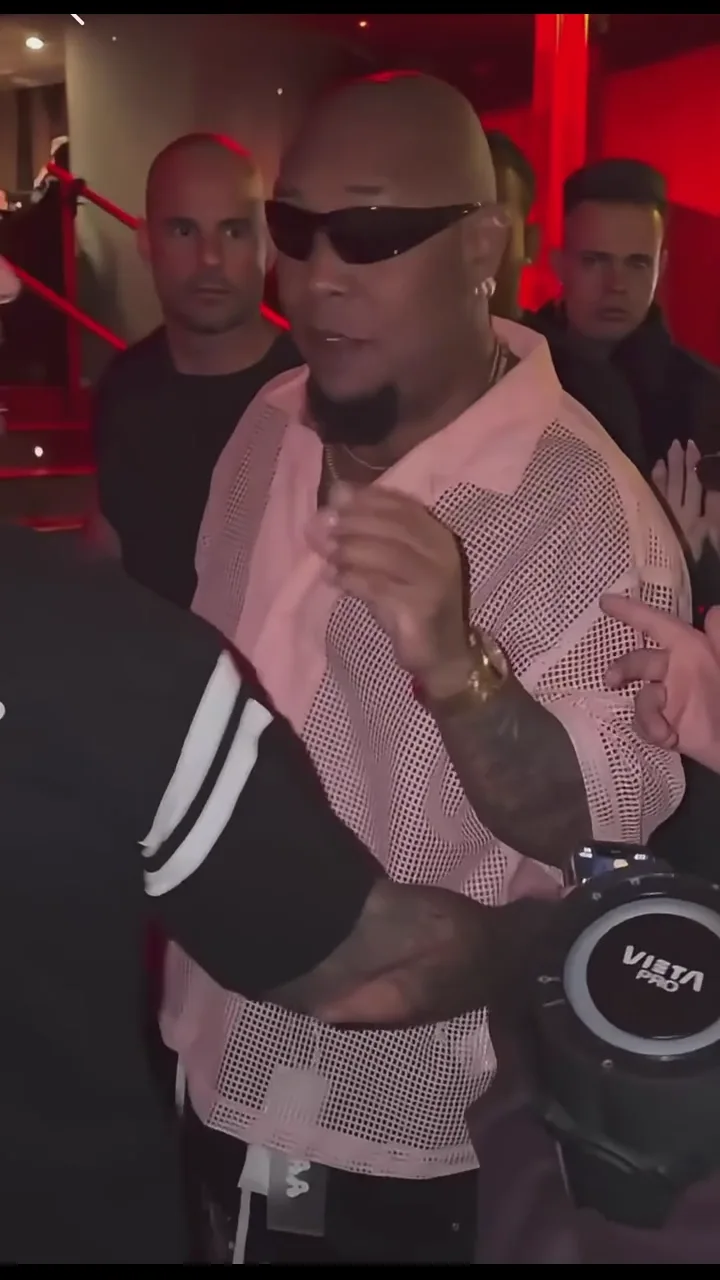
একটি প্রতিকৃতি থেকে নিজের রাস্তার ফ্রিস্টাইল ভিডিও তৈরি করুন।
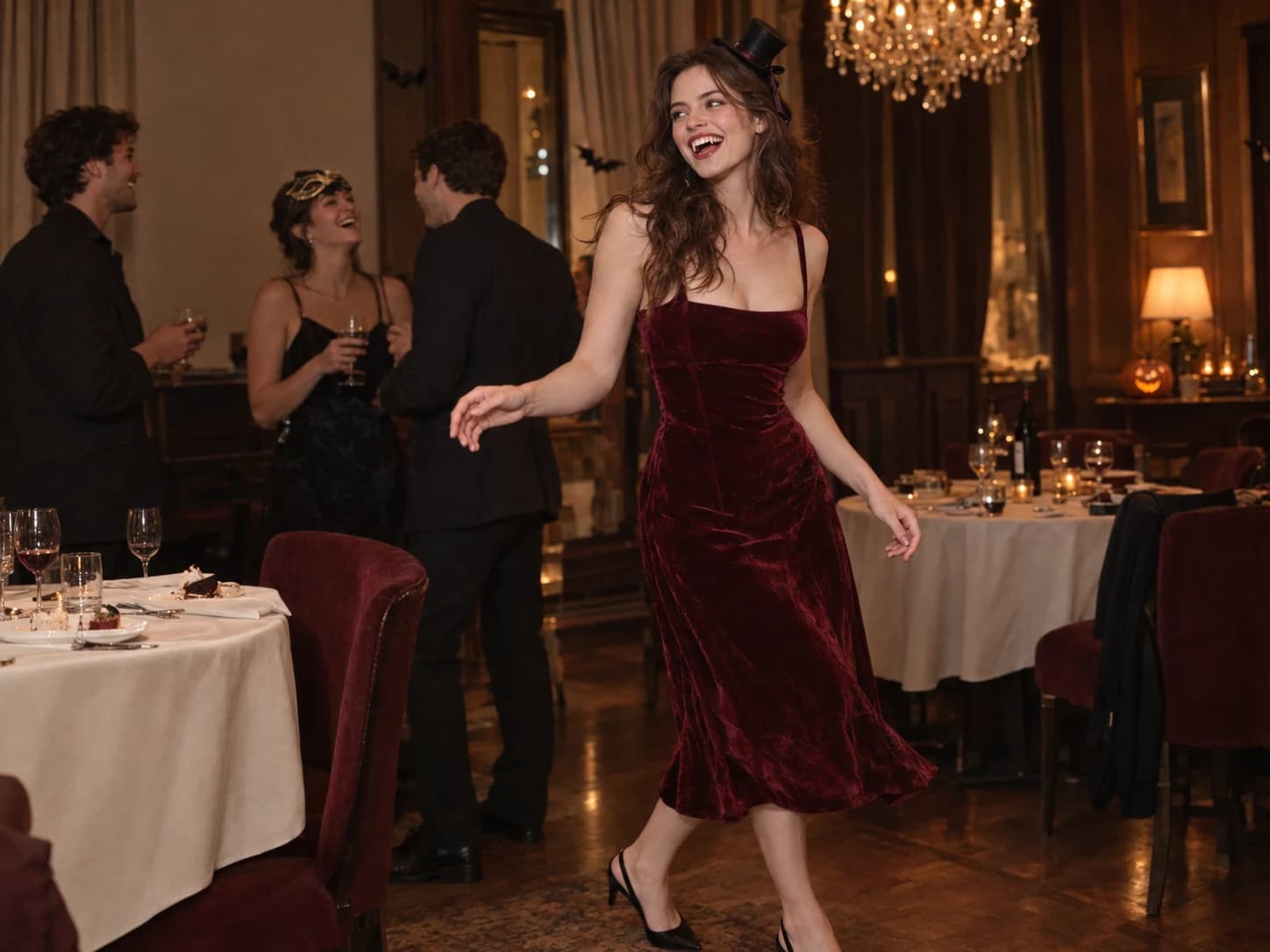
একটি ছবি দিয়ে নিজের Burning Bridges পার্টি ভিডিও তৈরি করুন।
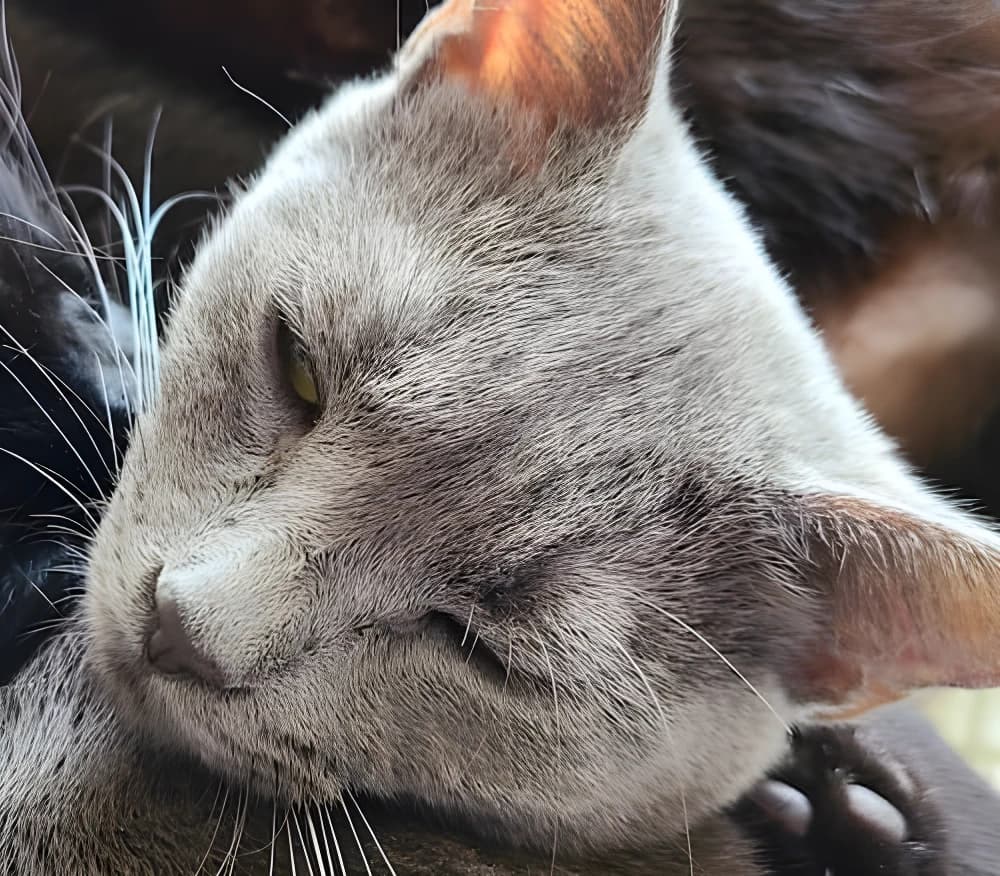
ছবি বড় করুন এবং চাইলে মুখের বিবরণ উন্নত করুন।
Explore image and video models in the AI image and video generator. Start with your source material and choose the model that fits your creative task.
GPT Image 2 বিস্তারিত নির্দেশ বোঝা ও ছবি সম্পাদনাকে একত্র করে পণ্যের ছবি, ইলাস্ট্রেশন এবং বিজ্ঞাপন তৈরি করে।
Nano Banana Pro পোস্টার, ইনফোগ্রাফিক ও পণ্যের মকআপের জন্য স্পষ্ট লেখা এবং বিস্তারিত ছবি তৈরিকে একত্র করে।
Seedream 5 Pro বাস্তবসম্মত আলো, টেক্সট রেন্ডারিং ও ছবি সম্পাদনাকে একত্র করে পোর্ট্রেট, পোস্টার ও পণ্যের ভিজ্যুয়াল তৈরির জন্য।
FLUX.2 পণ্যের ফটোগ্রাফি ও গ্রাফিক ডিজাইনের জন্য সূক্ষ্ম আলো, বিন্যাস নিয়ন্ত্রণ এবং টাইপোগ্রাফি একত্র করে।
Seedance 2.5 সংযুক্ত দৃশ্য ও শব্দ নিয়ন্ত্রণের জন্য একাধিক শটের পরিচালনার সঙ্গে ছবি ও অডিও রেফারেন্স যুক্ত করে।
WAN 3.0 সামঞ্জস্যপূর্ণ গতির ভিডিওর জন্য চলচ্চিত্রধর্মী দৃশ্য, রেফারেন্স নির্দেশনা ও ক্যামেরা নিয়ন্ত্রণ একত্র করে।
MiniMax H3 গল্পভিত্তিক ভিডিওর জন্য চরিত্রের অভিনয়, ক্যামেরার গতি এবং কণ্ঠ নিয়ন্ত্রণ একত্র করে।
Gemini Omni বিষয়, গতি ও দৃশ্যের জন্য দৃশ্যগত রেফারেন্সসহ কথোপকথনের মাধ্যমে ভিডিও সম্পাদনার সুবিধা দেয়।
Yes. Text-to-image and text-to-video modes start with a prompt. Image editing and image-to-video modes require reference material according to the selected model.
Start with your task: generating an image, editing an image or creating a video. Choose an available model for that mode and check its settings. Supported inputs and output options vary by model.
Start with the subject and setting, then add the light, style or camera direction. For video, focus on one main action, such as a person looking toward a window while the camera moves closer. Change one detail at a time to make versions easier to compare.
The AI image and video generator shows an estimated credit cost on the generation button based on your model, settings, and quantity. Check it before submitting; changing these choices can change the cost.
Open History in this workspace to review your generation tasks and results. Use the available actions on a completed result to download it or create again.