
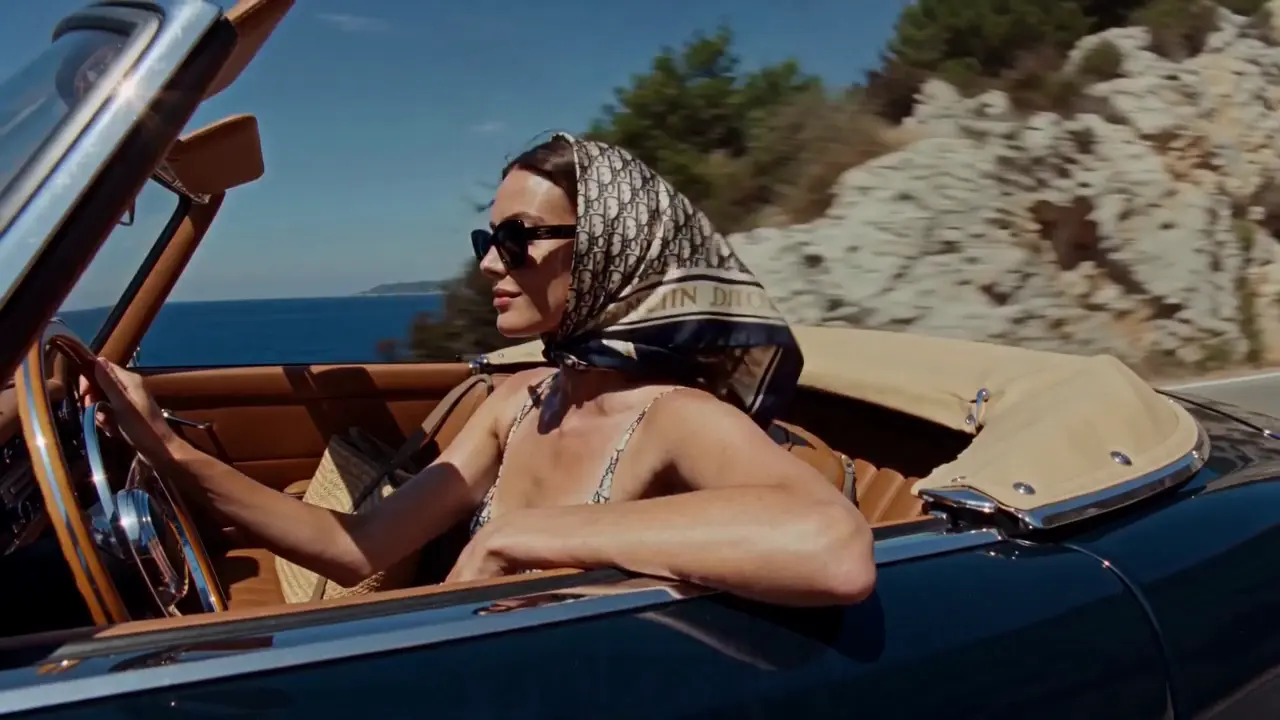
Social stories
Turn a travel memory or a personal idea into a visual direction for a short post. Define the mood, the setting and the moment you want people to notice.
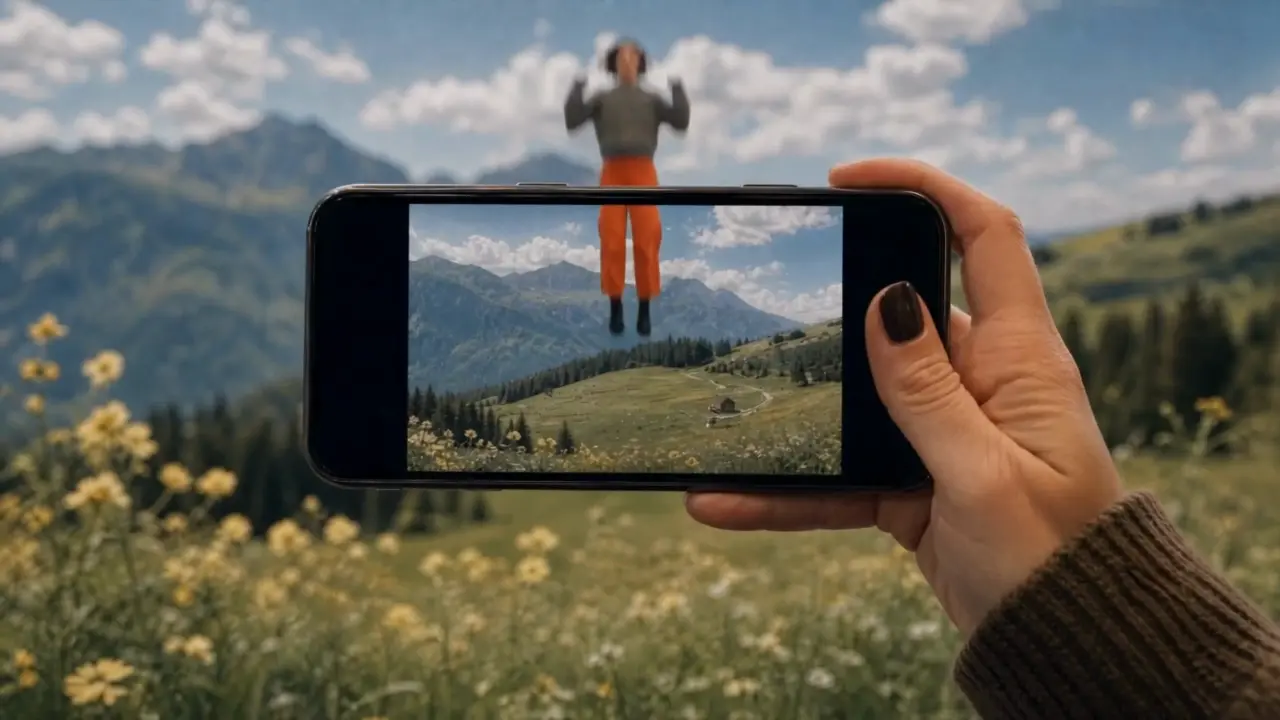
Turn your ideas into images and videos with the Fooocus AI image and video generator. Describe a scene or upload reference material, then choose a model and refine your creation.
Use the AI image and video generator to explore a product launch, a travel memory, or an imagined world. Decide what you want to communicate, then shape the scene and its mood.
Shape the lighting, texture, and composition of your next image. The AI image and video generator offers text-to-image and image editing modes so you can start from an idea or an existing picture.
Combine your subject with its surroundings, lighting and composition. Try a studio portrait, a clean product image or an illustrated world, then refine one detail at a time.
Start from an existing image in editing mode. Describe the changes you want to make to the setting, colors or style, while naming the details you want to keep.
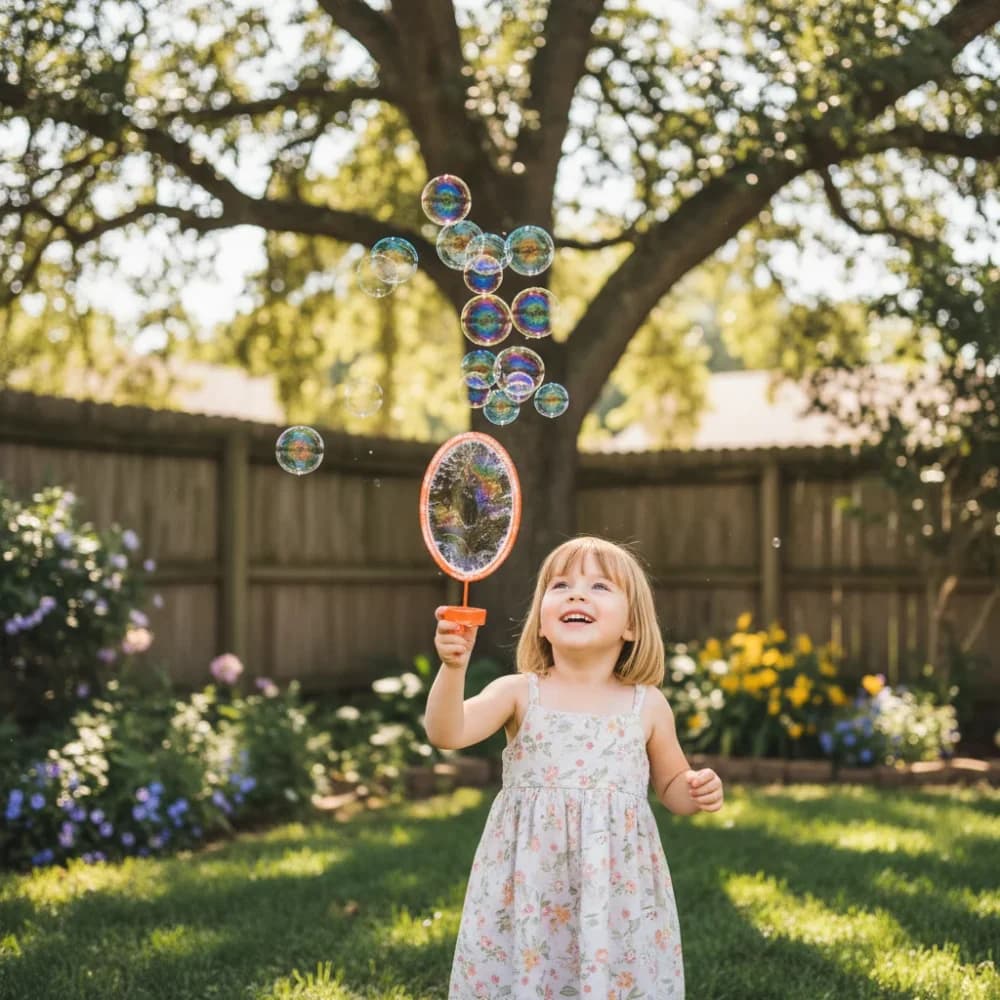
A glance, fabric moving in the wind, a camera approaching its subject. Use the AI image and video generator to describe a moment in motion, starting with text or a suitable reference image.
In image-to-video mode, upload a clear starting frame and describe the movement: a head turn, a passing breeze or a subject walking through the scene.
Describe a close-up, a slow push-in or a wide establishing shot. Set the available duration and aspect ratio for your model, then review the movement and framing in the result.
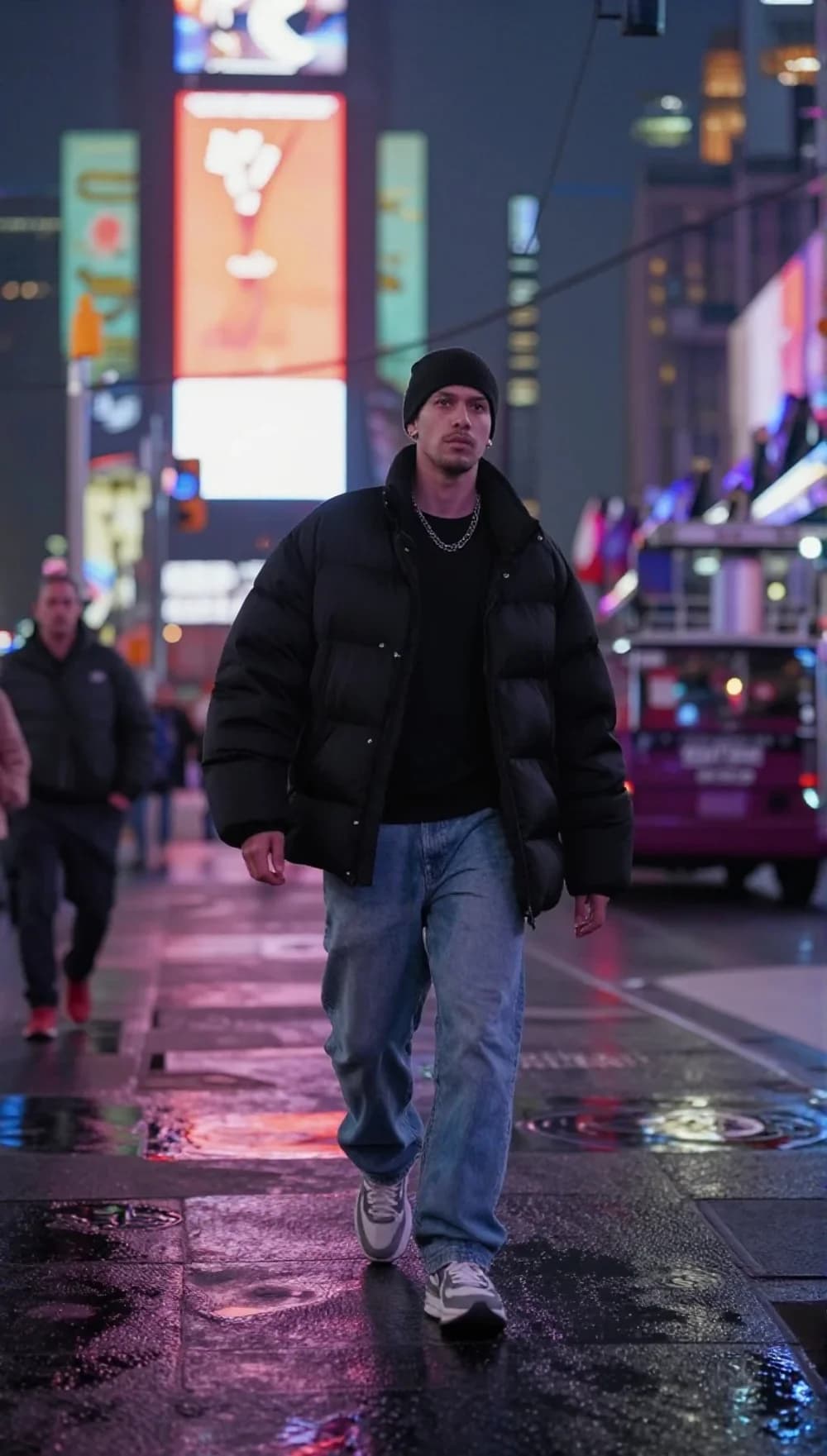
Explore different creative directions in one workspace. Adjust the framing for your intended format, compare versions and keep developing the ones that work.
Turn a travel memory or a personal idea into a visual direction for a short post. Define the mood, the setting and the moment you want people to notice.
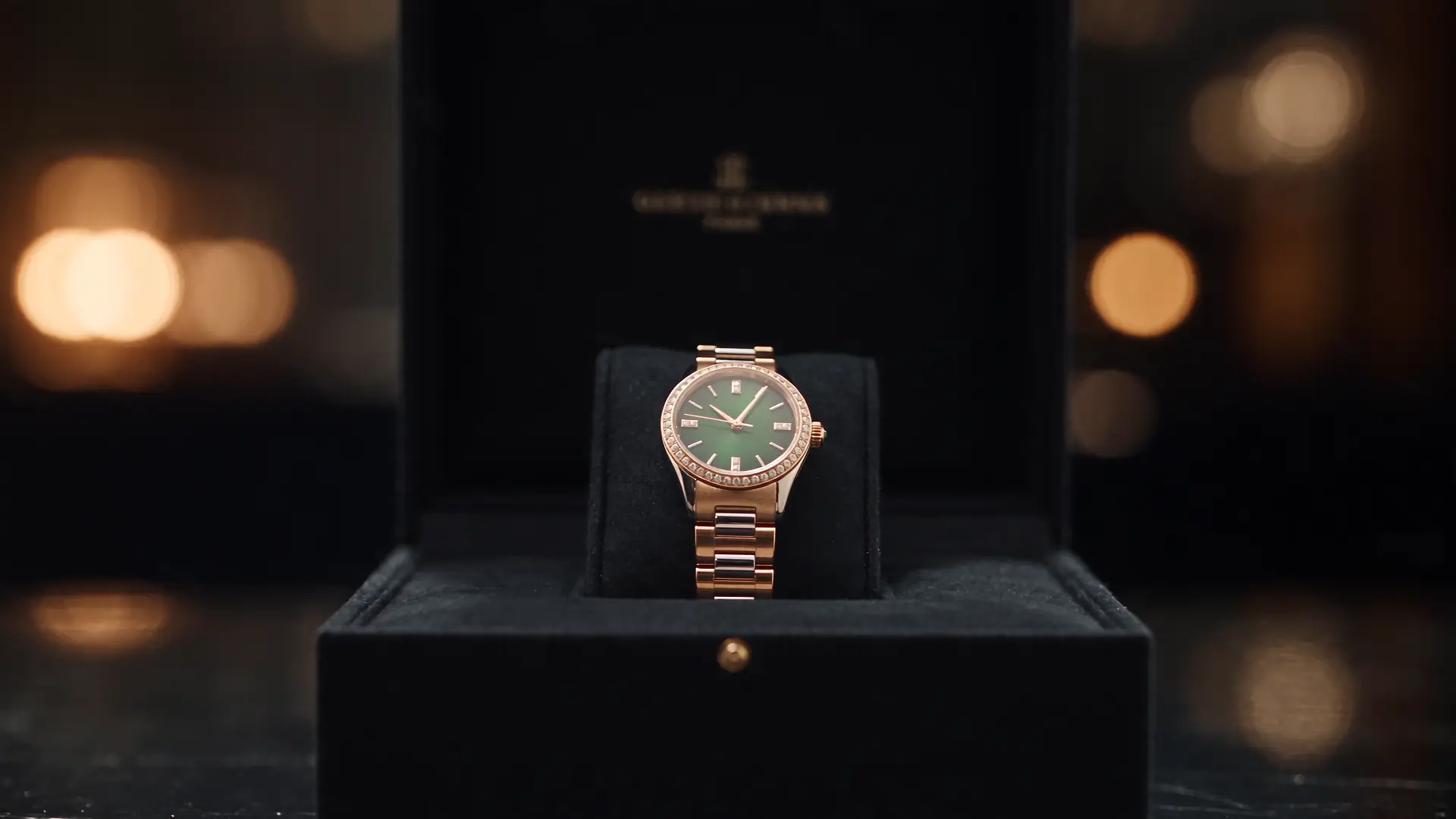
Explore a studio setup, material details or a new setting for your product. Use the images and clips as creative drafts, then check the product details before publishing.
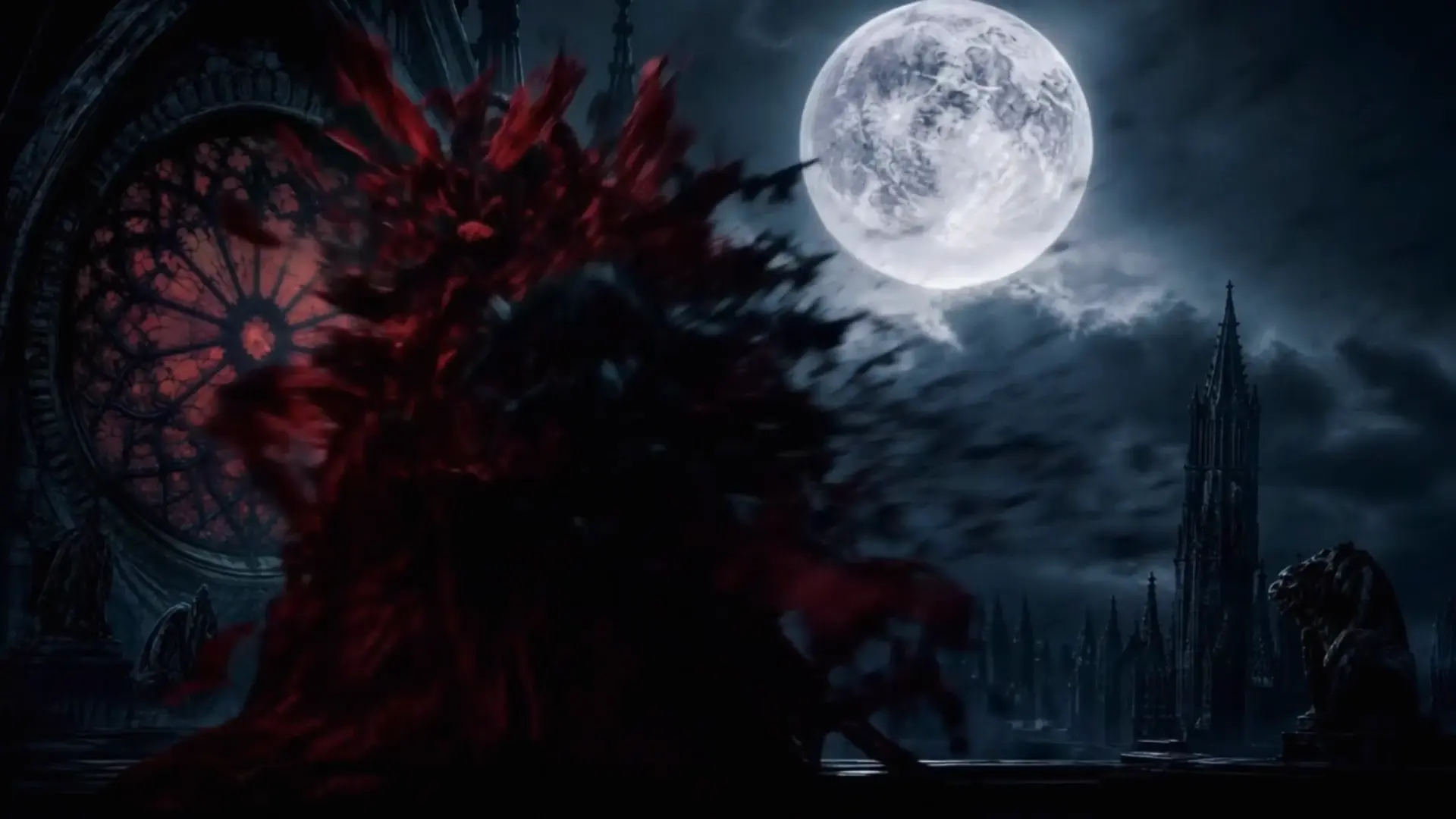
Develop a character, test a location or explore the atmosphere of a scene. Use visual drafts to work through your framing and story ideas.
Select image or video, then choose a model and creation mode. The available settings follow your selection.
Write about the subject, setting, light and style. Add a reference image when your selected mode supports it.
Check the credit estimate before generating. Open History to view the result, then use it again and adjust your next creation.
Сизди кызыктырган колдонмолорду карап, кийинки чыгармаңыз үчүн шыктануу табыңыз.
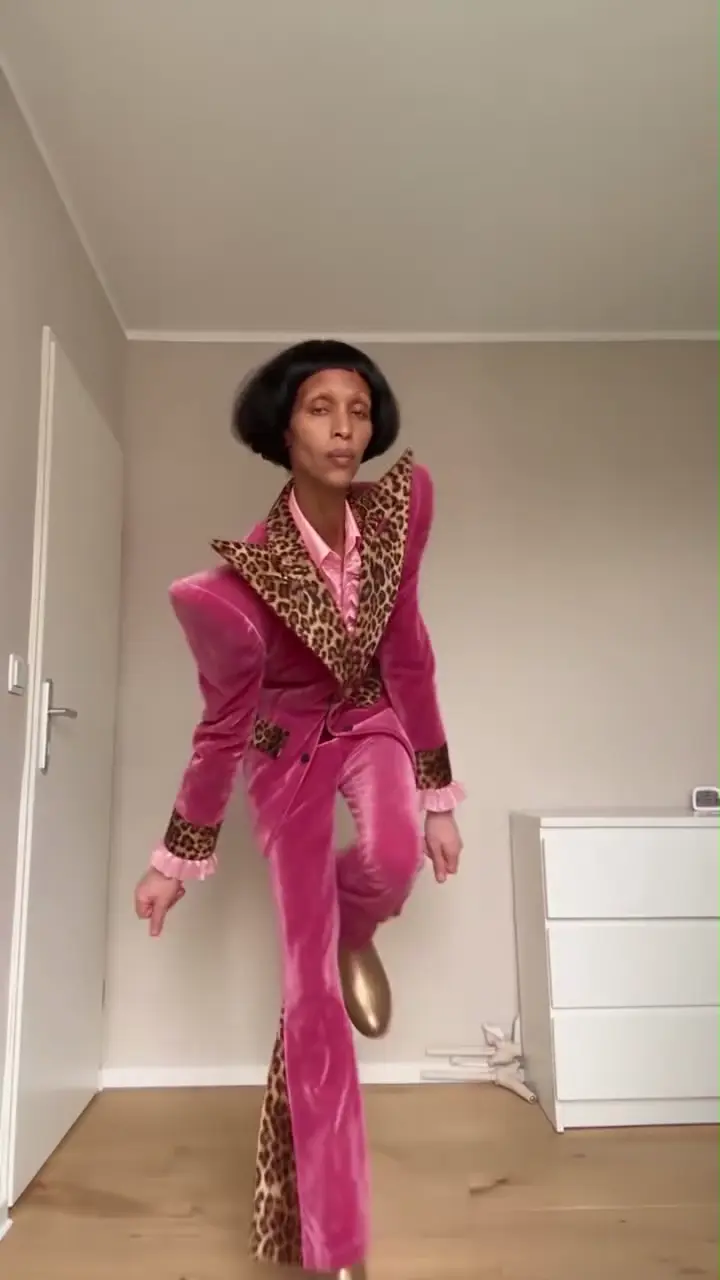
Портретти же үй жаныбарларынын сүрөтүн бий видеосуна айлантыңыз. Стиль тандап, кыймылды өзүңүзгө таандык кылыңыз.
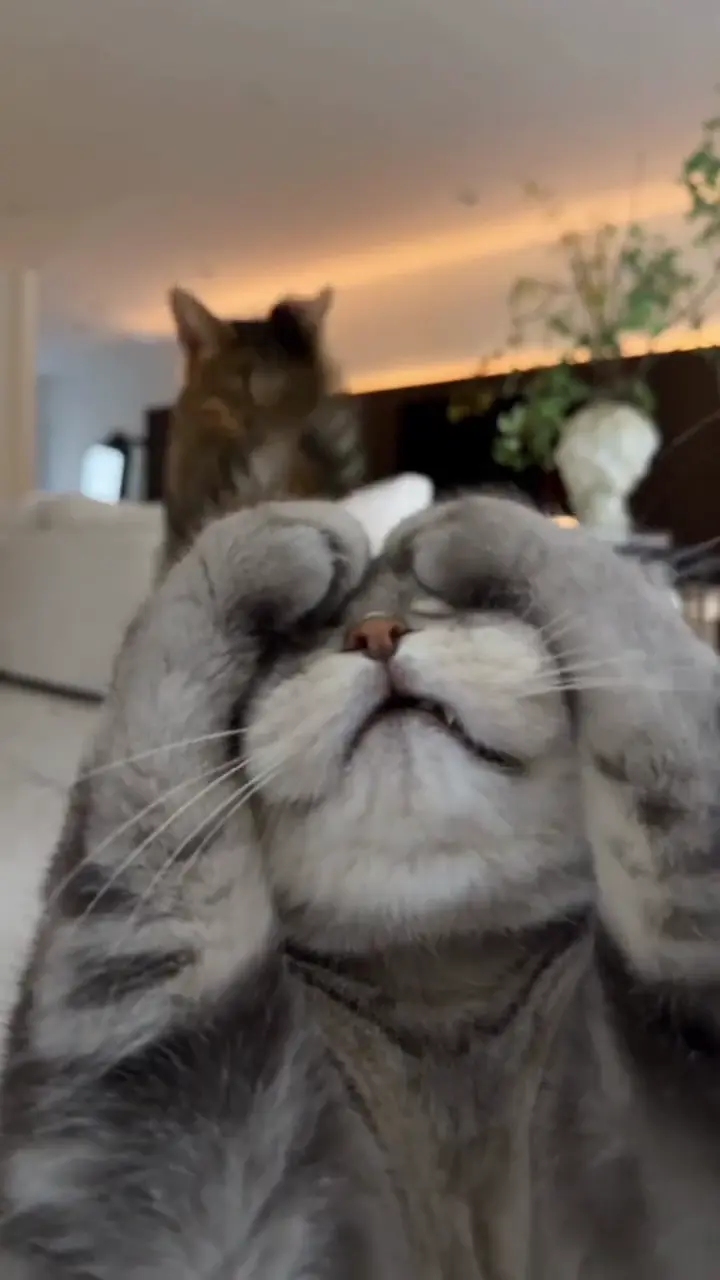
Мышыкыңызды ойноок лап көтөрүү же Toc Toc шыктандырган кыймылдар менен жандандырыңыз.
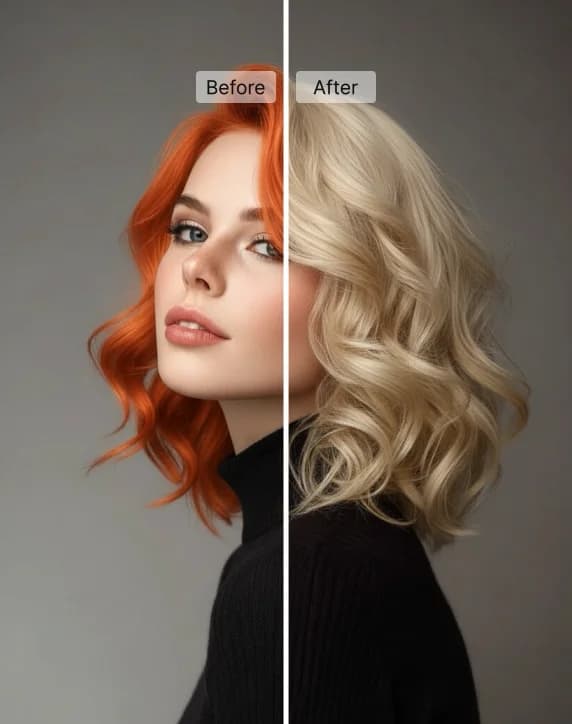
Даяр түстөрдү же өзүңүз тандаган түстү колдонуп, сүрөтүңүздө чачтын жаңы түсүн сынап көрүңүз.
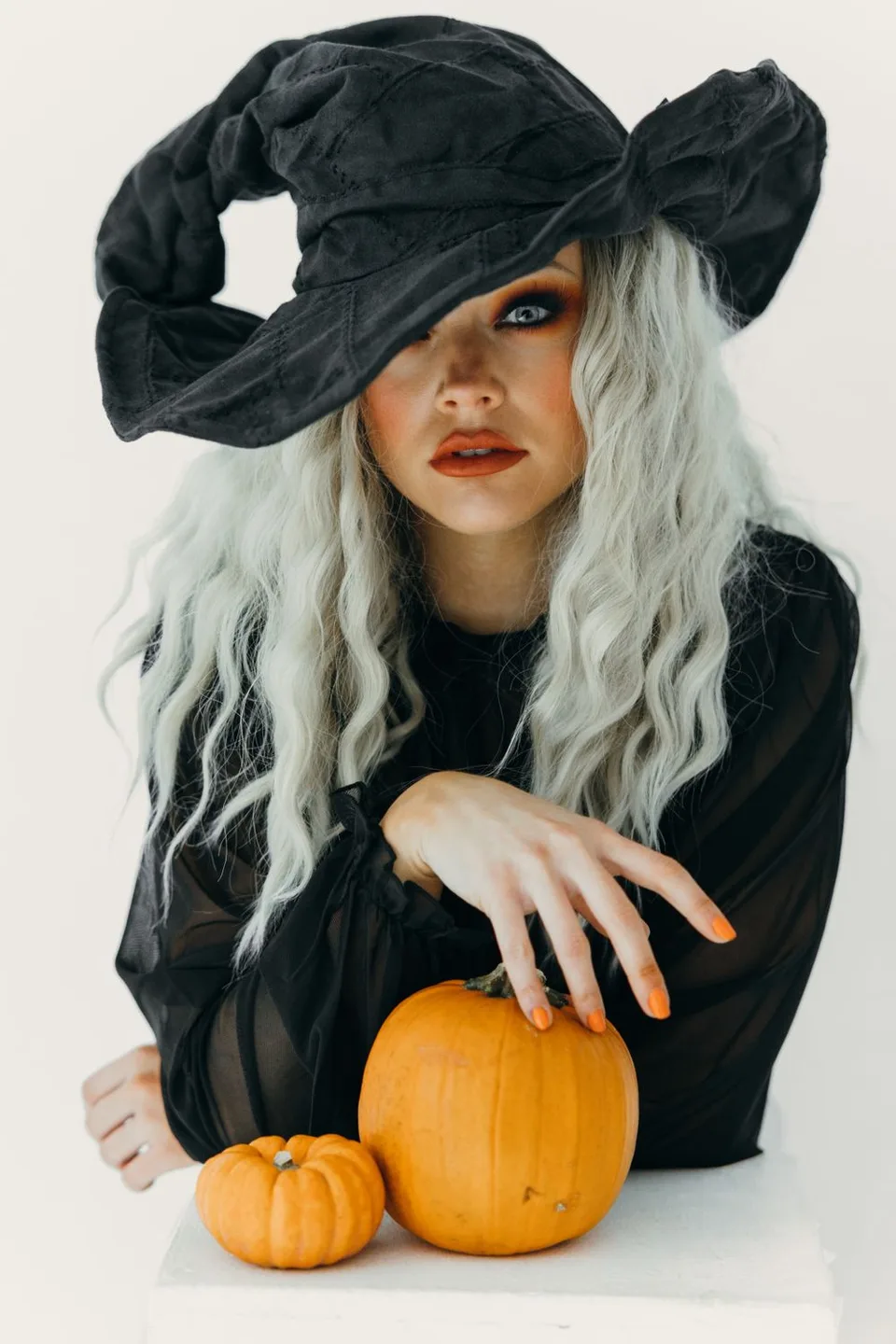
Сүрөтүңүз менен сегиз костюмду сынап көрүңүз же шыпыргы минген сыйкырчынын видеосун жасаңыз.
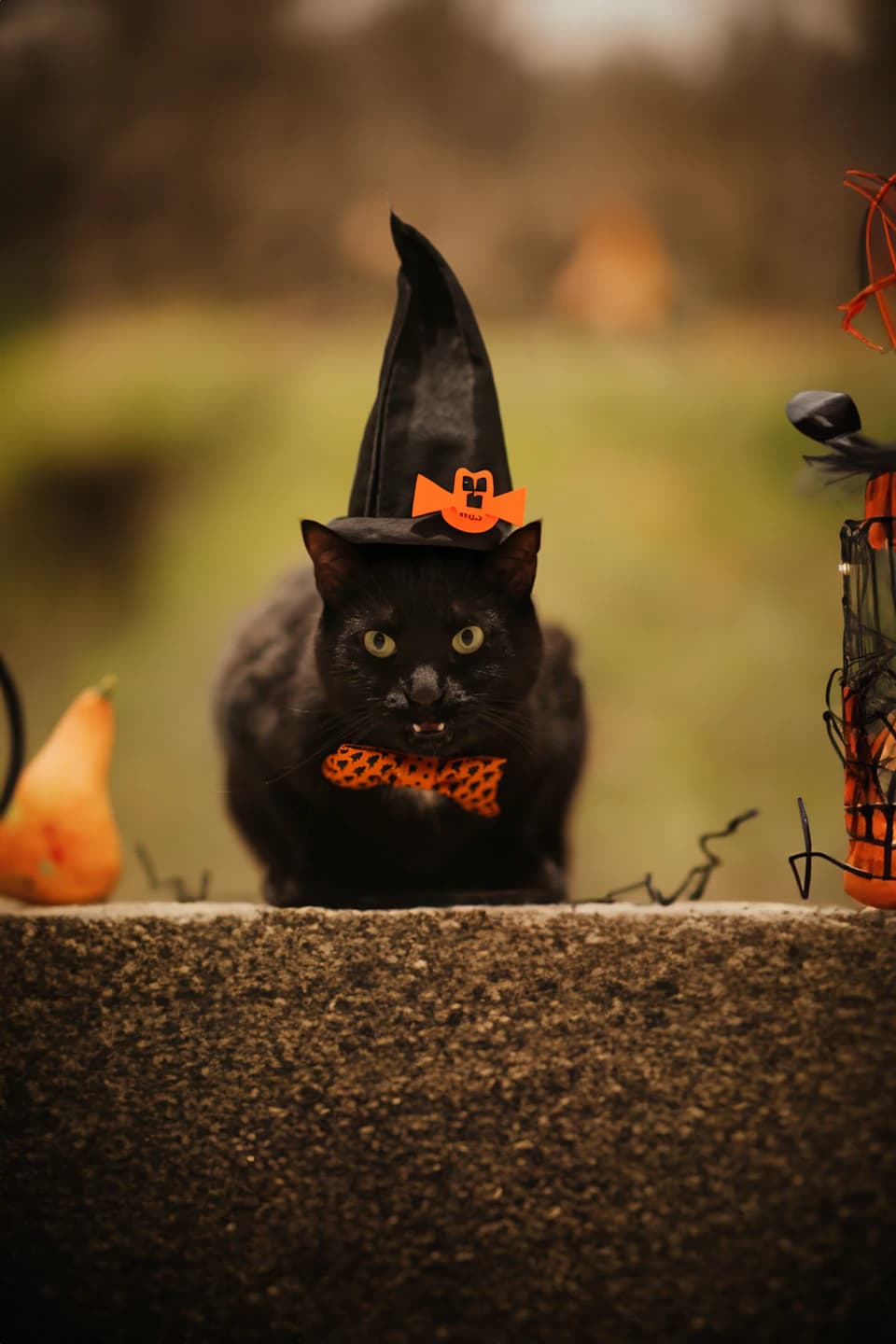
Итиңизди же мышыгыңызды Хэллоуинге арналган сегиз өзгөчө костюмга кийинтиңиз.
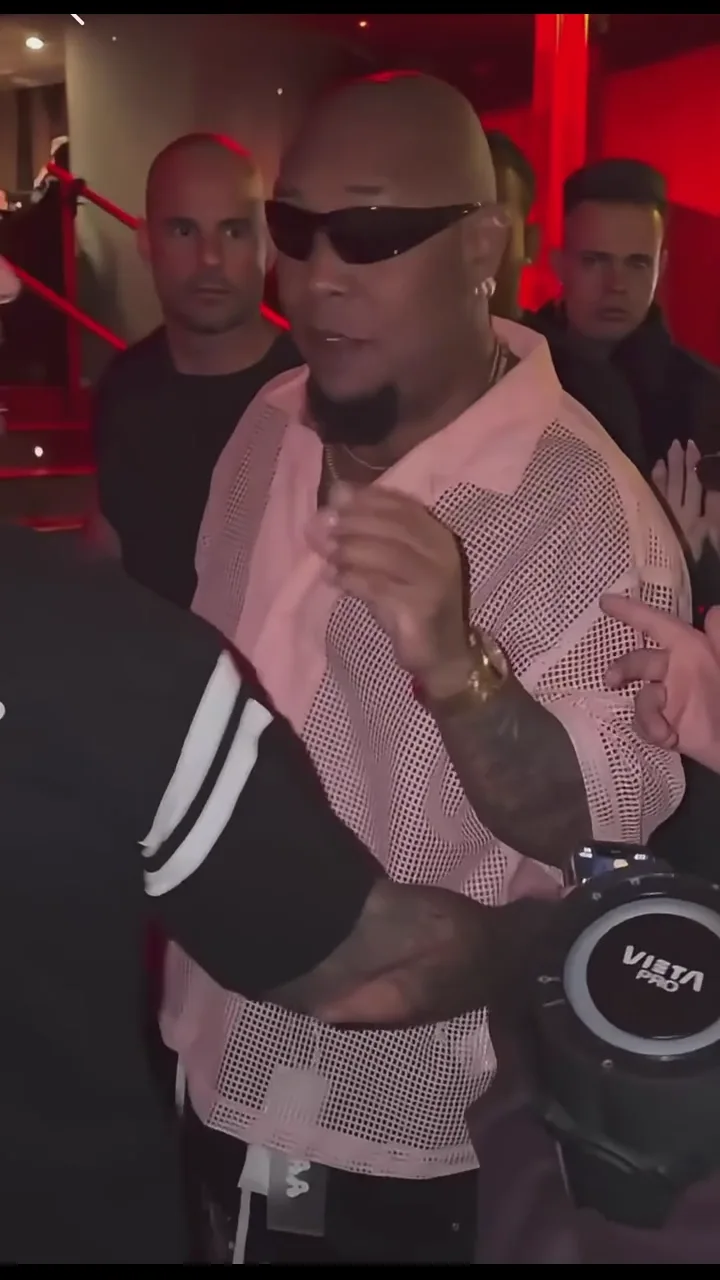
Портреттен өзүңүздүн көчө фристайл видеоңузду түзүңүз.
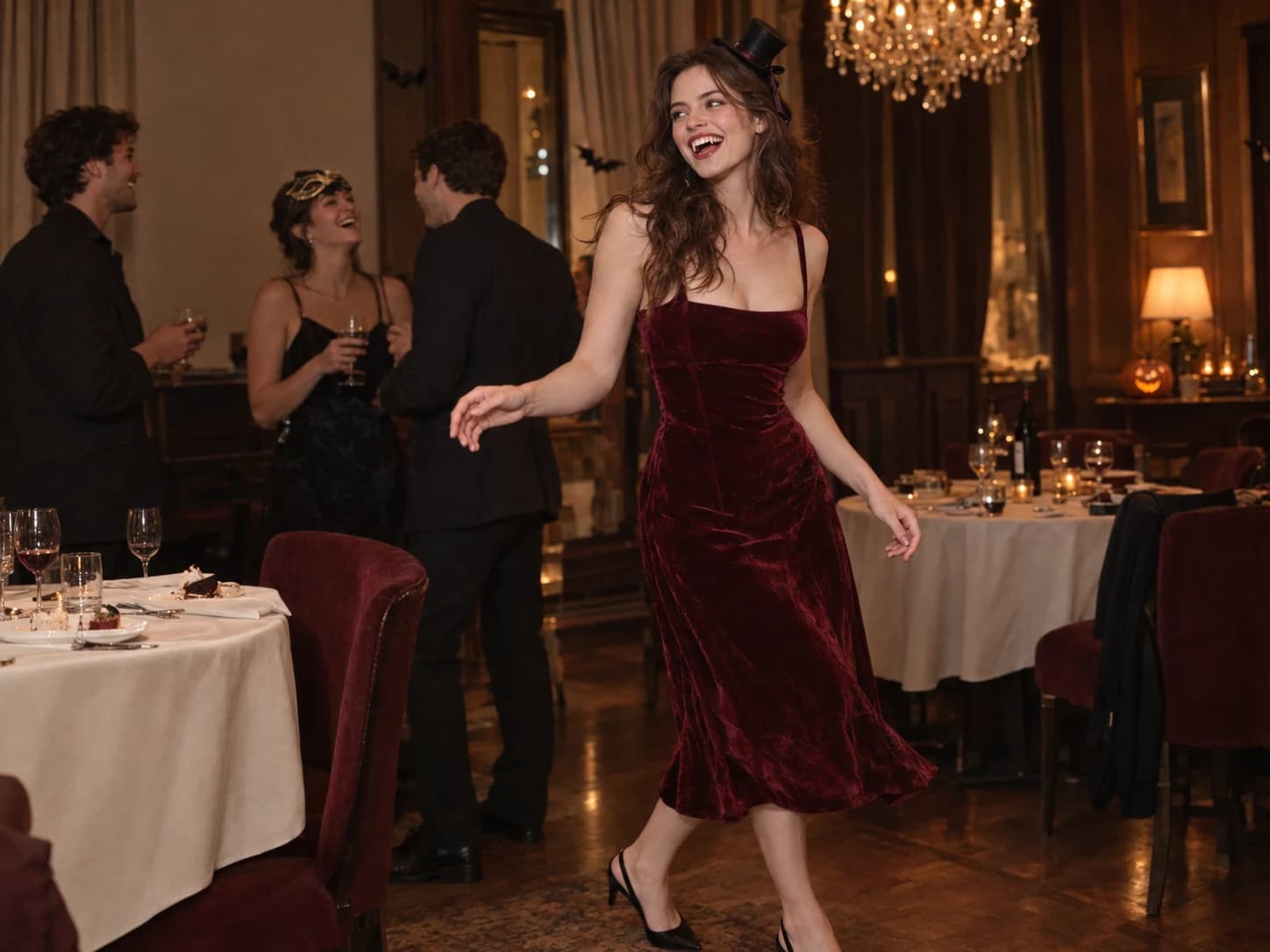
Бир сүрөттөн өзүңүздүн Burning Bridges кечеси тууралуу видео түзүңүз.
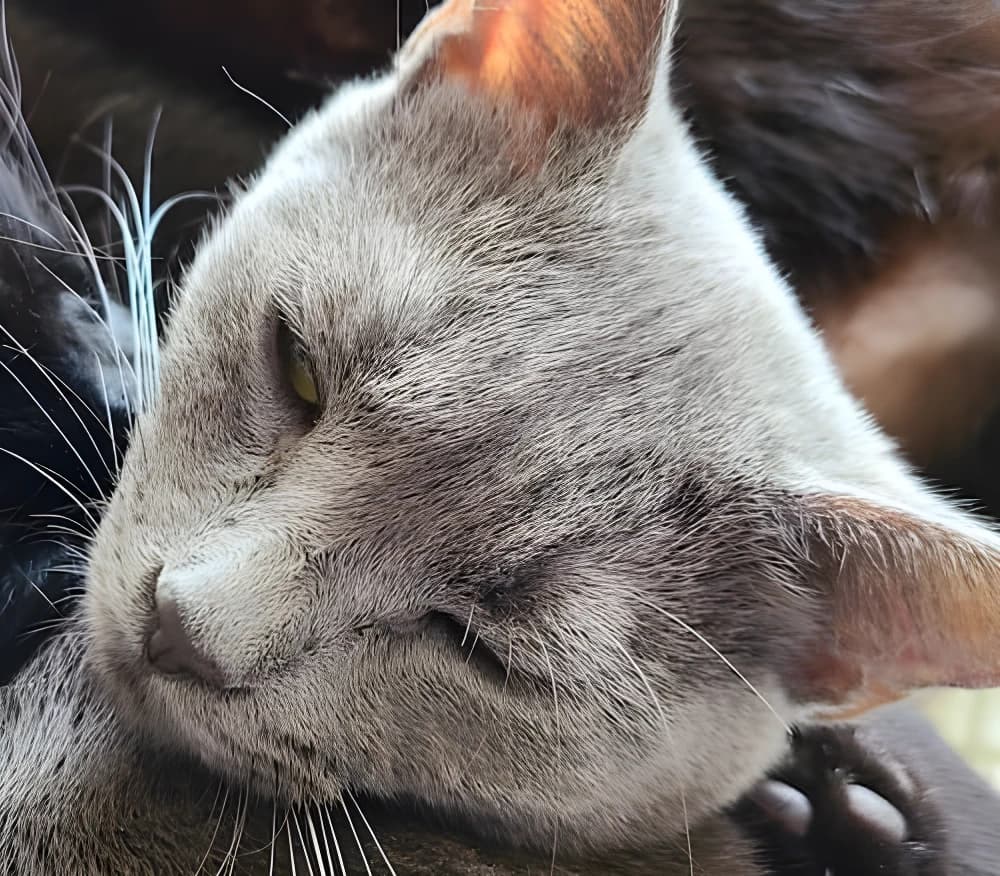
Сүрөттөрдү чоңойтуп, керек болсо жүздөрдүн деталдарын жакшыртыңыз.
Explore image and video models in the AI image and video generator. Start with your source material and choose the model that fits your creative task.
GPT Image 2 товар сүрөттөрүн, иллюстрацияларды жана жарнамаларды түзүү үчүн кеңири көрсөтмөлөрдү түшүнүүнү сүрөт түзөтүү менен айкалыштырат.
Nano Banana Pro плакаттар, инфографикалар жана товар макеттери үчүн так текстти деталдуу сүрөт түзүү менен айкалыштырат.
Seedream 5 Pro портреттерди, плакаттарды жана өнүмдөрдүн визуалдарын түзүү үчүн реалдуу жарыктандырууну, текстти чагылдырууну жана сүрөттү түзөтүүнү айкалыштырат.
FLUX.2 товар фотографиясы жана графикалык дизайн үчүн деталдуу жарыкты, композицияны башкарууну жана типографияны айкалыштырат.
Seedance 2.5 байланышкан көрүнүштөр жана үн башкаруу үчүн көп кадрлуу режиссураны сүрөт жана үн үлгүлөрү менен айкалыштырат.
WAN 3.0 ырааттуу кыймылдуу видеолор үчүн кинематографиялык көрүнүштү, үлгүлөрдү жана камераны башкарууну бириктирет.
MiniMax H3 окуялуу видеолор үчүн каармандардын оюнун, камеранын кыймылын жана үндү башкарууну бириктирет.
Gemini Omni объекттер, кыймылдар жана көрүнүштөр үчүн визуалдык үлгүлөрдү колдонуп, диалог аркылуу видео түзөтүүнү сунуштайт.
Yes. Text-to-image and text-to-video modes start with a prompt. Image editing and image-to-video modes require reference material according to the selected model.
Start with your task: generating an image, editing an image or creating a video. Choose an available model for that mode and check its settings. Supported inputs and output options vary by model.
Start with the subject and setting, then add the light, style or camera direction. For video, focus on one main action, such as a person looking toward a window while the camera moves closer. Change one detail at a time to make versions easier to compare.
The AI image and video generator shows an estimated credit cost on the generation button based on your model, settings, and quantity. Check it before submitting; changing these choices can change the cost.
Open History in this workspace to review your generation tasks and results. Use the available actions on a completed result to download it or create again.