
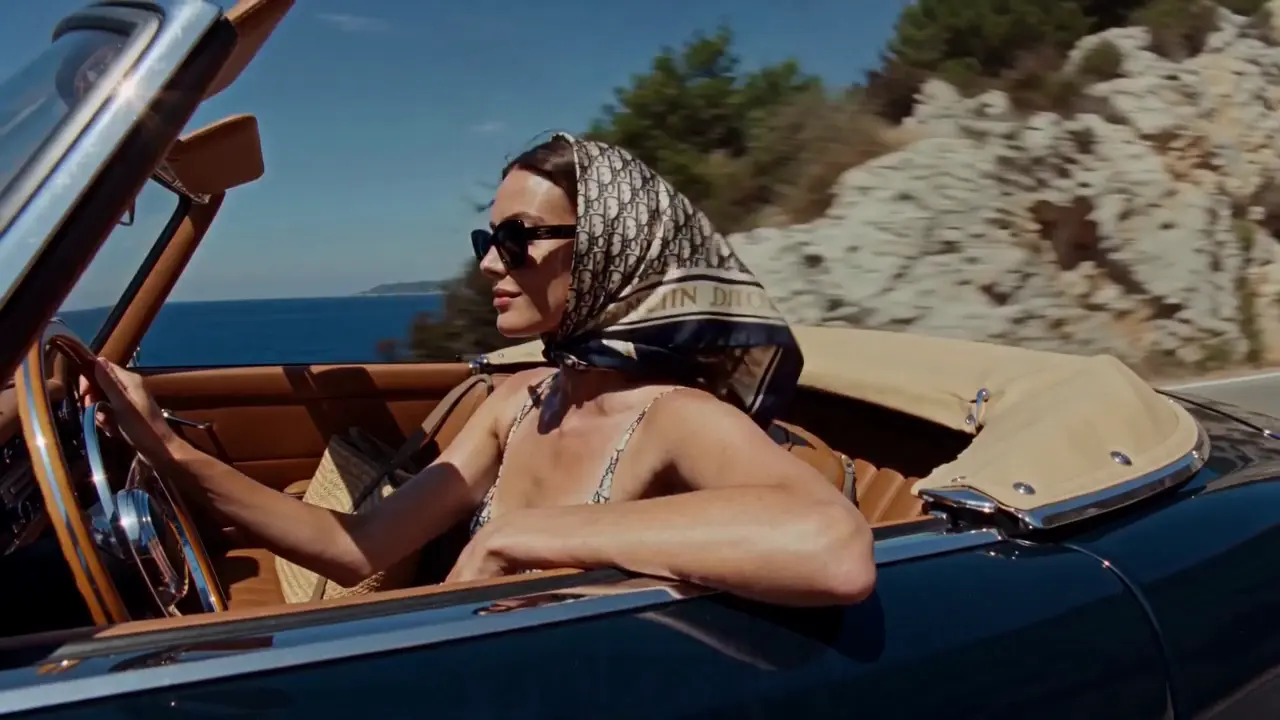
Social stories
Turn a travel memory or a personal idea into a visual direction for a short post. Define the mood, the setting and the moment you want people to notice.
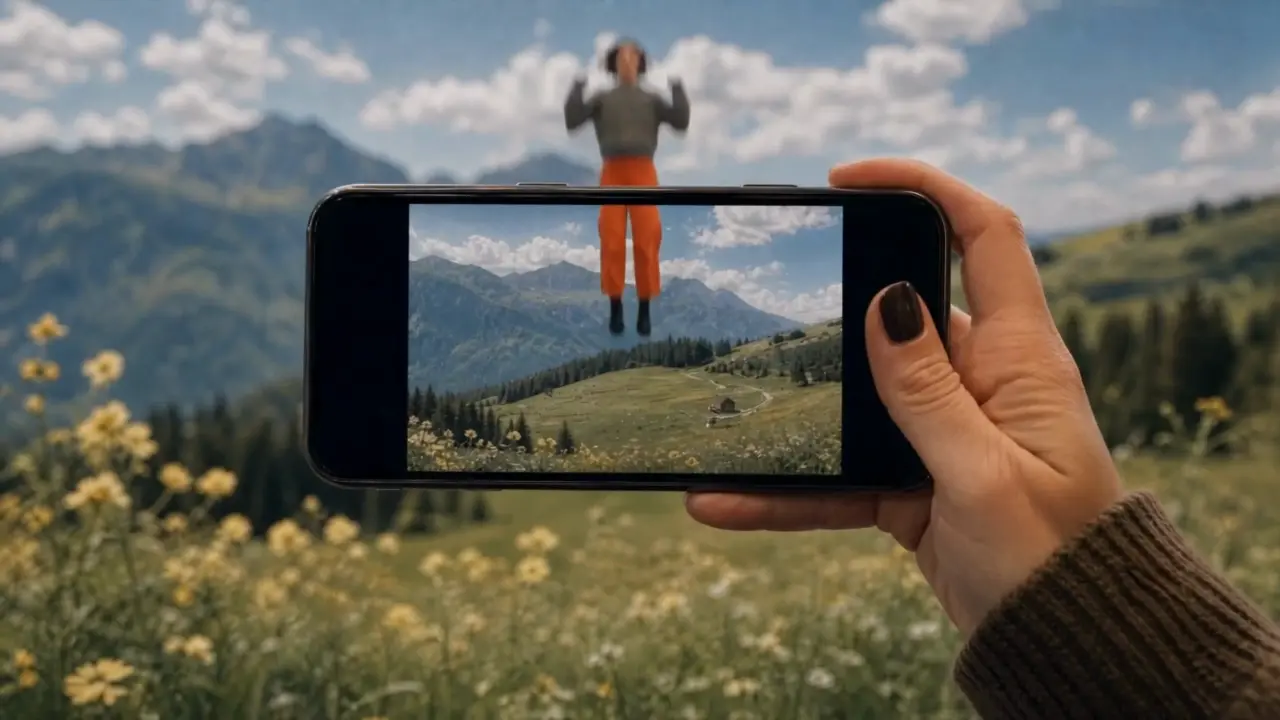
Turn your ideas into images and videos with the Fooocus AI image and video generator. Describe a scene or upload reference material, then choose a model and refine your creation.
Use the AI image and video generator to explore a product launch, a travel memory, or an imagined world. Decide what you want to communicate, then shape the scene and its mood.
Shape the lighting, texture, and composition of your next image. The AI image and video generator offers text-to-image and image editing modes so you can start from an idea or an existing picture.
Combine your subject with its surroundings, lighting and composition. Try a studio portrait, a clean product image or an illustrated world, then refine one detail at a time.
Start from an existing image in editing mode. Describe the changes you want to make to the setting, colors or style, while naming the details you want to keep.
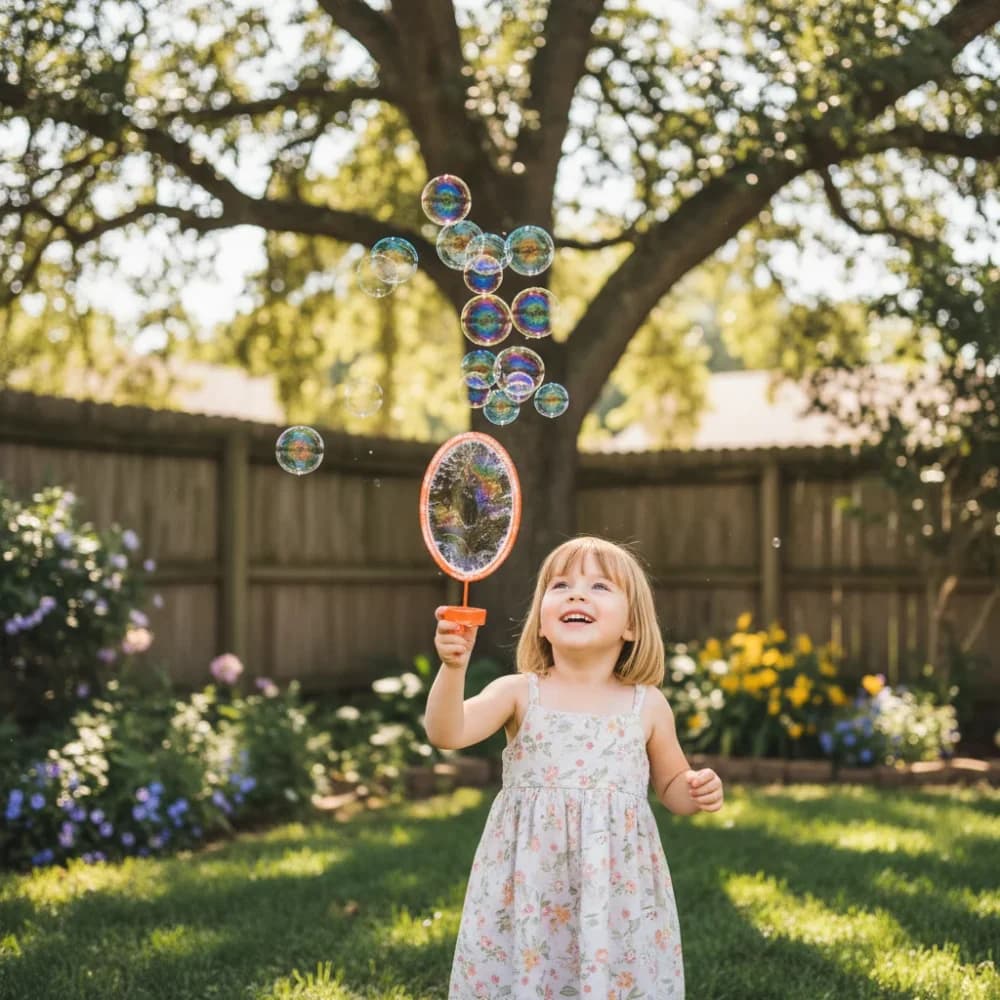
A glance, fabric moving in the wind, a camera approaching its subject. Use the AI image and video generator to describe a moment in motion, starting with text or a suitable reference image.
In image-to-video mode, upload a clear starting frame and describe the movement: a head turn, a passing breeze or a subject walking through the scene.
Describe a close-up, a slow push-in or a wide establishing shot. Set the available duration and aspect ratio for your model, then review the movement and framing in the result.
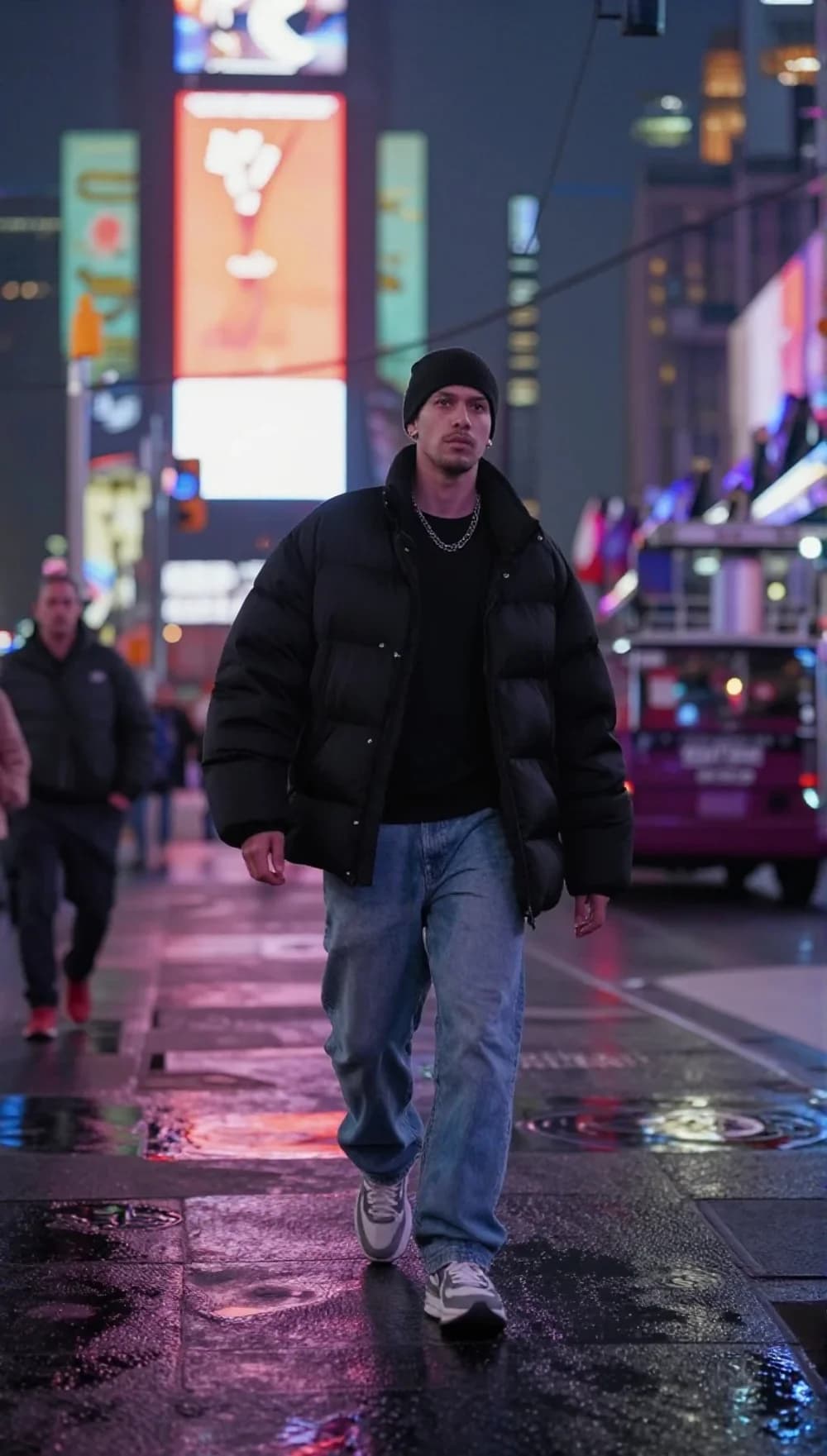
Explore different creative directions in one workspace. Adjust the framing for your intended format, compare versions and keep developing the ones that work.
Turn a travel memory or a personal idea into a visual direction for a short post. Define the mood, the setting and the moment you want people to notice.
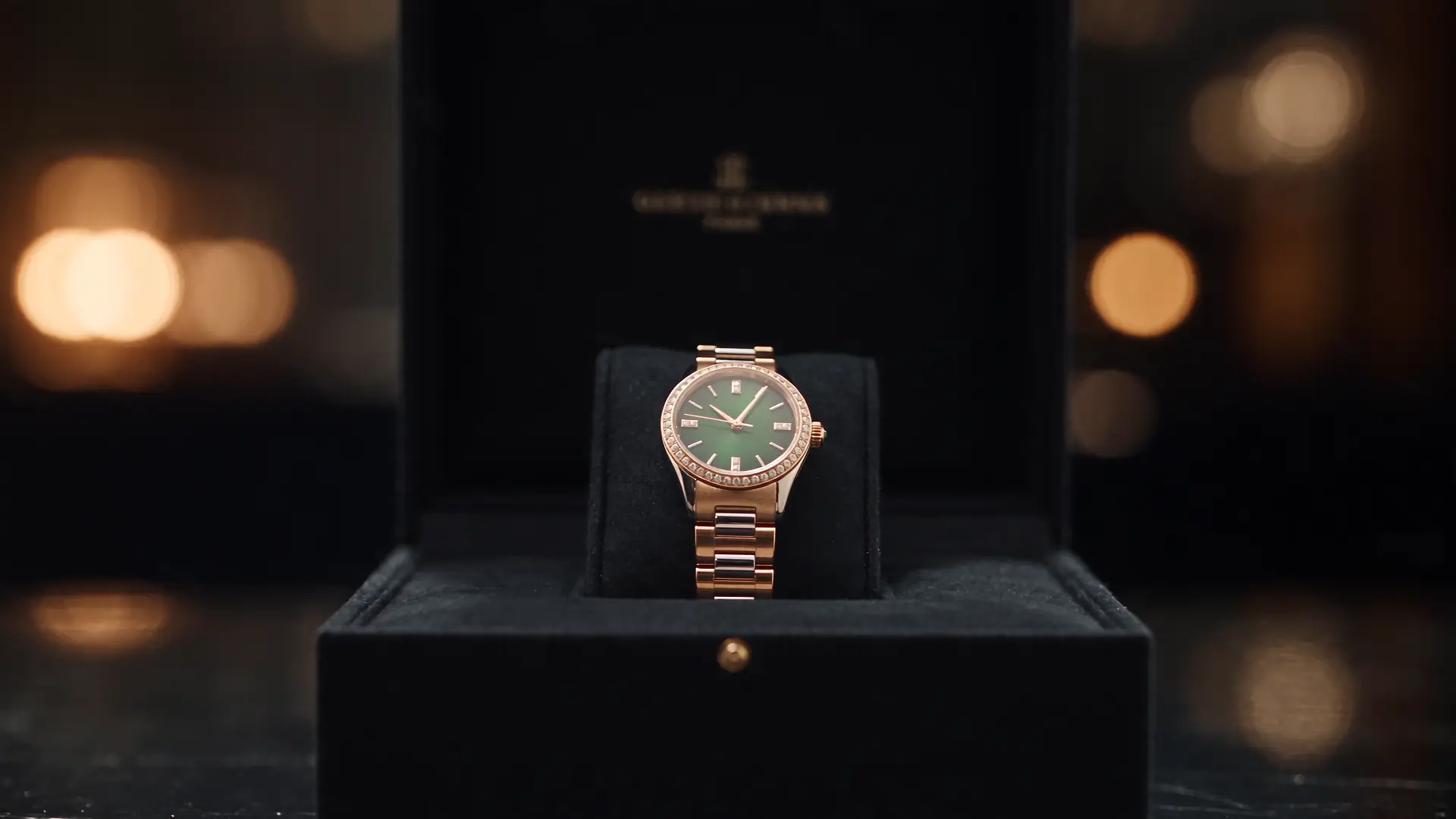
Explore a studio setup, material details or a new setting for your product. Use the images and clips as creative drafts, then check the product details before publishing.
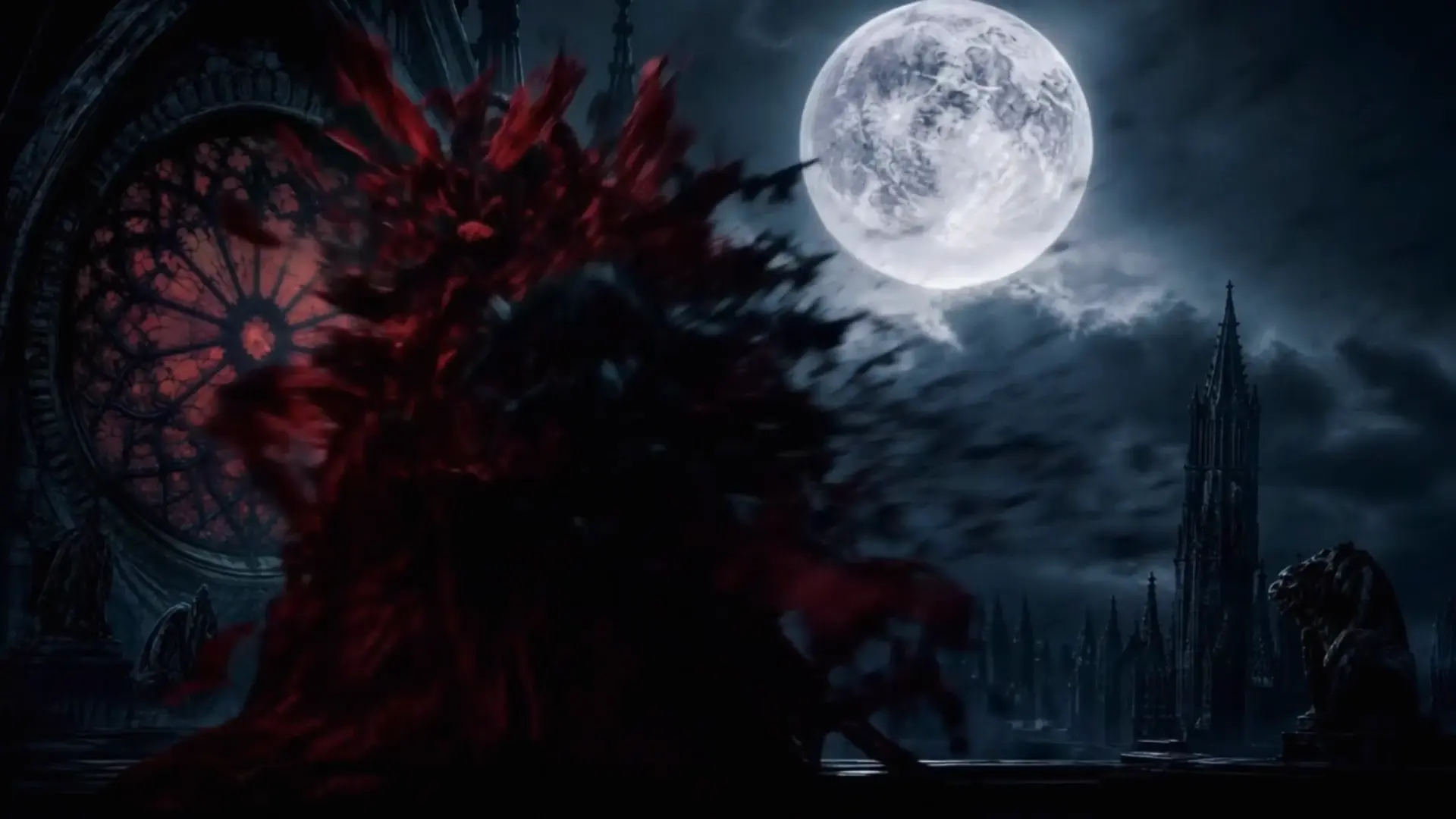
Develop a character, test a location or explore the atmosphere of a scene. Use visual drafts to work through your framing and story ideas.
Select image or video, then choose a model and creation mode. The available settings follow your selection.
Write about the subject, setting, light and style. Add a reference image when your selected mode supports it.
Check the credit estimate before generating. Open History to view the result, then use it again and adjust your next creation.
İlginizi çeken uygulamaları keşfedin ve bir sonraki çalışmanız için ilham bulun.
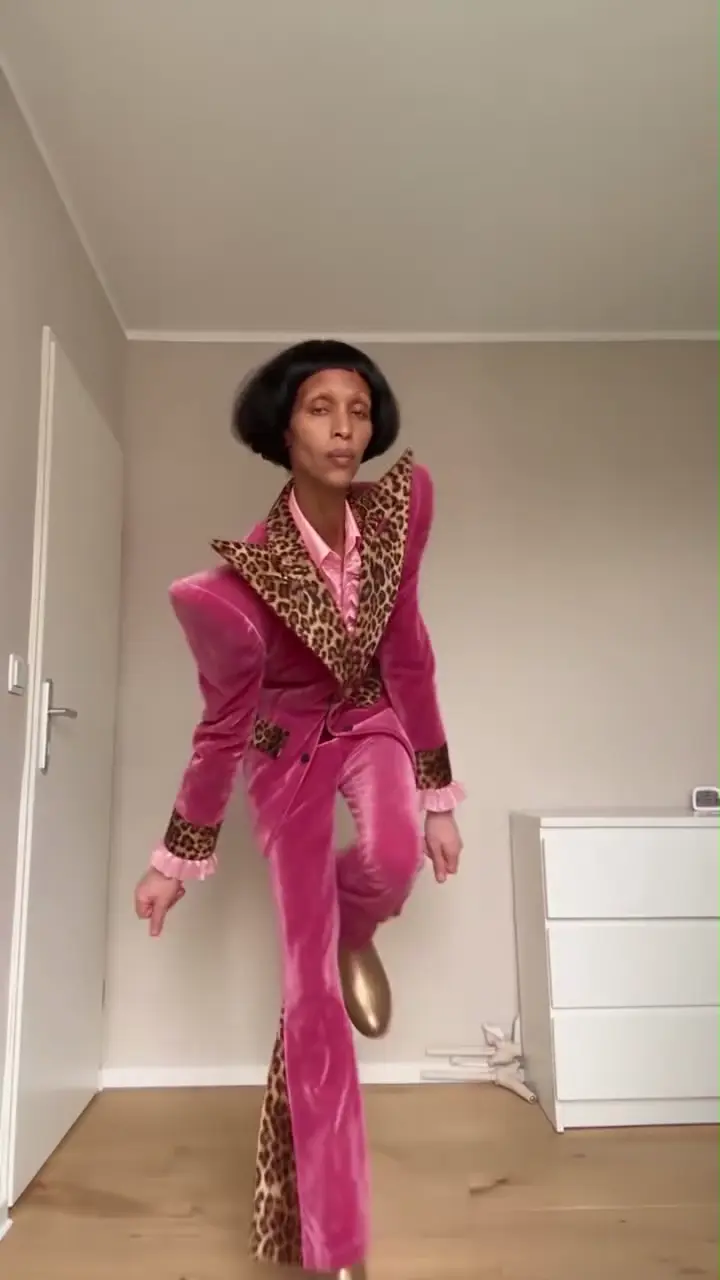
Bir portre veya evcil hayvan fotoğrafını dans videosuna dönüştürün. Bir stil seçin ve hareketi kendinize ait hale getirin.
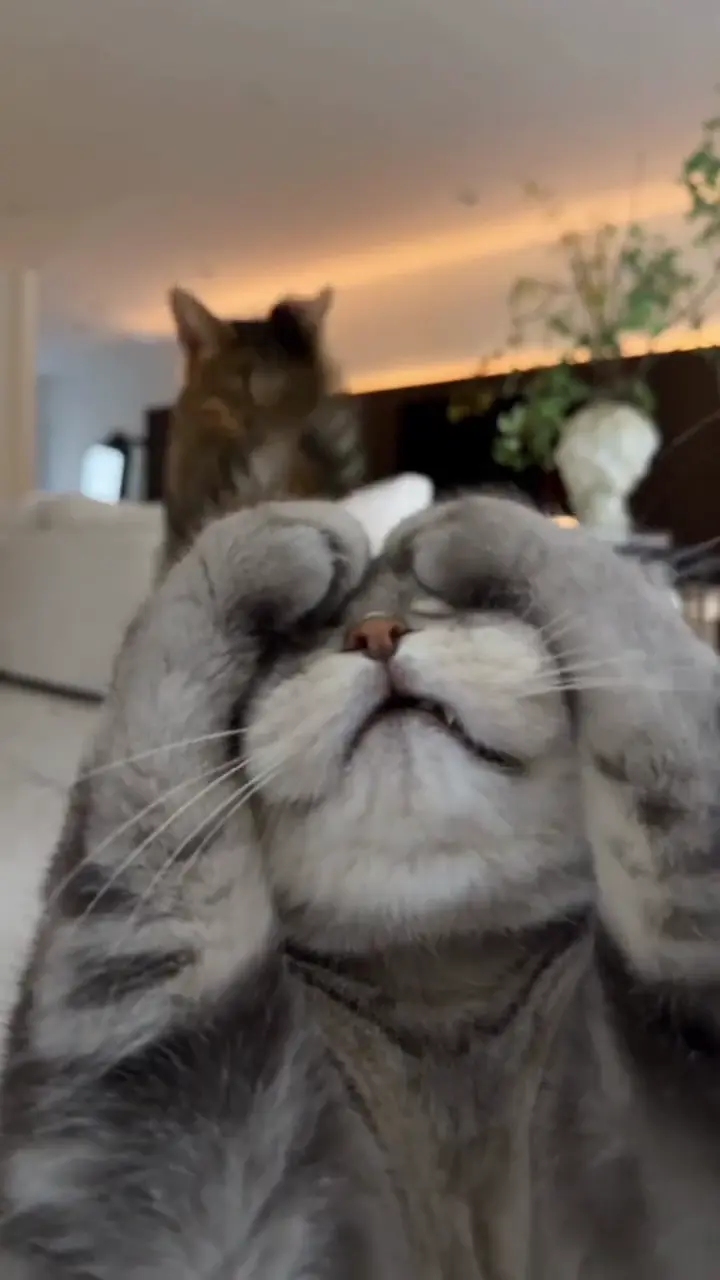
Kedinizi eğlenceli pati hareketleri veya Toc Toc esintili hareketlerle canlandırın.
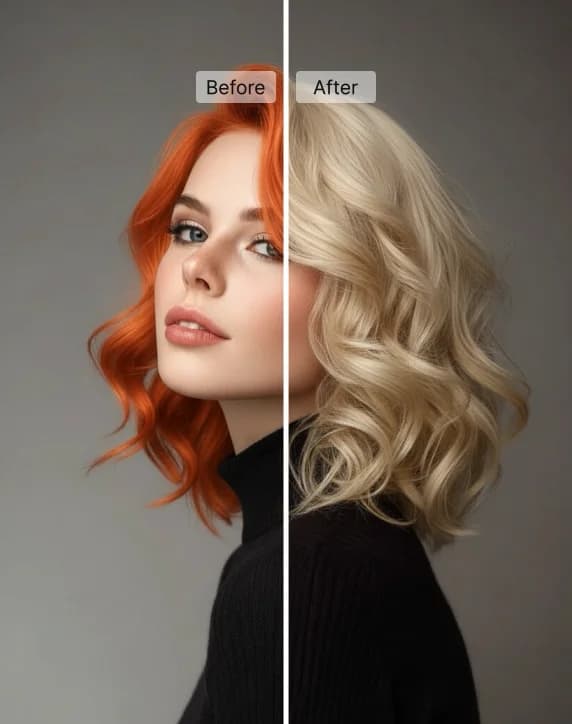
Hazır tonlar veya kendi seçtiğiniz bir renkle fotoğrafınızda yeni bir saç rengi deneyin.
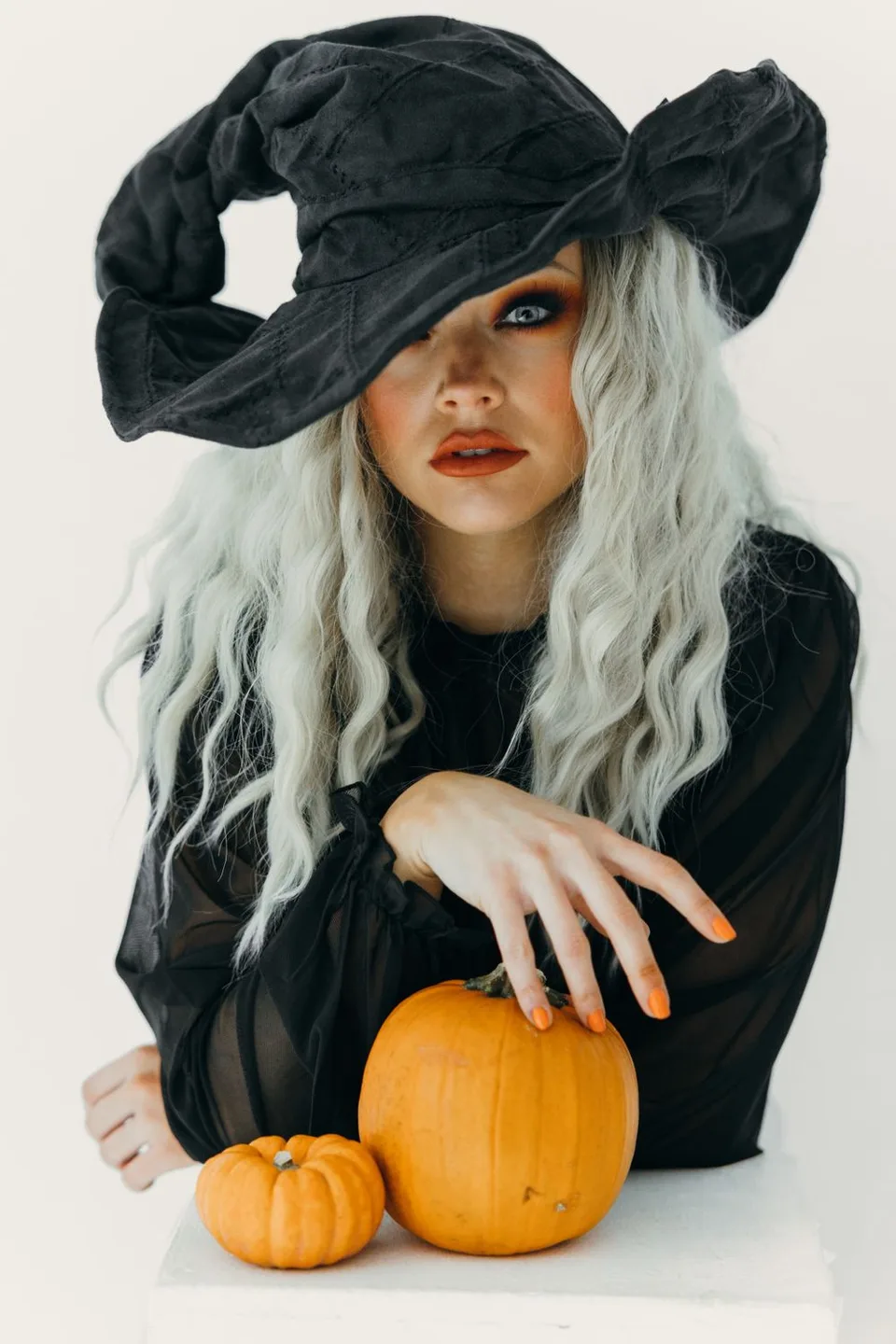
Fotoğrafınızla sekiz kostümü deneyin veya süpürgeye binen bir cadı videosu oluşturun.
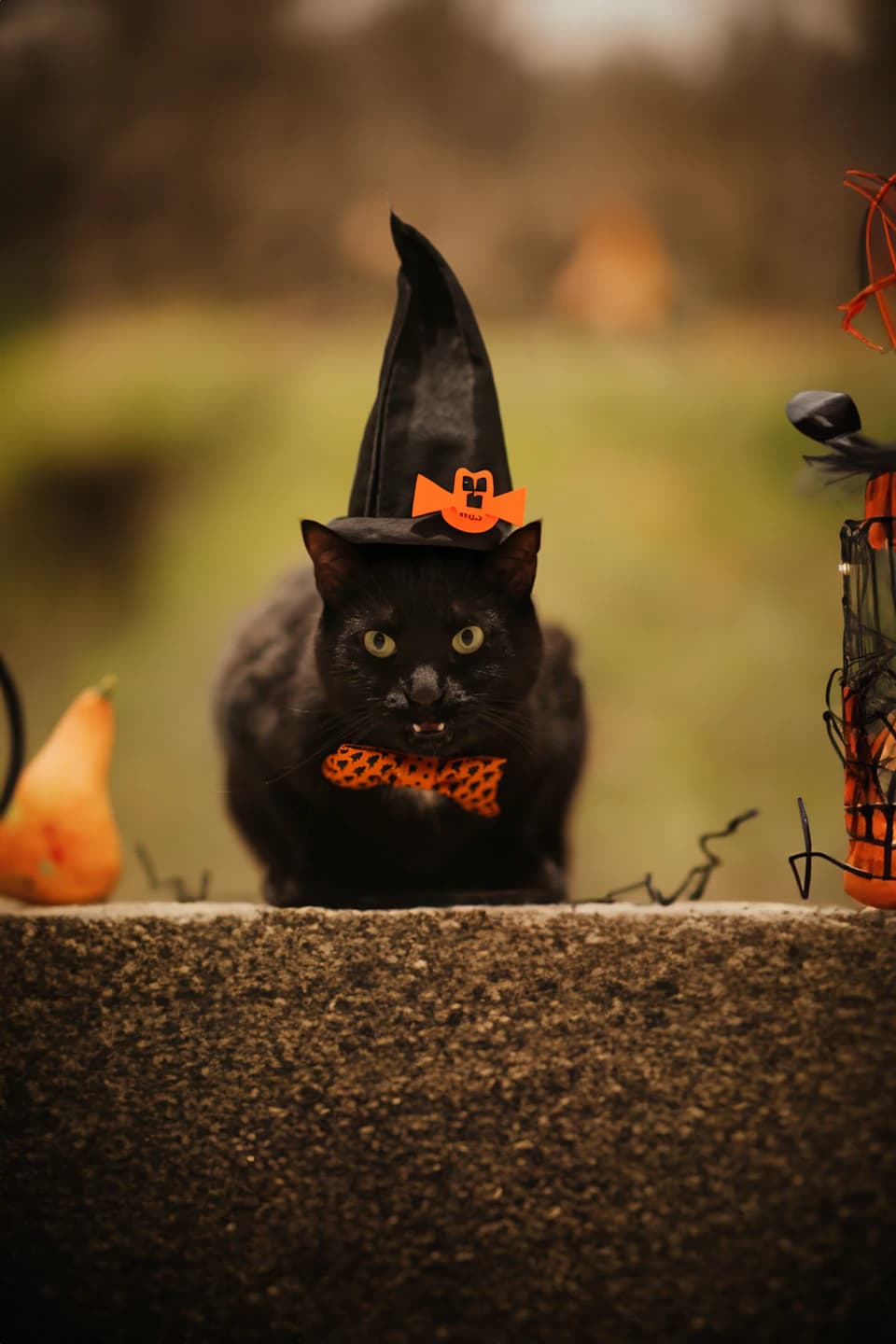
Köpeğinizi veya kedinizi sekiz özgün Cadılar Bayramı kostümüyle giydirin.
Bir portreden kendi sokak freestyle videonuzu oluşturun.
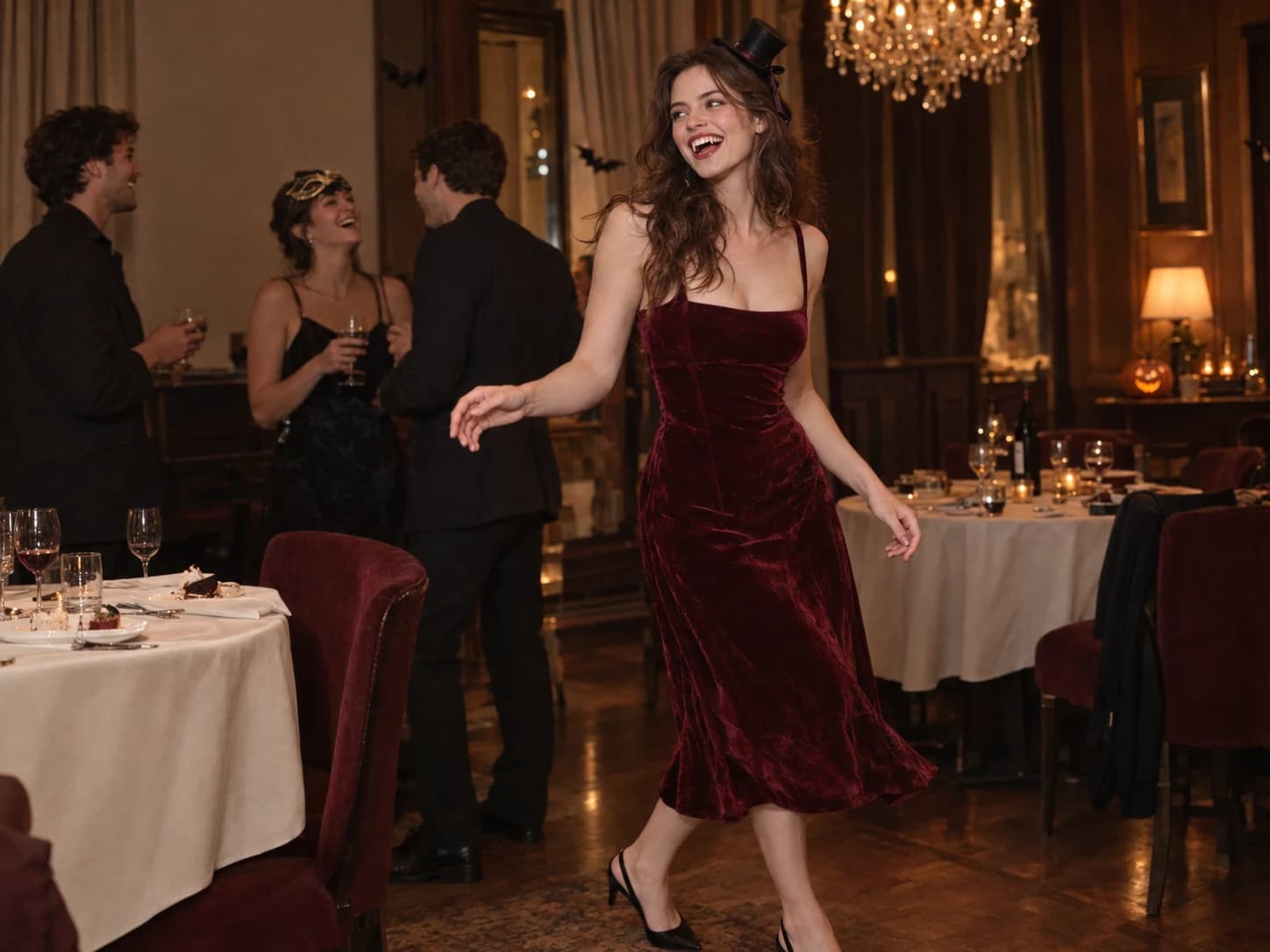
Bir fotoğrafı kendi Burning Bridges parti videonuza dönüştürün.
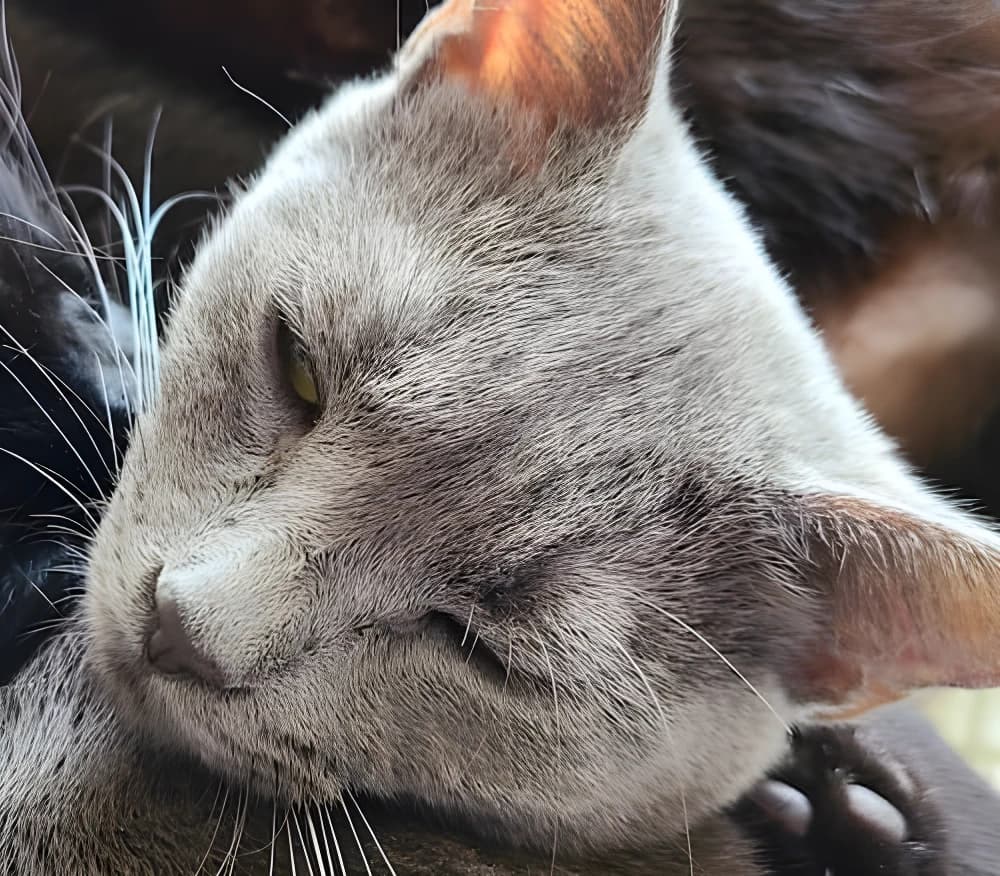
Fotoğrafları büyütün, daha net ayrıntılar için yüzleri isteğe bağlı iyileştirin.
Explore image and video models in the AI image and video generator. Start with your source material and choose the model that fits your creative task.
GPT Image 2 ayrıntılı komutları anlamayı görsel düzenlemeyle birleştirerek ürün görselleri, illüstrasyonlar ve reklamlar oluşturur.
Nano Banana Pro afiş, infografik ve ürün maketleri için okunaklı metni ayrıntılı görsel üretimiyle birleştirir.
Seedream 5 Pro; portreler, posterler ve ürün görselleri için gerçekçi aydınlatmayı, metin oluşturmayı ve görüntü düzenlemeyi bir araya getirir.
FLUX.2 ürün fotoğrafçılığı ve grafik tasarım için ayrıntılı ışıklandırma, kompozisyon kontrolü ve tipografiyi birleştirir.
Seedance 2.5 bağlantılı sahneler ve ses kontrolü için çoklu plan yönetimini görsel ve ses referanslarıyla birleştirir.
WAN 3.0 tutarlı hareket içeren videolar için sinematik görselleri, referansları ve kamera kontrolünü birleştirir.
MiniMax H3 öykü odaklı videolar için karakter performanslarını, kamera hareketlerini ve ses kontrolünü bir araya getirir.
Gemini Omni özneler, hareketler ve sahneler için görsel referanslarla diyalog üzerinden video düzenleme sunar.
Yes. Text-to-image and text-to-video modes start with a prompt. Image editing and image-to-video modes require reference material according to the selected model.
Start with your task: generating an image, editing an image or creating a video. Choose an available model for that mode and check its settings. Supported inputs and output options vary by model.
Start with the subject and setting, then add the light, style or camera direction. For video, focus on one main action, such as a person looking toward a window while the camera moves closer. Change one detail at a time to make versions easier to compare.
The AI image and video generator shows an estimated credit cost on the generation button based on your model, settings, and quantity. Check it before submitting; changing these choices can change the cost.
Open History in this workspace to review your generation tasks and results. Use the available actions on a completed result to download it or create again.